> ## Documentation Index
> Fetch the complete documentation index at: https://docs.qxlabs.com/llms.txt
> Use this file to discover all available pages before exploring further.

# Connected apps and knowledge

Two sections of the agent editor decide what an agent can reach: **Connected apps** for the third-party services it may call, and **Knowledge** for the vaults it can search and cite.

## Connected apps

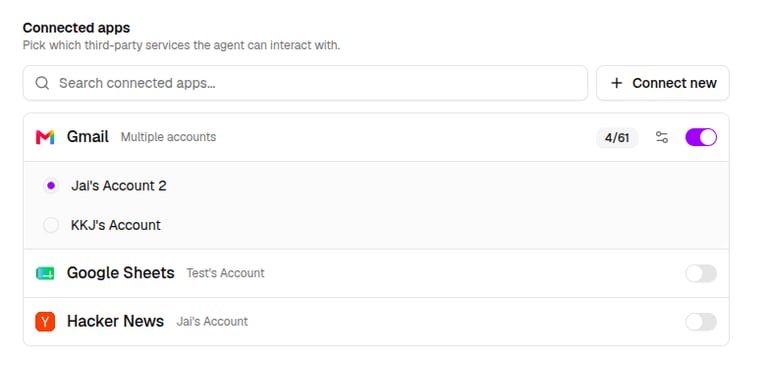
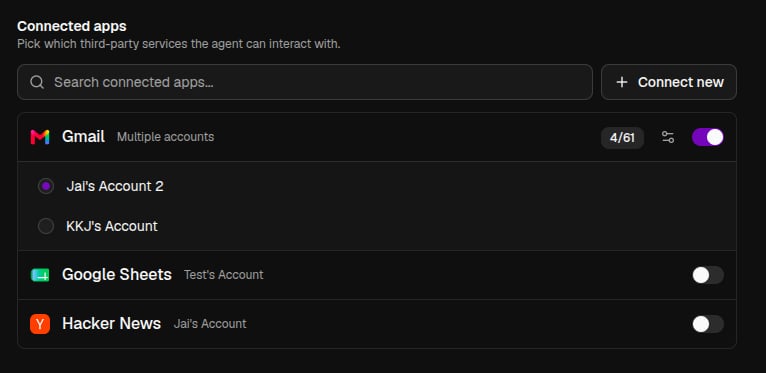
In the agent editor, the **Connected apps** section picks which third-party services the agent can interact with.

* Add an app the org has already connected, or use **Connect new app** to authorize a new one on the spot.
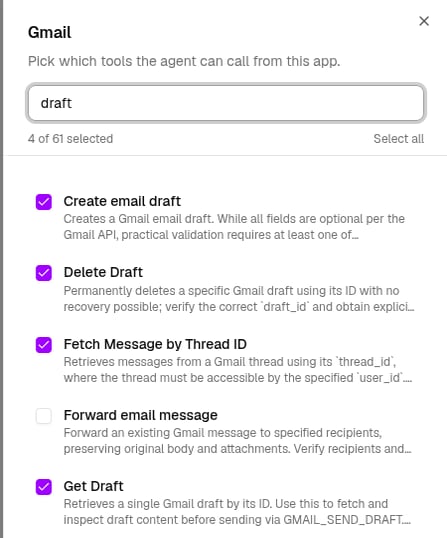
* Expand each app to choose exactly which of its tools the agent can use (e.g. give it Gmail access).
<Columns cols={2}>
  <Frame caption="The apps this agent can use">
    <img className="block dark:hidden" src="https://mintcdn.com/qx-labs/ZJkiVX6zo-84vXkk/images/agents/apps-and-knowledge/connected-apps-list-light.png?fit=max&auto=format&n=ZJkiVX6zo-84vXkk&q=85&s=e86b5afa599c2b99309368d6f9679e3e" alt="Connected apps section with Gmail expanded to show its accounts" width="766" height="373" data-path="images/agents/apps-and-knowledge/connected-apps-list-light.png" />

    <img className="hidden dark:block" src="https://mintcdn.com/qx-labs/ZJkiVX6zo-84vXkk/images/agents/apps-and-knowledge/connected-apps-list-dark.png?fit=max&auto=format&n=ZJkiVX6zo-84vXkk&q=85&s=583915a73890357d12bd108705833ac0" alt="Connected apps section with Gmail expanded to show its accounts" width="766" height="373" data-path="images/agents/apps-and-knowledge/connected-apps-list-dark.png" />
  </Frame>

  <Frame caption="Choosing which Gmail tools it can call">
    <img className="block dark:hidden" src="https://mintcdn.com/qx-labs/ZJkiVX6zo-84vXkk/images/agents/apps-and-knowledge/app-tools-picker-light.png?fit=max&auto=format&n=ZJkiVX6zo-84vXkk&q=85&s=732c37b6217d42d97a30c5f570175ee6" alt="Per-app tool picker for Gmail, filtered to draft tools" width="447" height="538" data-path="images/agents/apps-and-knowledge/app-tools-picker-light.png" />

    <img className="hidden dark:block" src="https://mintcdn.com/qx-labs/ZJkiVX6zo-84vXkk/images/agents/apps-and-knowledge/app-tools-picker-dark.png?fit=max&auto=format&n=ZJkiVX6zo-84vXkk&q=85&s=5502ba97196bad6d8e7f21b1ad2dd60a" alt="Per-app tool picker for Gmail, filtered to draft tools" width="447" height="538" data-path="images/agents/apps-and-knowledge/app-tools-picker-dark.png" />
  </Frame>
</Columns>

<Tip>
  Give agents the minimum set of tools they need. A focused toolset makes tool selection more reliable and keeps the agent fast.
</Tip>

## Knowledge

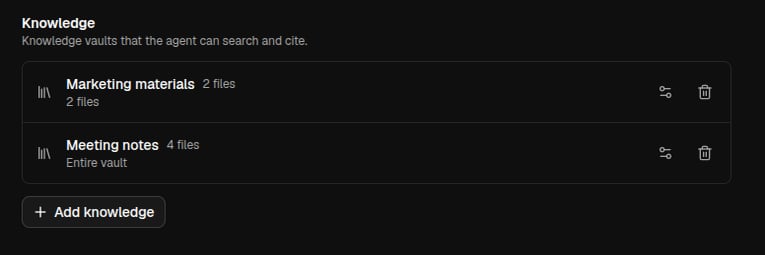
Attach **vaults** so the agent can search your documents and cite them. There's no separate search box: the agent searches its attached vaults on its own whenever a question needs your internal knowledge.
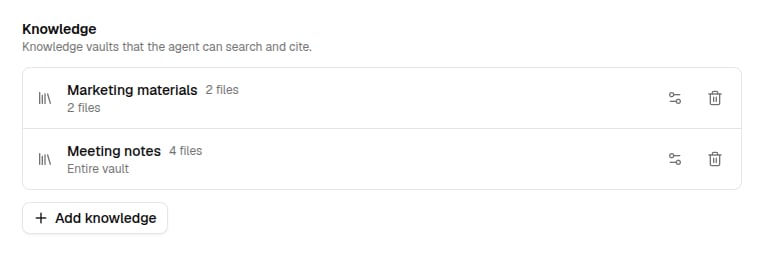
<Frame>
  <img className="block dark:hidden" src="https://mintcdn.com/qx-labs/ZJkiVX6zo-84vXkk/images/agents/apps-and-knowledge/knowledge-section-light.png?fit=max&auto=format&n=ZJkiVX6zo-84vXkk&q=85&s=5a732ba9c76a641a4134c408c253b431" alt="Knowledge section of the agent editor listing attached vaults" width="765" height="255" data-path="images/agents/apps-and-knowledge/knowledge-section-light.png" />

  <img className="hidden dark:block" src="https://mintcdn.com/qx-labs/ZJkiVX6zo-84vXkk/images/agents/apps-and-knowledge/knowledge-section-dark.png?fit=max&auto=format&n=ZJkiVX6zo-84vXkk&q=85&s=2aec8fc856f0952468ab4d6c2b5dcd6d" alt="Knowledge section of the agent editor listing attached vaults" width="765" height="255" data-path="images/agents/apps-and-knowledge/knowledge-section-dark.png" />
</Frame>

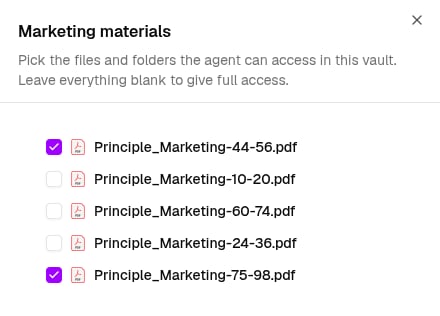
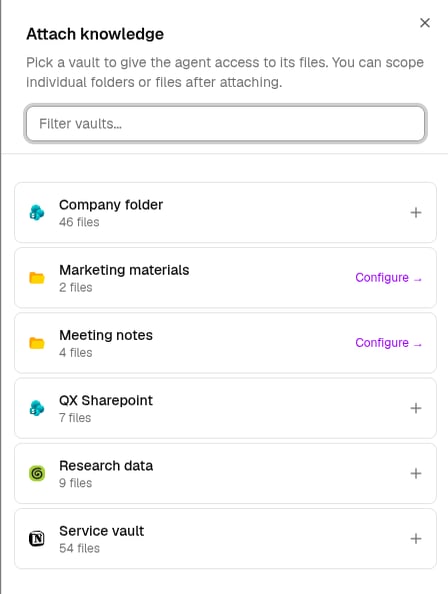
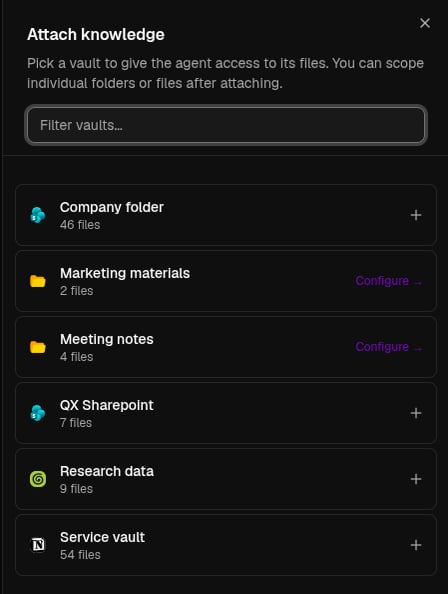
Click **Add knowledge** to attach a vault, then scope it to specific folders or files so the agent only searches what's relevant.
<Columns cols={2}>
  <Frame caption="Pick a vault to attach">
    <img className="block dark:hidden" src="https://mintcdn.com/qx-labs/ZJkiVX6zo-84vXkk/images/agents/apps-and-knowledge/attach-vault-light.png?fit=max&auto=format&n=ZJkiVX6zo-84vXkk&q=85&s=d5470677767062f68641f73daa10344b" alt="Attach knowledge dialog listing available vaults" width="448" height="594" data-path="images/agents/apps-and-knowledge/attach-vault-light.png" />

    <img className="hidden dark:block" src="https://mintcdn.com/qx-labs/ZJkiVX6zo-84vXkk/images/agents/apps-and-knowledge/attach-vault-dark.png?fit=max&auto=format&n=ZJkiVX6zo-84vXkk&q=85&s=c8a0683984ede70287ea03ca662c7098" alt="Attach knowledge dialog listing available vaults" width="448" height="594" data-path="images/agents/apps-and-knowledge/attach-vault-dark.png" />
  </Frame>

  <Frame caption="Scope it to folders or files">
    <img className="block dark:hidden" src="https://mintcdn.com/qx-labs/ZJkiVX6zo-84vXkk/images/agents/apps-and-knowledge/scope-vault-light.png?fit=max&auto=format&n=ZJkiVX6zo-84vXkk&q=85&s=cccad71c5a9c0e6dab733cc138166932" alt="Vault scope dialog with individual files selected" width="440" height="316" data-path="images/agents/apps-and-knowledge/scope-vault-light.png" />

    <img className="hidden dark:block" src="https://mintcdn.com/qx-labs/ZJkiVX6zo-84vXkk/images/agents/apps-and-knowledge/scope-vault-dark.png?fit=max&auto=format&n=ZJkiVX6zo-84vXkk&q=85&s=679ae0bd56b73204920f7cc26e71f065" alt="Vault scope dialog with individual files selected" width="440" height="316" data-path="images/agents/apps-and-knowledge/scope-vault-dark.png" />
  </Frame>
</Columns>

You can also turn vaults on or off for a single [chat](/agents/chat) from the composer's **Knowledge popover**, without changing the agent.

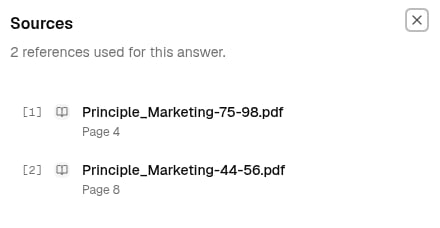
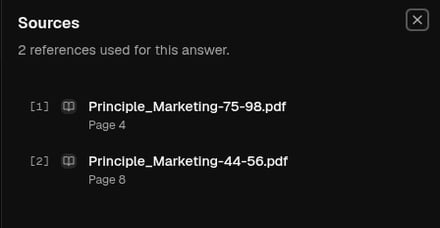
When your question needs a vault, the agent searches it and answers, showing numbered **sources** you can click to see the exact passages it used, so every claim traces back to a document.
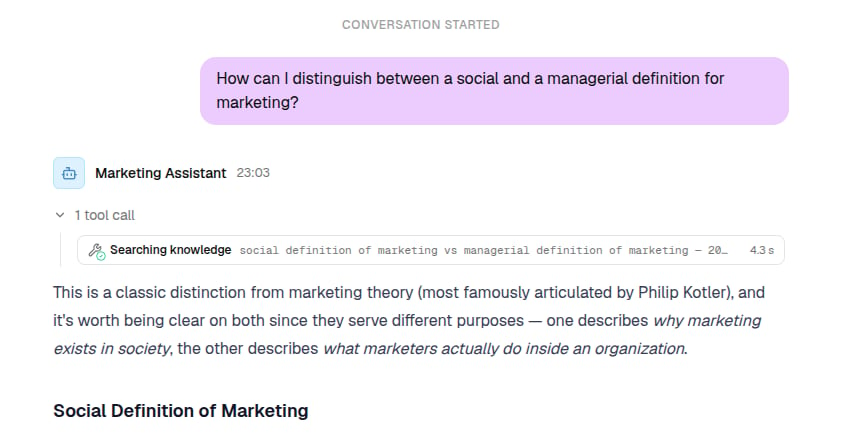
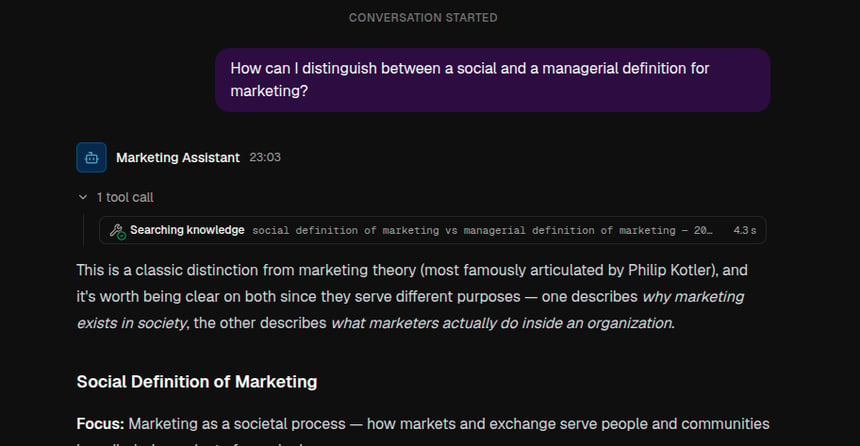
<Columns cols={2}>
  <Frame caption="The agent searches your vaults to answer">
    <img className="block dark:hidden" src="https://mintcdn.com/qx-labs/ZJkiVX6zo-84vXkk/images/agents/apps-and-knowledge/grounded-answer-light.png?fit=max&auto=format&n=ZJkiVX6zo-84vXkk&q=85&s=fad25ca34cb56cc1bd94c482e3e7364c" alt="A chat answer grounded in knowledge, with a Searching knowledge tool call" width="860" height="446" data-path="images/agents/apps-and-knowledge/grounded-answer-light.png" />

    <img className="hidden dark:block" src="https://mintcdn.com/qx-labs/ZJkiVX6zo-84vXkk/images/agents/apps-and-knowledge/grounded-answer-dark.png?fit=max&auto=format&n=ZJkiVX6zo-84vXkk&q=85&s=17d9133e48ebca6db7588feeed8b23e5" alt="A chat answer grounded in knowledge, with a Searching knowledge tool call" width="860" height="446" data-path="images/agents/apps-and-knowledge/grounded-answer-dark.png" />
  </Frame>

  <Frame caption="Click a citation to see its sources">
    <img className="block dark:hidden" src="https://mintcdn.com/qx-labs/ZJkiVX6zo-84vXkk/images/agents/apps-and-knowledge/sources-panel-light.png?fit=max&auto=format&n=ZJkiVX6zo-84vXkk&q=85&s=a44b67b680108012318722cdd5813fa1" alt="The Sources panel showing two cited PDF passages with page numbers" width="440" height="228" data-path="images/agents/apps-and-knowledge/sources-panel-light.png" />

    <img className="hidden dark:block" src="https://mintcdn.com/qx-labs/ZJkiVX6zo-84vXkk/images/agents/apps-and-knowledge/sources-panel-dark.png?fit=max&auto=format&n=ZJkiVX6zo-84vXkk&q=85&s=db1adf0261f1b0c21ee28f4b6ca8ea55" alt="The Sources panel showing two cited PDF passages with page numbers" width="440" height="228" data-path="images/agents/apps-and-knowledge/sources-panel-dark.png" />
  </Frame>
</Columns>