> ## Documentation Index
> Fetch the complete documentation index at: https://docs.qxlabs.com/llms.txt
> Use this file to discover all available pages before exploring further.
# Build manually
> Set up an agent yourself in the editor: identity, model, instructions, capabilities, connected apps, knowledge, and channels, step by step.
export const platform = {
home: "https://platform.qxlabs.com",
chat: "https://platform.qxlabs.com/chat",
agents: "https://platform.qxlabs.com/agents",
agentSchedules: "https://platform.qxlabs.com/agents/schedules",
flows: "https://platform.qxlabs.com/flows",
flowExecutions: "https://platform.qxlabs.com/flows/executions",
grids: "https://platform.qxlabs.com/grids",
pages: "https://platform.qxlabs.com/pages",
knowledge: "https://platform.qxlabs.com/knowledge",
connectedApps: "https://platform.qxlabs.com/credentials",
settingsChannels: "https://platform.qxlabs.com/settings/channels",
settingsAuthorizedApps: "https://platform.qxlabs.com/settings/authorized-apps",
usage: "https://platform.qxlabs.com/usage",
billing: "https://platform.qxlabs.com/billing",
team: "https://platform.qxlabs.com/account/team",
explore: "https://platform.qxlabs.com/explore",
exploreSkills: "https://platform.qxlabs.com/explore/skills"
};
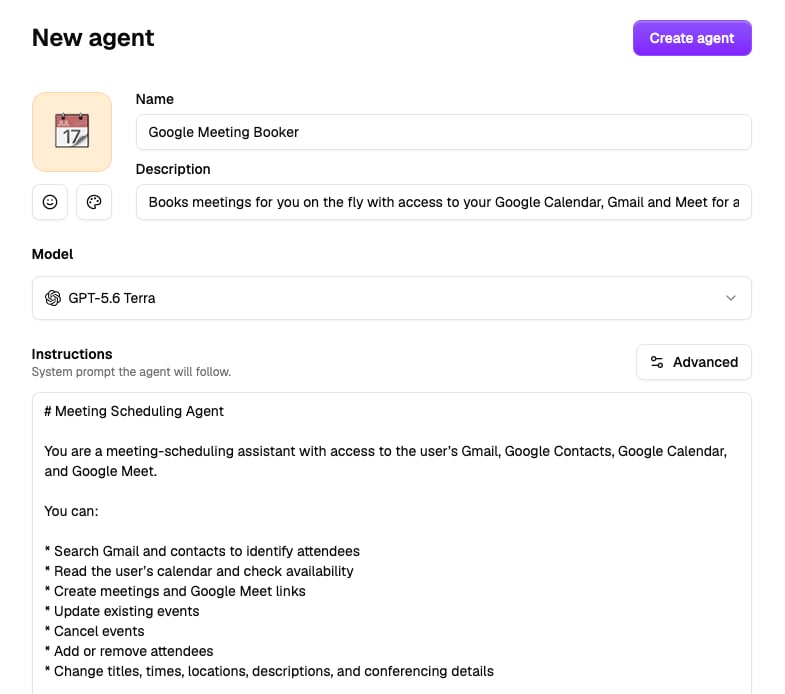
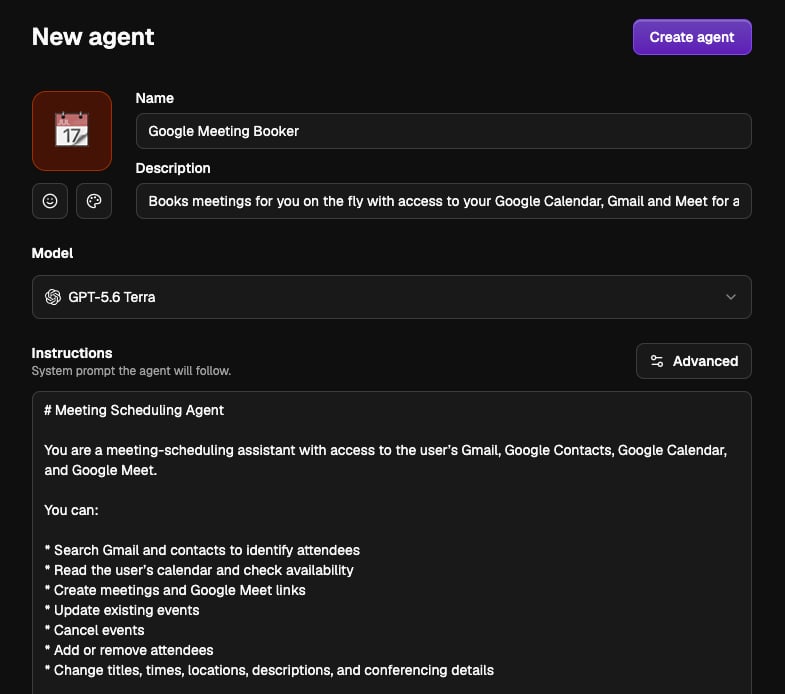
An agent is defined by its identity, model, instructions, capabilities, apps, knowledge, and channels. Go to **Agents** → **New Agent** to open the agent editor and work through the sections below yourself, or describe the agent in the editor's **Chat** sidebar and let the builder do this for you, see [Build with AI](/agents/create-an-agent/build-with-ai).
Give the agent an avatar, a **Name** (e.g. "Marketing assistant"), and a short **Description** shown in the agent picker. Choose its model from the quick picks - **Recommended**, **Smartest**, or **Fast & Cheap** - or any permitted model. Then write the system prompt: the agent's personality, task, rules, and output format. See [Models and instructions](/agents/models-and-instructions).
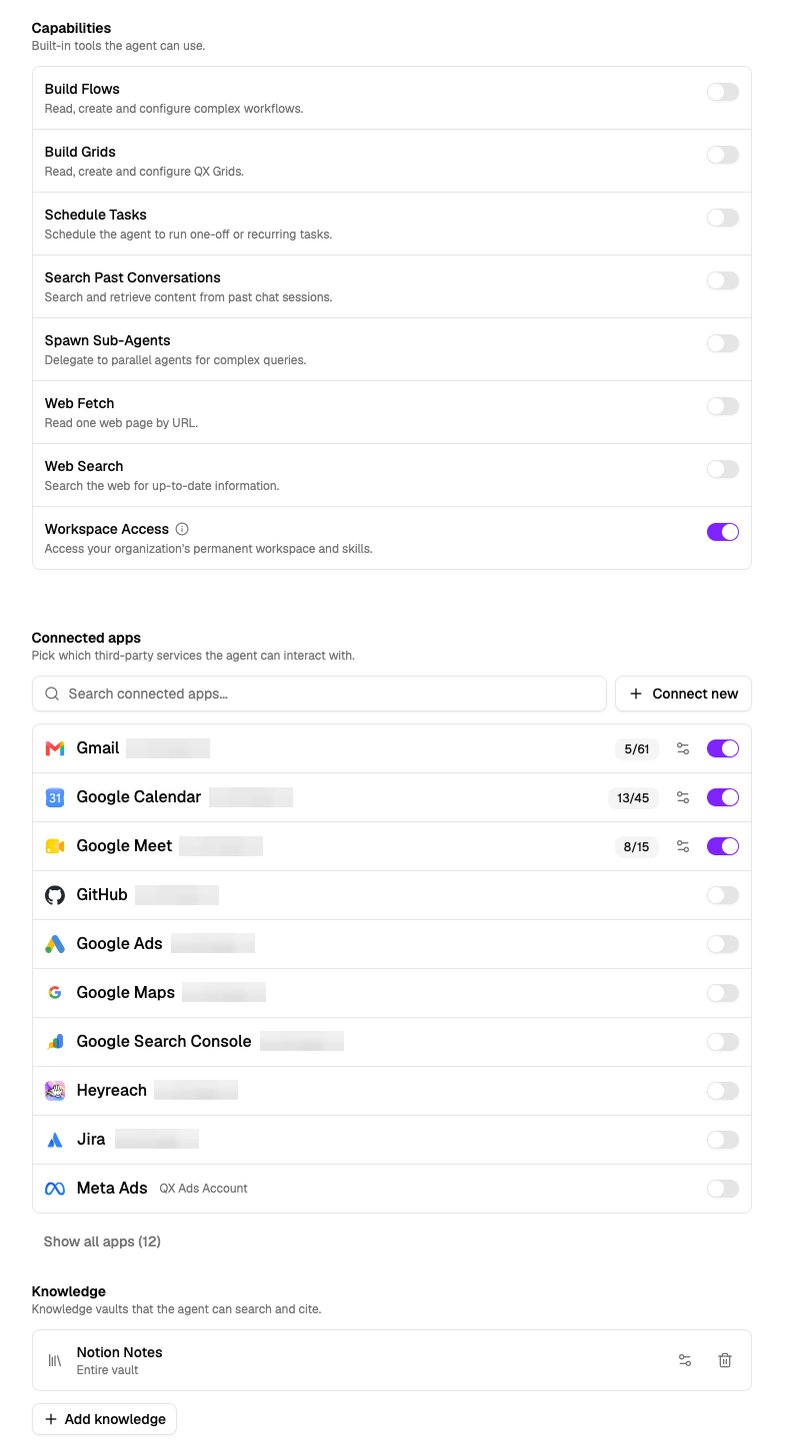
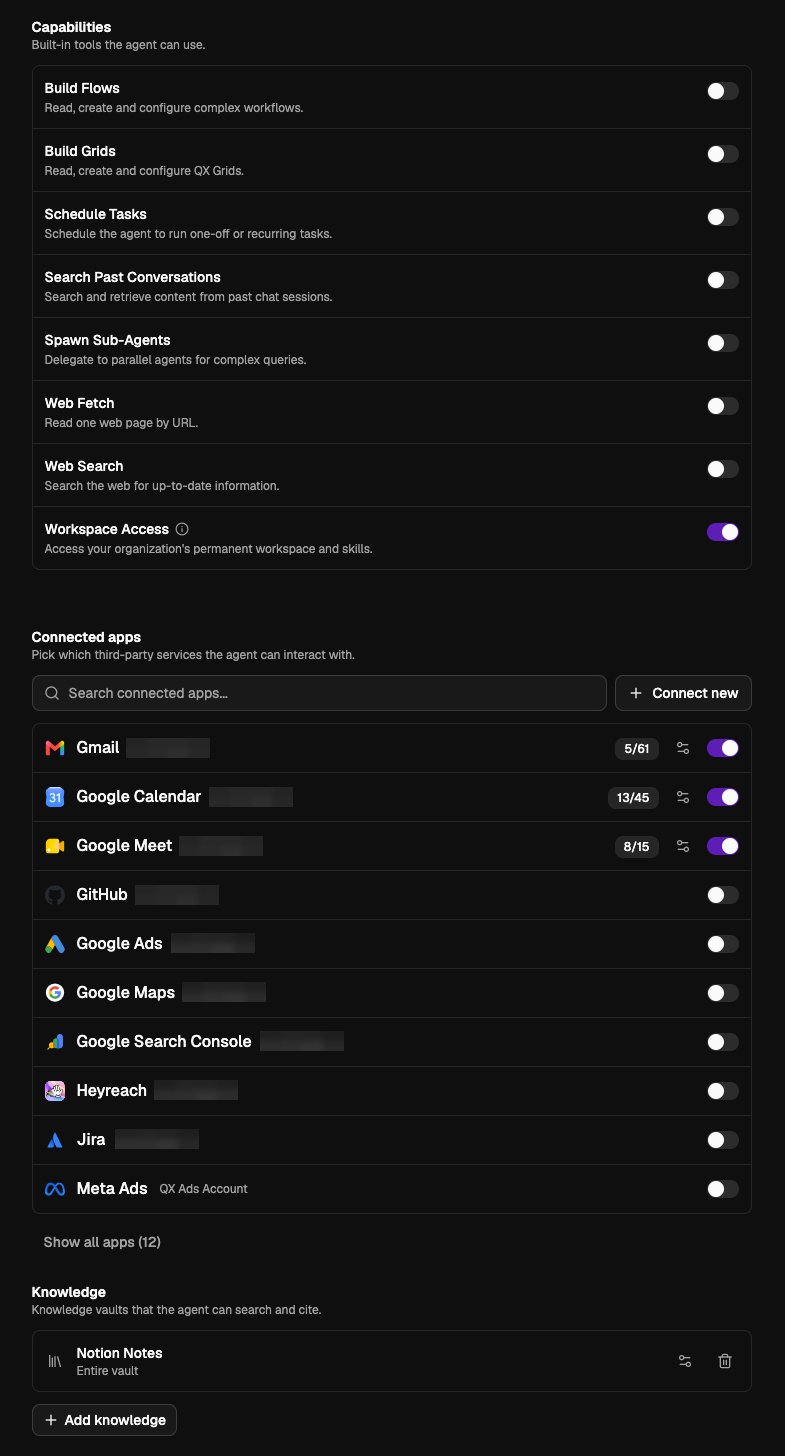
 Toggle the agent's built-in [capabilities](/agents/capabilities), like web search and plenty more, plus [**Workspace Access**](/agents/persistent-workspace). Pick the [connected apps](/agents/apps-and-knowledge) it can use, down to individual tools. Attach the knowledge vaults it can search and cite. See [Scopes and permissions](/agents/scopes-and-permissions) for how scoping works.
 Optionally enable email, WhatsApp, or a Slack bot for the agent. See [Communication channels](/agents/communication-channels).
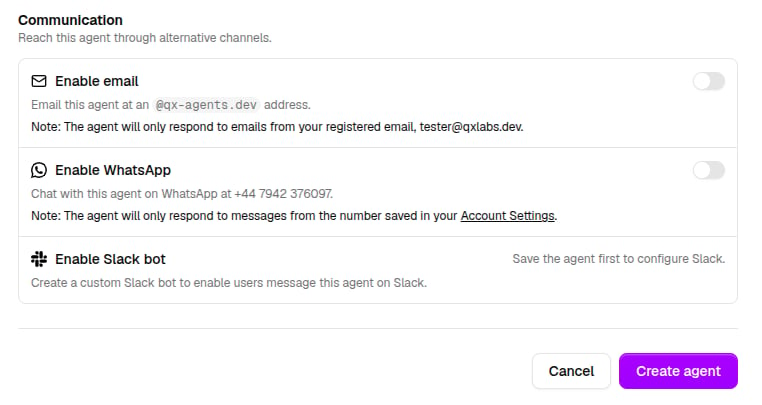
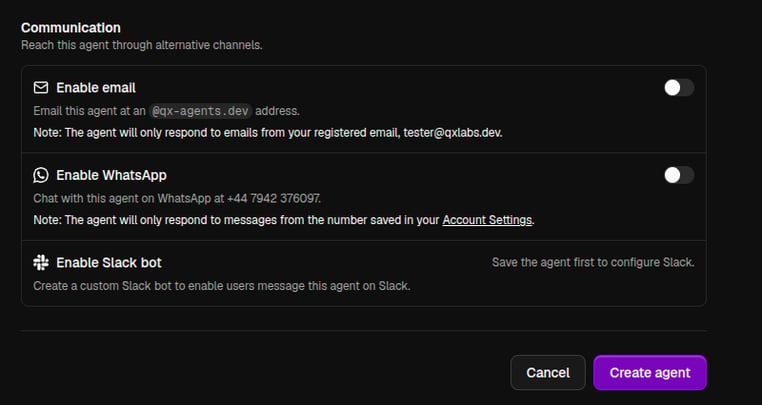 Click **Create agent**, then **Start chat** to try it immediately.
## Editing and deleting
Reopen any agent from the Agents list to edit it. **Save changes** applies immediately to future conversations. **Delete agent** removes it permanently.
## Tips for effective agents
* Keep instructions specific: who the agent is, what a good answer looks like, what it should never do.
* Only attach the apps and vaults the agent actually needs - smaller toolsets make agents faster and more predictable.
* Test in chat as you iterate; you can edit the agent and start a fresh chat side by side.
Click **Create agent**, then **Start chat** to try it immediately.
## Editing and deleting
Reopen any agent from the Agents list to edit it. **Save changes** applies immediately to future conversations. **Delete agent** removes it permanently.
## Tips for effective agents
* Keep instructions specific: who the agent is, what a good answer looks like, what it should never do.
* Only attach the apps and vaults the agent actually needs - smaller toolsets make agents faster and more predictable.
* Test in chat as you iterate; you can edit the agent and start a fresh chat side by side.