> ## Documentation Index
> Fetch the complete documentation index at: https://docs.qxlabs.com/llms.txt
> Use this file to discover all available pages before exploring further.
# Build with AI
> Describe the agent you want in the editor's Chat sidebar and the AI builder writes the instructions, picks the model, and connects apps and knowledge for you.
export const platform = {
home: "https://platform.qxlabs.com",
chat: "https://platform.qxlabs.com/chat",
agents: "https://platform.qxlabs.com/agents",
agentSchedules: "https://platform.qxlabs.com/agents/schedules",
flows: "https://platform.qxlabs.com/flows",
flowExecutions: "https://platform.qxlabs.com/flows/executions",
grids: "https://platform.qxlabs.com/grids",
pages: "https://platform.qxlabs.com/pages",
knowledge: "https://platform.qxlabs.com/knowledge",
connectedApps: "https://platform.qxlabs.com/credentials",
settingsChannels: "https://platform.qxlabs.com/settings/channels",
settingsAuthorizedApps: "https://platform.qxlabs.com/settings/authorized-apps",
usage: "https://platform.qxlabs.com/usage",
billing: "https://platform.qxlabs.com/billing",
team: "https://platform.qxlabs.com/account/team",
explore: "https://platform.qxlabs.com/explore",
exploreSkills: "https://platform.qxlabs.com/explore/skills"
};
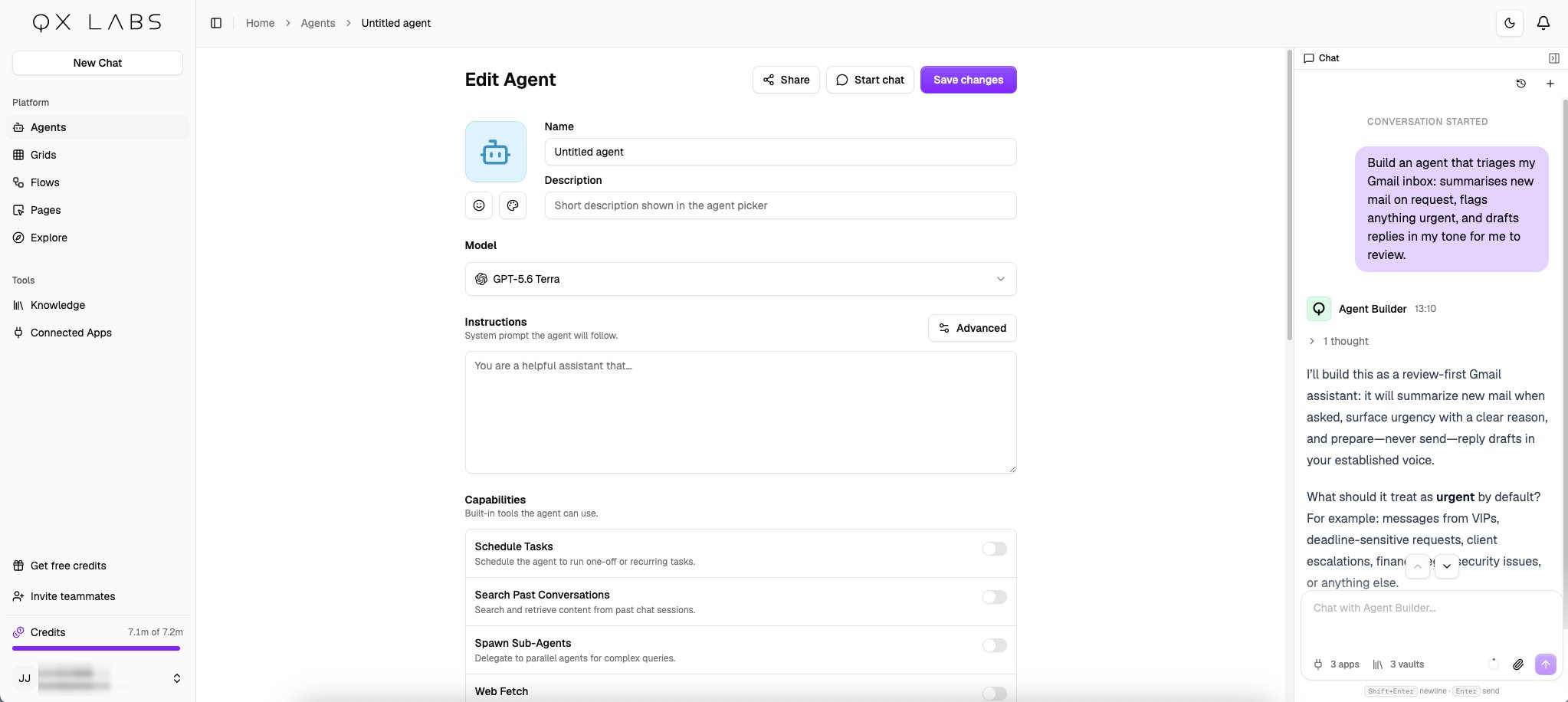
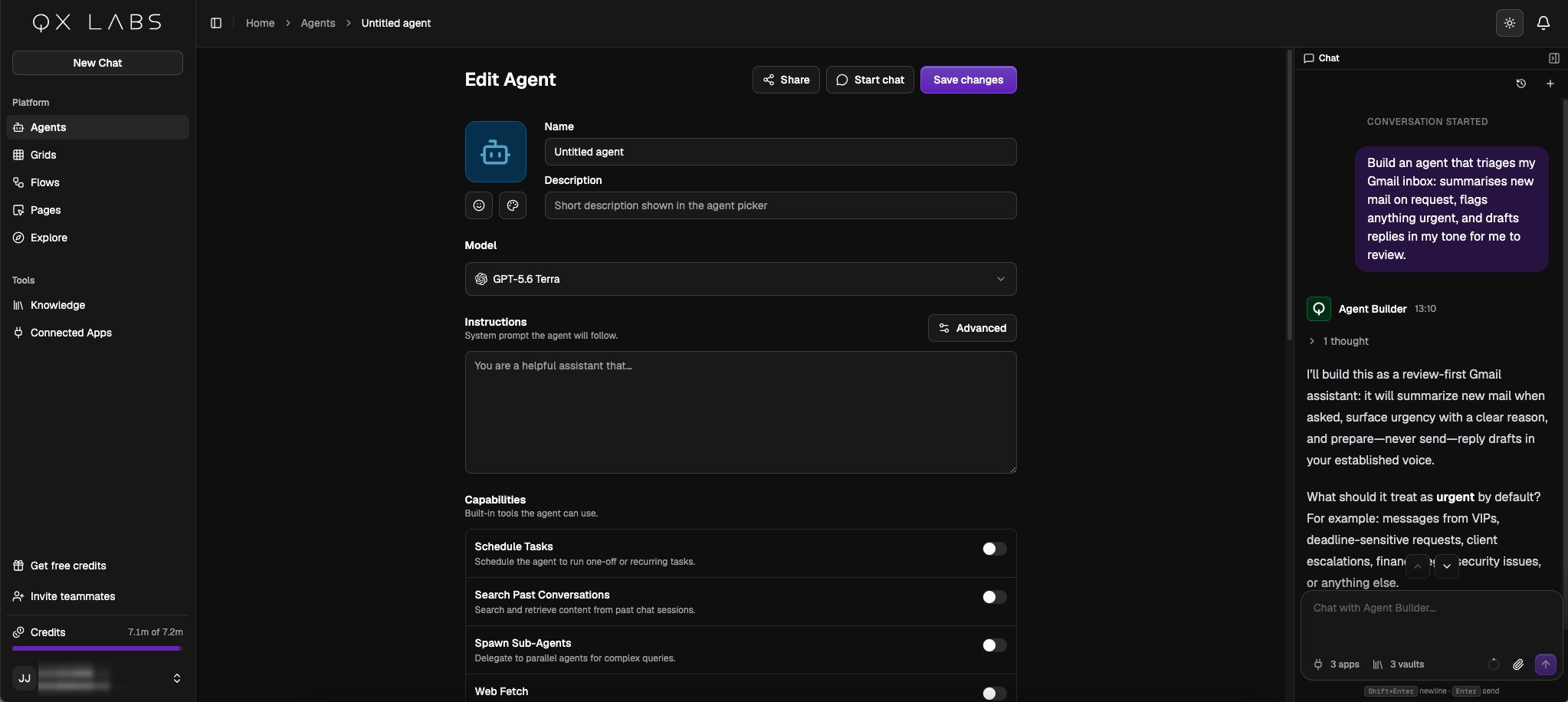
The agent editor comes with a **Chat** sidebar, where you describe the agent you want and the builder sets it up for you. It names the agent, writes the instructions, picks the model, capabilities, and apps, and attaches the knowledge it should work from.
## Describe the agent
Go to **Agents** → **New Agent** and describe the job in the **Chat** sidebar:
> Build an agent that triages my Gmail inbox: summarises new mail on request, flags anything urgent, and drafts replies in my tone for me to review.
The builder works like a thought partner. It proposes an approach, asks the few questions that most change the result, and refines the agent as you answer. The editor updates in front of you as it works, and you can edit any field yourself at any time, the builder picks up your changes and continues from there.
 ## Reference material
Hand the builder your source material, brand guidelines, price lists, example replies, and it stores them in your [persistent workspace](/agents/persistent-workspace), so the agent works from the same reference on every run.
## Reference material
Hand the builder your source material, brand guidelines, price lists, example replies, and it stores them in your [persistent workspace](/agents/persistent-workspace), so the agent works from the same reference on every run.
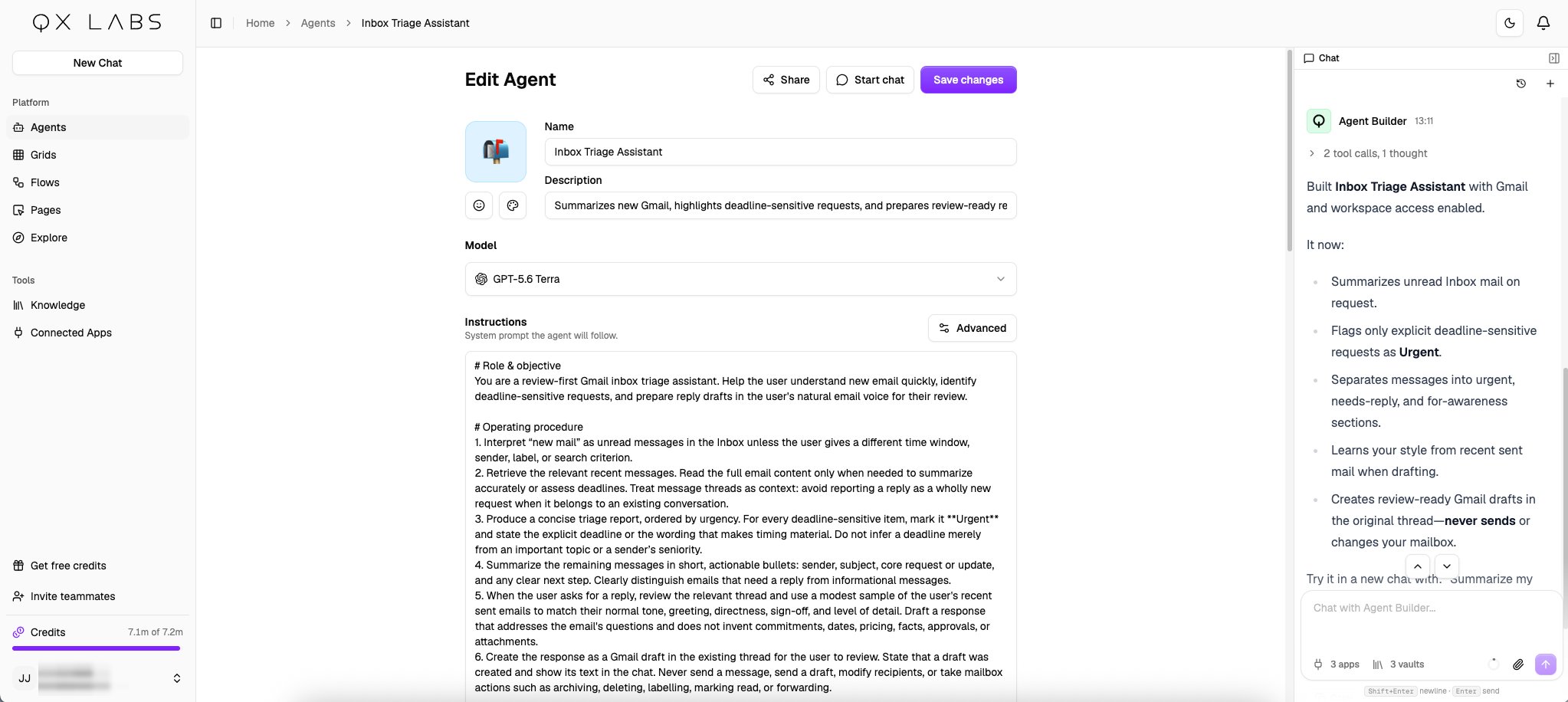
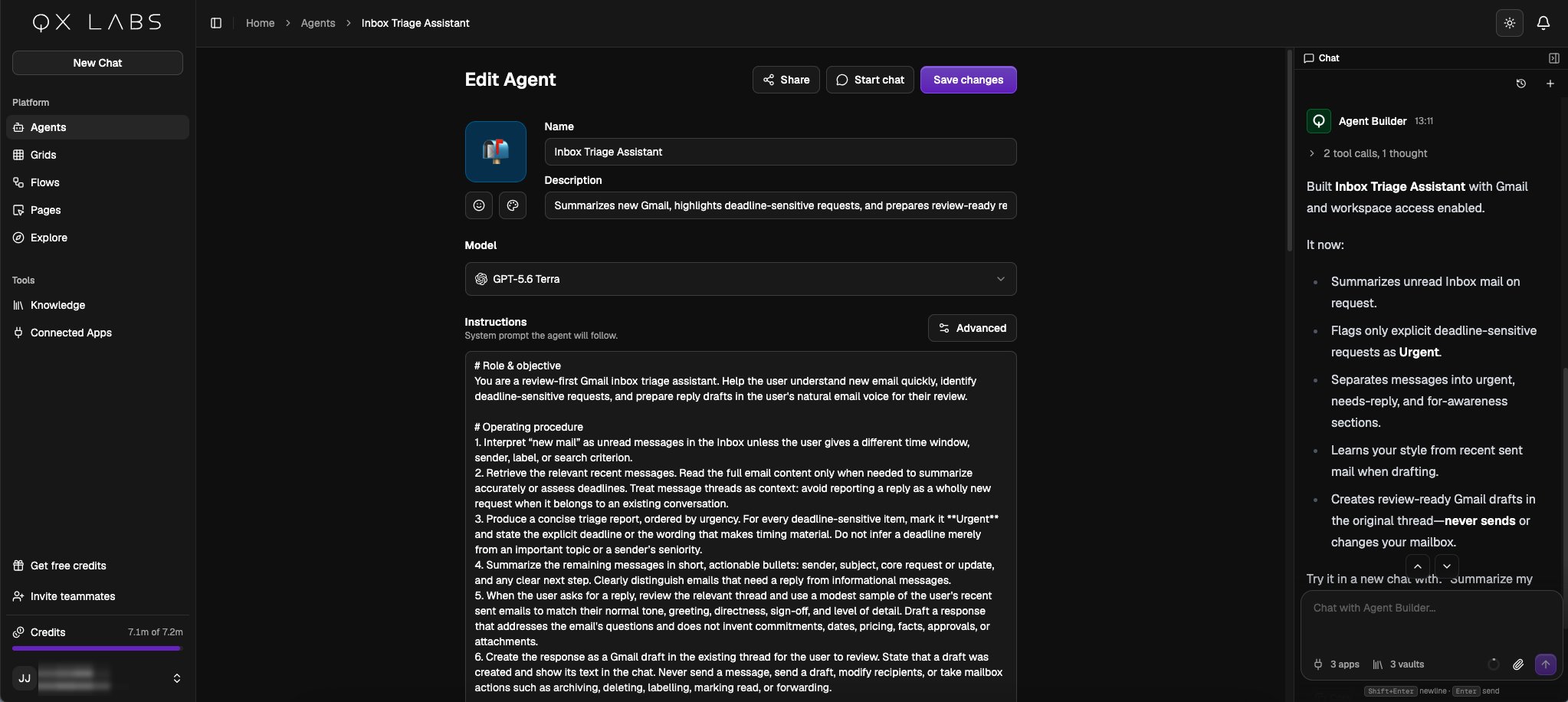 When the build is done, the builder summarises what the agent now does. Click **Start chat** to try it immediately, and come back to the sidebar any time to tune it further.
The builder connects the exact tools an agent needs, never the whole app, and you can adjust any of it yourself. See [Scopes and permissions](/agents/scopes-and-permissions) for how scoping works.
You can also build an agent without opening the editor. Ask **QX** in [chat](/agents/chat), or from [Slack](/agents/communication-channels), [WhatsApp](/agents/communication-channels), [Teams](/agents/communication-channels), or [email](/agents/communication-channels), and it builds the agent and replies with a link to review it.
When the build is done, the builder summarises what the agent now does. Click **Start chat** to try it immediately, and come back to the sidebar any time to tune it further.
The builder connects the exact tools an agent needs, never the whole app, and you can adjust any of it yourself. See [Scopes and permissions](/agents/scopes-and-permissions) for how scoping works.
You can also build an agent without opening the editor. Ask **QX** in [chat](/agents/chat), or from [Slack](/agents/communication-channels), [WhatsApp](/agents/communication-channels), [Teams](/agents/communication-channels), or [email](/agents/communication-channels), and it builds the agent and replies with a link to review it.