> ## Documentation Index
> Fetch the complete documentation index at: https://docs.qxlabs.com/llms.txt
> Use this file to discover all available pages before exploring further.
# Overview
Agents are AI assistants you shape for a job: a research analyst, an inbox triager, a deal sourcer, a support responder. Each agent has its own identity, model, instructions, capabilities, connected apps, and knowledge.
## Agents
You get **QX** by default, the built-in agent connected to all available tools and knowledge, so you can get useful work done before creating anything custom. Every agent you build afterwards sits alongside it.
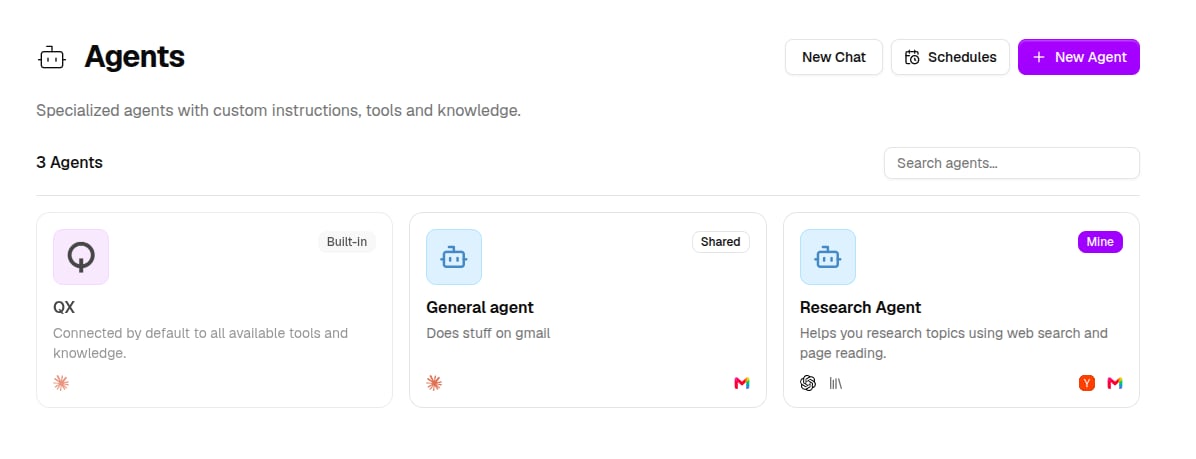
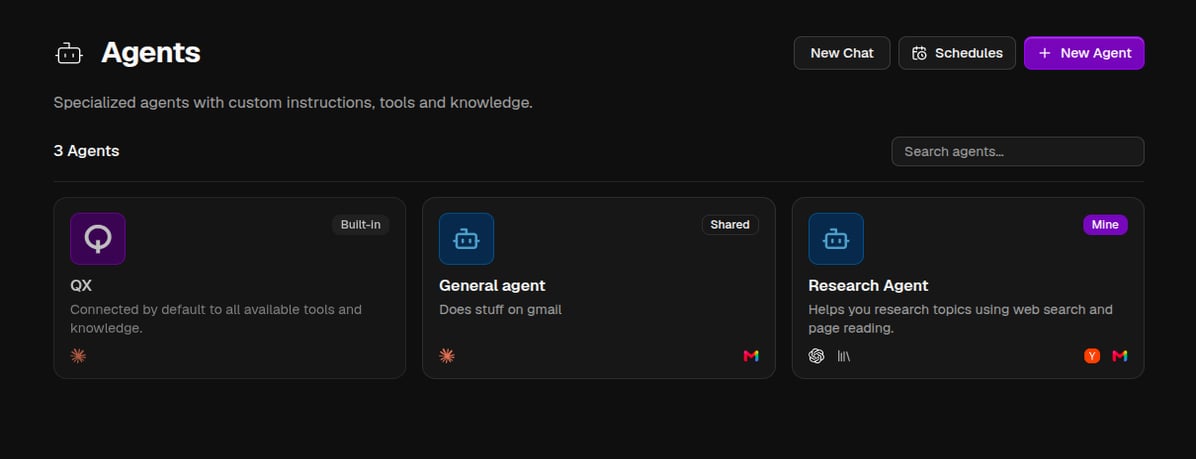 Each card shows the agent's avatar, its model, and icons for any apps it is connected to. A badge tells you where the agent came from: **Built-in** for the ones QX ships, **Mine** for agents you created, and **Shared** for agents someone on your team shared with you.
From this page you can:
* **New Agent** opens the [agent editor](/agents/create-an-agent)
* **Chat with agent** appears when you hover a card, and starts a conversation
* **Schedules** manages [scheduled tasks](/agents/scheduled-tasks)
* The search box filters agents by name
## Everything about agents
Talk to an agent, attach files, follow its tool calls, and manage your conversations.
Built-in abilities like web search, scheduling, messaging you, and spawning sub-agents.
Let an agent generate files, run code, and use your installed skills.
Third-party tools the agent may call, and knowledge vaults it can search and cite.
Give an agent its own email address, WhatsApp access, or a Slack bot.
Run an agent on a recurring schedule and route results to chat or a channel.
## Sharing agents
Agents can be private, shared with your organization or specific people, or published with a public link from the **Share** dialog.
Each card shows the agent's avatar, its model, and icons for any apps it is connected to. A badge tells you where the agent came from: **Built-in** for the ones QX ships, **Mine** for agents you created, and **Shared** for agents someone on your team shared with you.
From this page you can:
* **New Agent** opens the [agent editor](/agents/create-an-agent)
* **Chat with agent** appears when you hover a card, and starts a conversation
* **Schedules** manages [scheduled tasks](/agents/scheduled-tasks)
* The search box filters agents by name
## Everything about agents
Talk to an agent, attach files, follow its tool calls, and manage your conversations.
Built-in abilities like web search, scheduling, messaging you, and spawning sub-agents.
Let an agent generate files, run code, and use your installed skills.
Third-party tools the agent may call, and knowledge vaults it can search and cite.
Give an agent its own email address, WhatsApp access, or a Slack bot.
Run an agent on a recurring schedule and route results to chat or a channel.
## Sharing agents
Agents can be private, shared with your organization or specific people, or published with a public link from the **Share** dialog.