> ## Documentation Index
> Fetch the complete documentation index at: https://docs.qxlabs.com/llms.txt
> Use this file to discover all available pages before exploring further.
# Overview
A **flow** is a workflow automation built from connected **nodes** on a canvas. Each node does one step, and data flows between them.
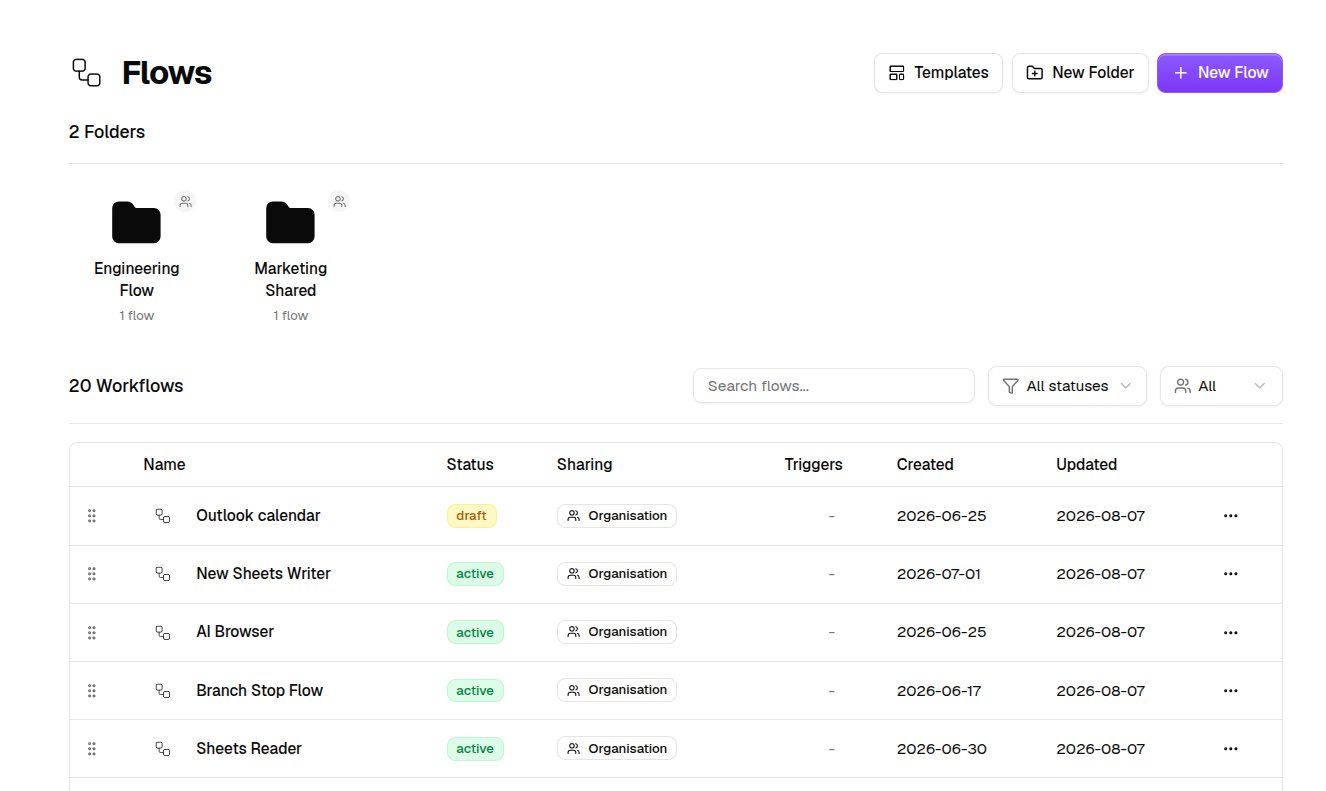
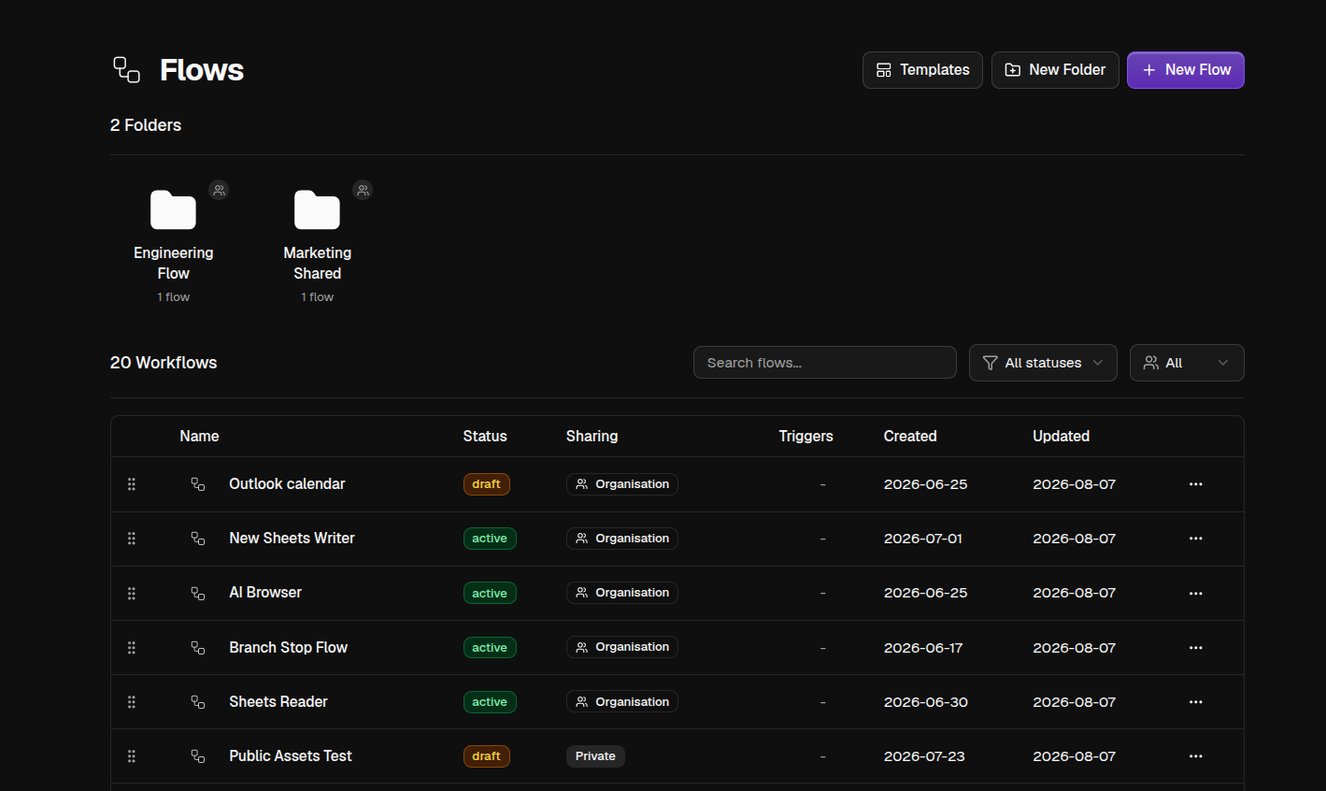
Flows are listed with their status, sharing, and triggers. You can organize them into folders, filter and search, duplicate or move them, and jump into the builder or a flow's interface.
 ## Two ways to build
Describe what you want in the **Chat** mode of the builder and the AI drafts the workflow - nodes, wiring, even custom code.
Switch to **Nodes** mode and drag nodes from the component pane onto the canvas yourself.
## Node catalog
Every node - triggers, workflow basics, AI, files, lists, text, web, and per-app integration nodes - is cataloged under [Nodes](/flows/nodes/overview).
## Two ways to build
Describe what you want in the **Chat** mode of the builder and the AI drafts the workflow - nodes, wiring, even custom code.
Switch to **Nodes** mode and drag nodes from the component pane onto the canvas yourself.
## Node catalog
Every node - triggers, workflow basics, AI, files, lists, text, web, and per-app integration nodes - is cataloged under [Nodes](/flows/nodes/overview).