> ## Documentation Index
> Fetch the complete documentation index at: https://docs.qxlabs.com/llms.txt
> Use this file to discover all available pages before exploring further.
# Running and testing
Run a flow from the builder, watch it work node by node, and test single nodes on their own while you build.
## Run a flow
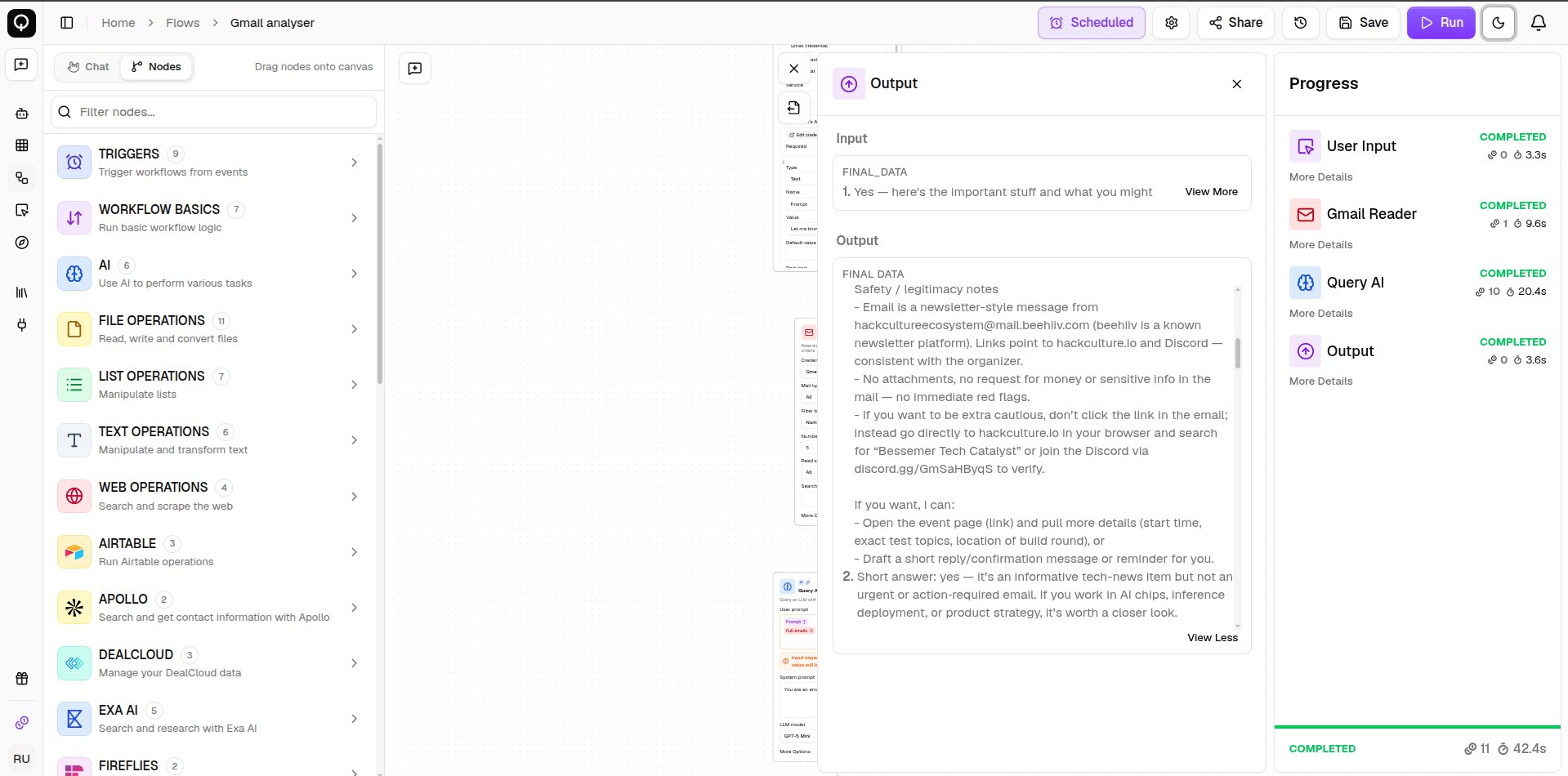
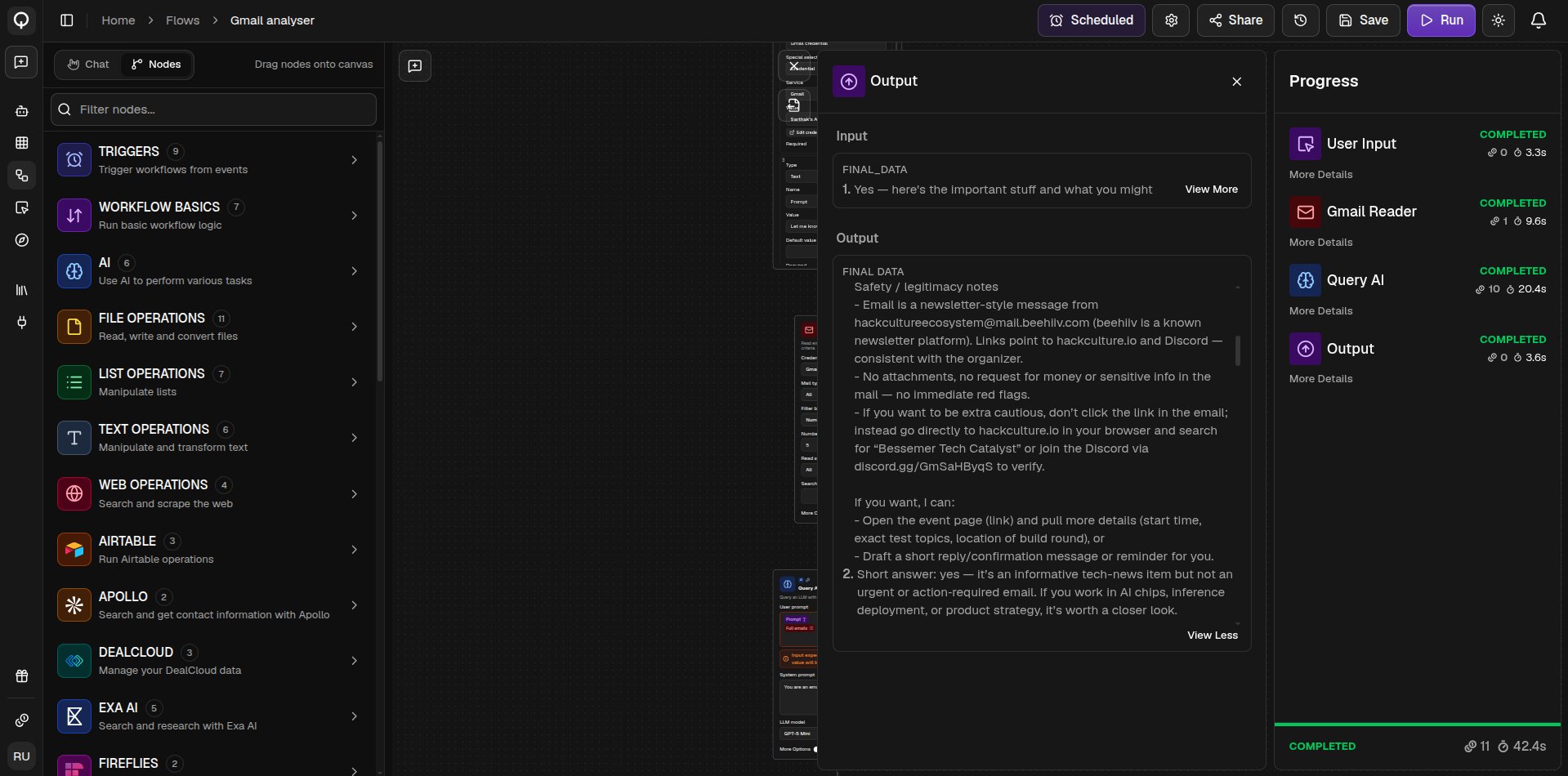
Click **Run** (**⌘Enter**) in the toolbar. The **Progress pane** opens and lists each node as it runs, with its status, credits used, and time taken, and you can open **More Details** on any node to see its inputs and outputs. The **Output pane** shows the flow's final results.
While the flow is running you can **Pause execution**, then **Resume execution** to carry on from where it stopped, or **Cancel execution** to stop it for good. If a run fails partway, **Retry from failure point** picks up from the node that failed instead of starting over. After any run, hover a node and click **Re-Run From Here** to run from that node onward, reusing the results the earlier nodes already produced.
A node that fails turns red on the canvas with the error message above it. Missing [credentials](/connected-apps/overview) stop a run before it starts and name the nodes to fix.
 ## Test a single node
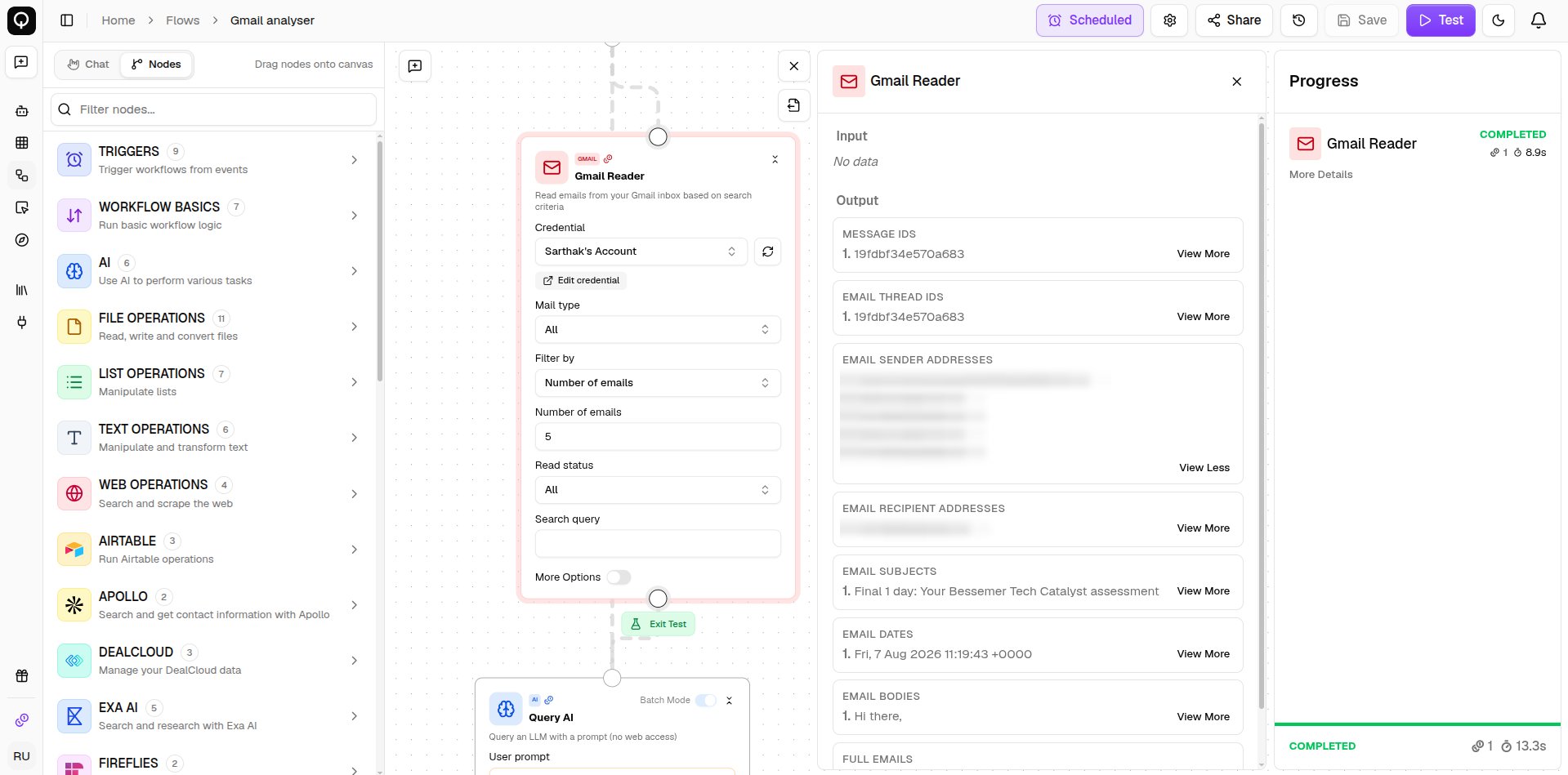
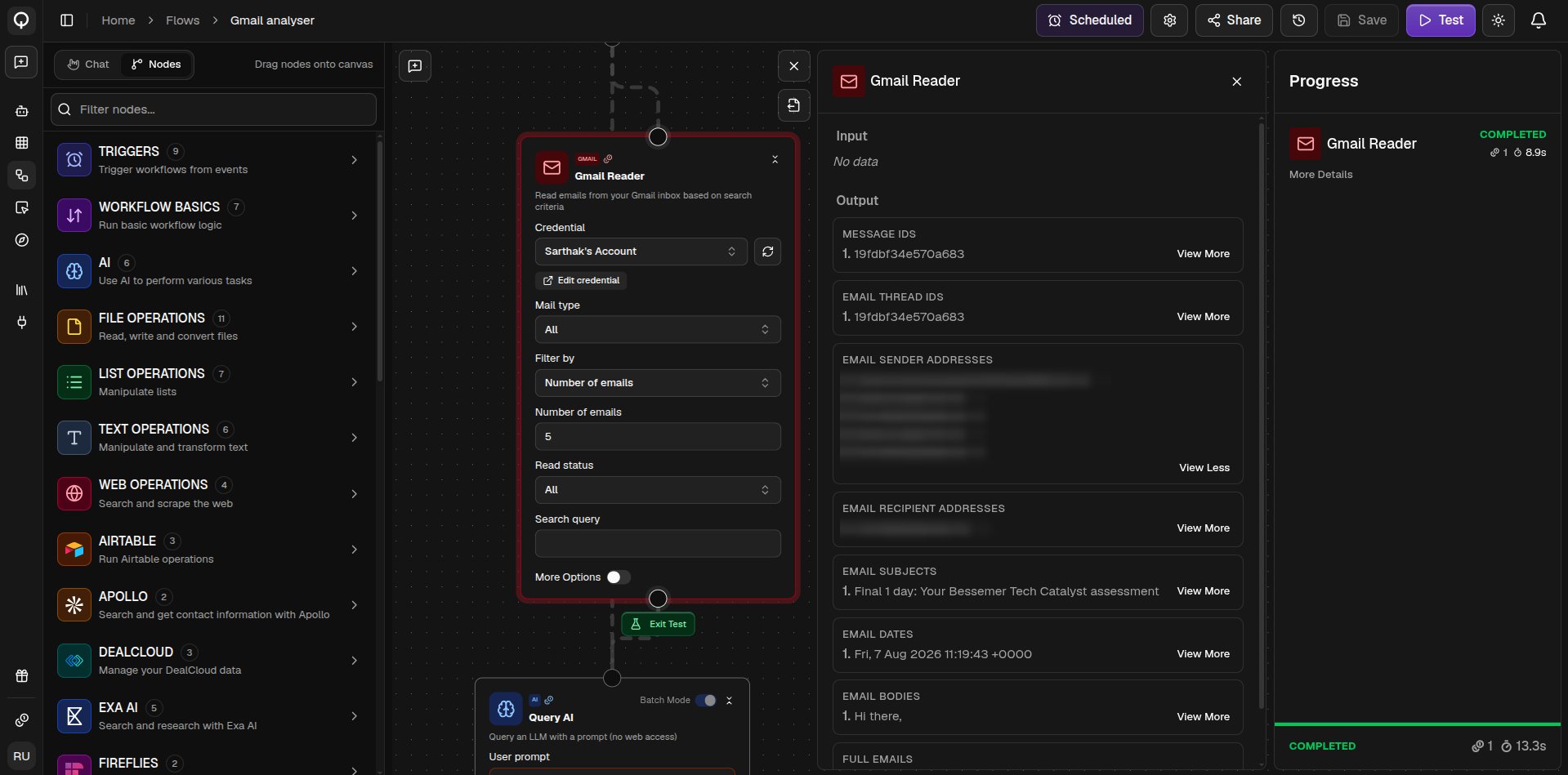
Testing is a quick way to check one node does what you expect before running the whole flow. Hover the node, click **Test Node**, type sample values into its fields, then click **Test**.
A test runs that node on its own, so it does not receive real data from the nodes above it. Anything you wired in shows up as a placeholder for you to replace with a sample value. Nothing you type during a test is saved.
## Test a single node
Testing is a quick way to check one node does what you expect before running the whole flow. Hover the node, click **Test Node**, type sample values into its fields, then click **Test**.
A test runs that node on its own, so it does not receive real data from the nodes above it. Anything you wired in shows up as a placeholder for you to replace with a sample value. Nothing you type during a test is saved.
 ## Getting results out
Add an export node to save results as a CSV, Excel, PDF, or Word file. Any file your flow produces can also be downloaded straight from the **Output pane**.
## Run history
Every run and node test is recorded, see [Run history](/flows/run-history).
## Getting results out
Add an export node to save results as a CSV, Excel, PDF, or Word file. Any file your flow produces can also be downloaded straight from the **Output pane**.
## Run history
Every run and node test is recorded, see [Run history](/flows/run-history).