

Get your key
In the app, open Settings → API Access and request the products you need.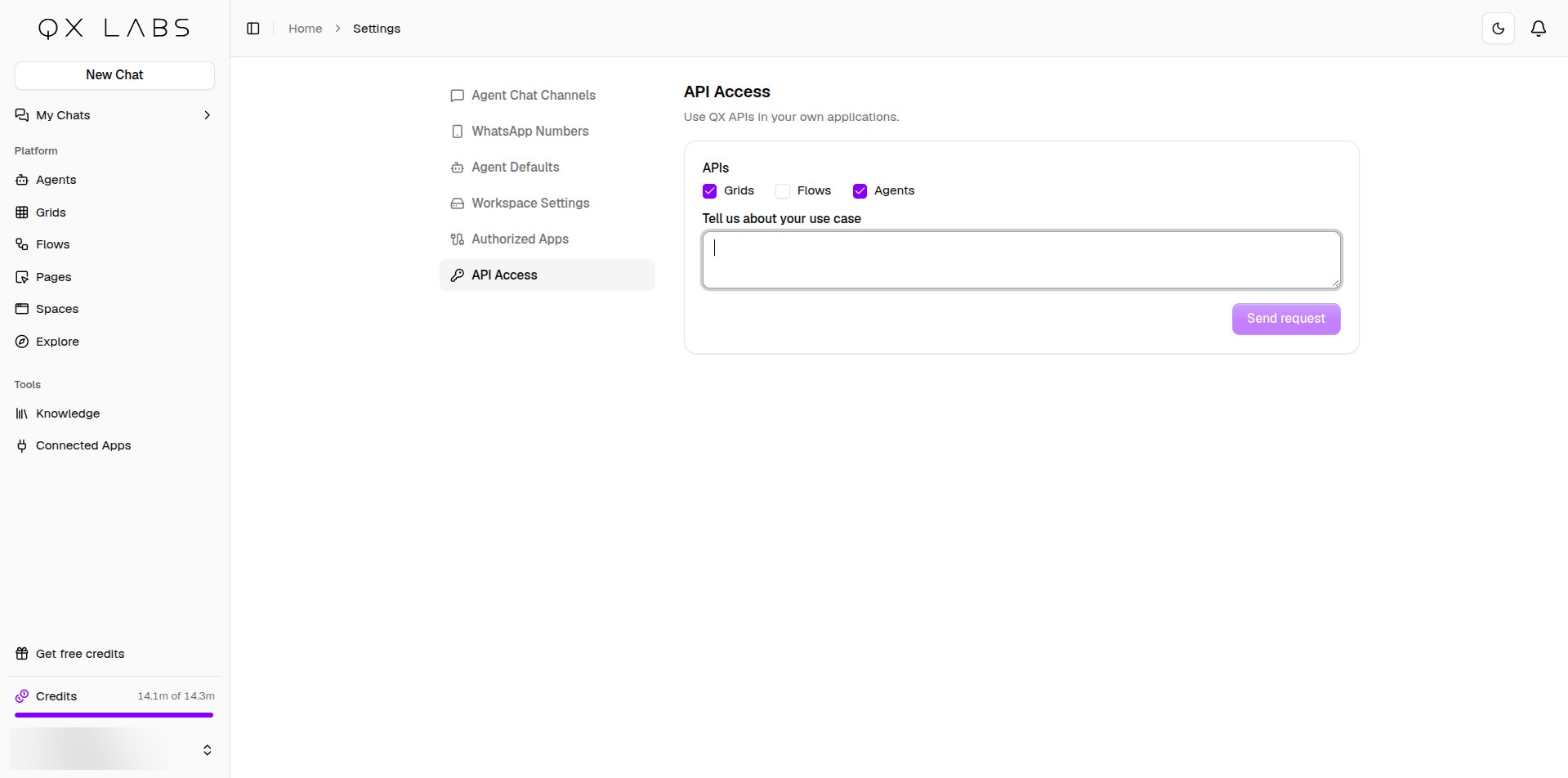
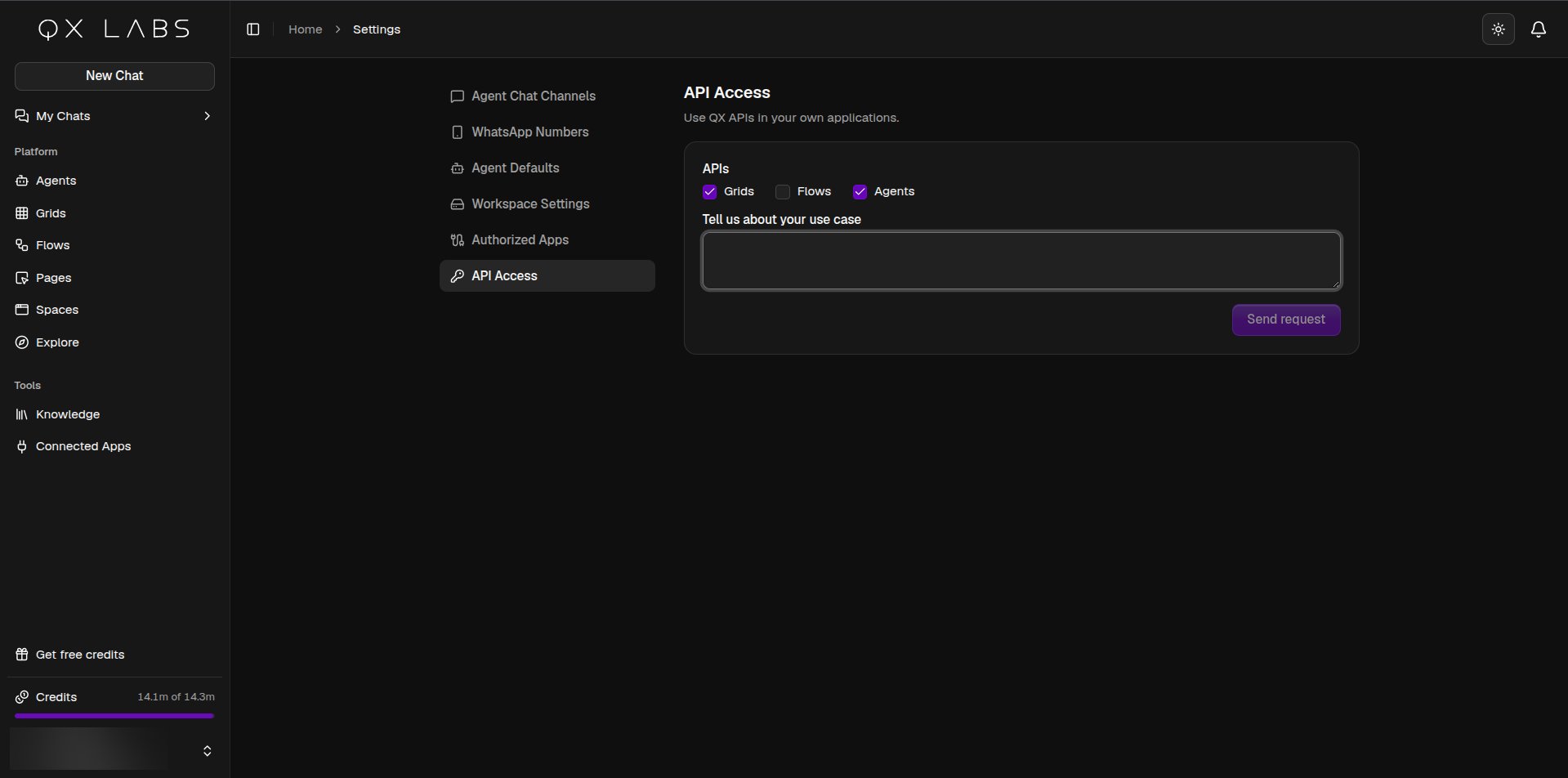
Send a request
Every endpoint lives underhttps://api.qxlabs.com/v1. Send your key as a bearer token in the Authorization header. The X-API-Key header works too.
What you can call
Agents
Message any agent through OpenAI’s Responses API, with files, streaming and approvals.
Flows
Execute a flow with values for its input nodes and read each node’s output.
Grids
Execute a sheet, or part of it, and read its rows.
Limits and errors
Each product has its own limits on reads and writes per minute. A call over a limit gets a 429 with a message naming the limit. Flows and grids endpoints return errors as{"error": "message"}, with the app’s own message when a flow or sheet can’t execute or your org is out of credits. Agents endpoints return errors in OpenAI’s shape, with error.message, type, param and code.