

Agents
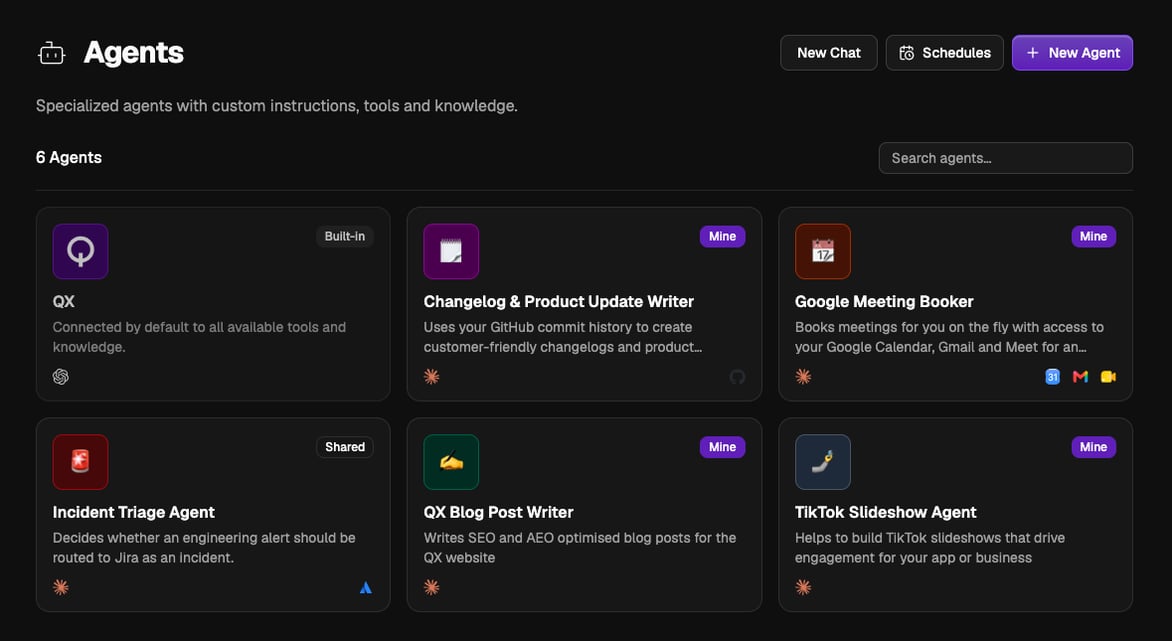
You get QX by default, the built-in agent connected to all available tools and knowledge, so you can get useful work done before creating anything custom. Every agent you build afterwards sits alongside it.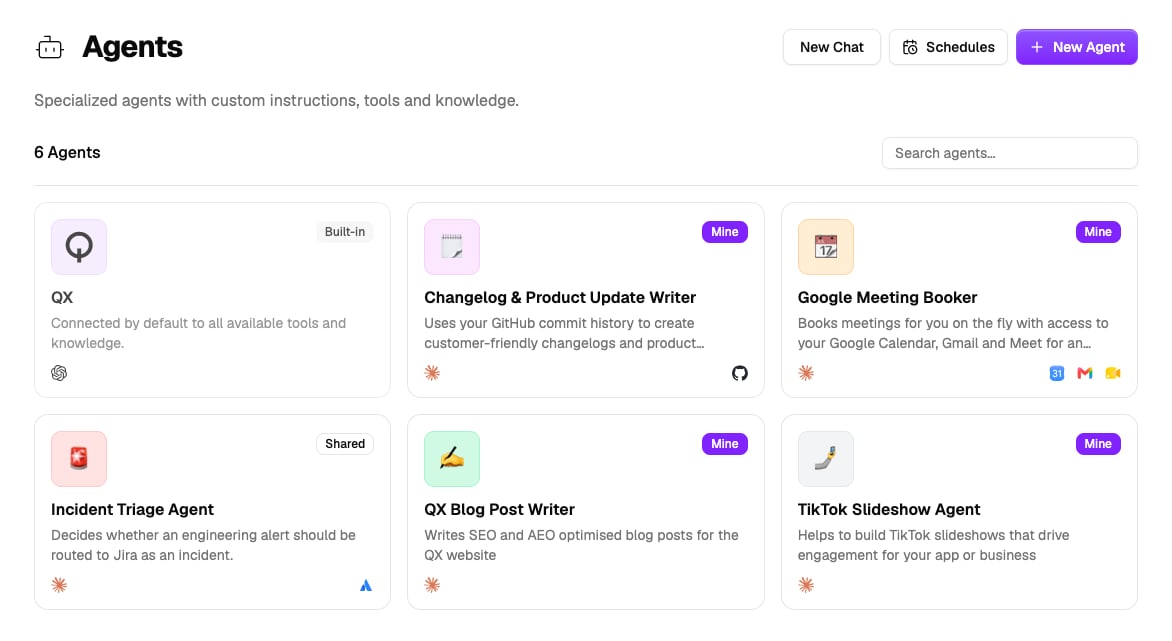
Build things by asking
You don’t have to set anything up by hand. Tell QX what you want, an agent, a flow, or a grid, and it builds the real thing, then replies with a link to open it. This works on the web and from every channel, Slack, WhatsApp, Teams, and email. For agents there is also a dedicated builder in the agent editor’s Chat sidebar, see Build with AI.Everything about agents
Build with AI
Describe the agent you want and the builder sets it up, permissions and all.
Build manually
Work through the agent editor yourself, section by section.
Chat
Talk to an agent, attach files, follow its tool calls, and manage your conversations.
Capabilities
Built-in abilities like web search, scheduling, messaging you, and spawning sub-agents.
Persistent workspace
Let an agent generate files, run code, and use your installed skills.
Apps and knowledge
Third-party tools the agent may call, and knowledge vaults it can search and cite.
Scopes and permissions
Every tool, acting account, and vault an agent holds is scoped, and you can change it any time.
Approvals
Approve what an agent sends, creates, or deletes in your apps, from chat or any channel.
Communication channels
Chat with your agents over Slack, WhatsApp, and email, and with QX on Teams too.
External WhatsApp agents
Answer your customers on a WhatsApp number, with the actions you approve.
Scheduled tasks
Run an agent on a recurring schedule and route results to chat or a channel.