

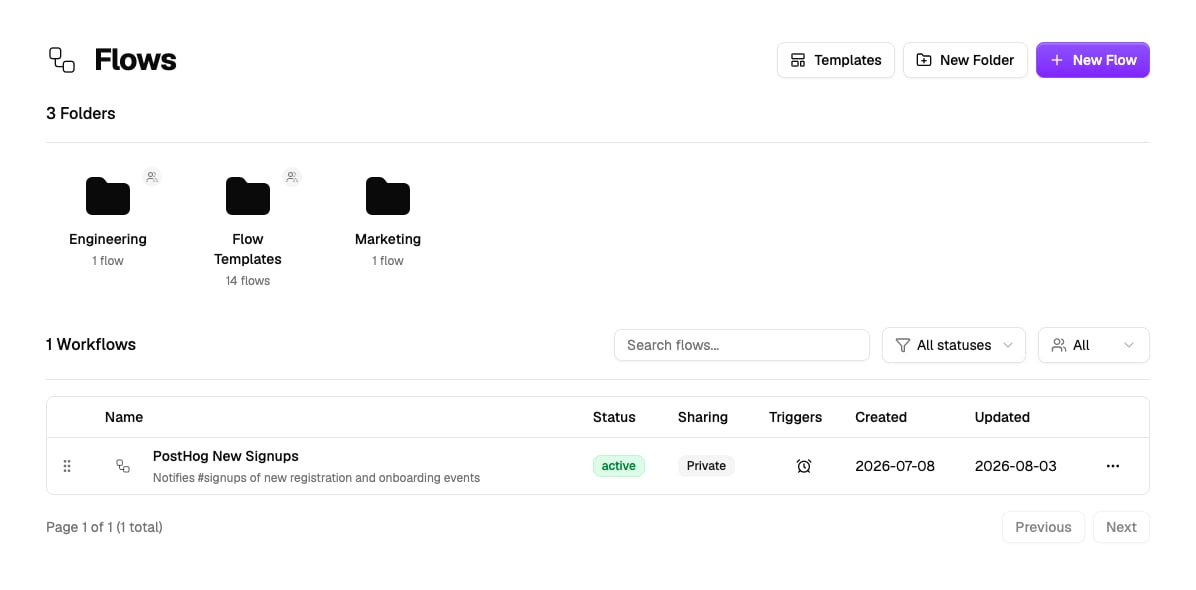
Two ways to build
Build with AI
Describe what you want on the builder’s Chat tab and the AI drafts the workflow - nodes, wiring, even custom code.
Build manually
Switch to the Nodes tab and drag nodes from the component pane onto the canvas yourself.
You can also skip the editor entirely. Ask QX in chat, or from any channel, Slack, WhatsApp, Teams, or email, and it builds the flow for you, then replies with a link to open it.