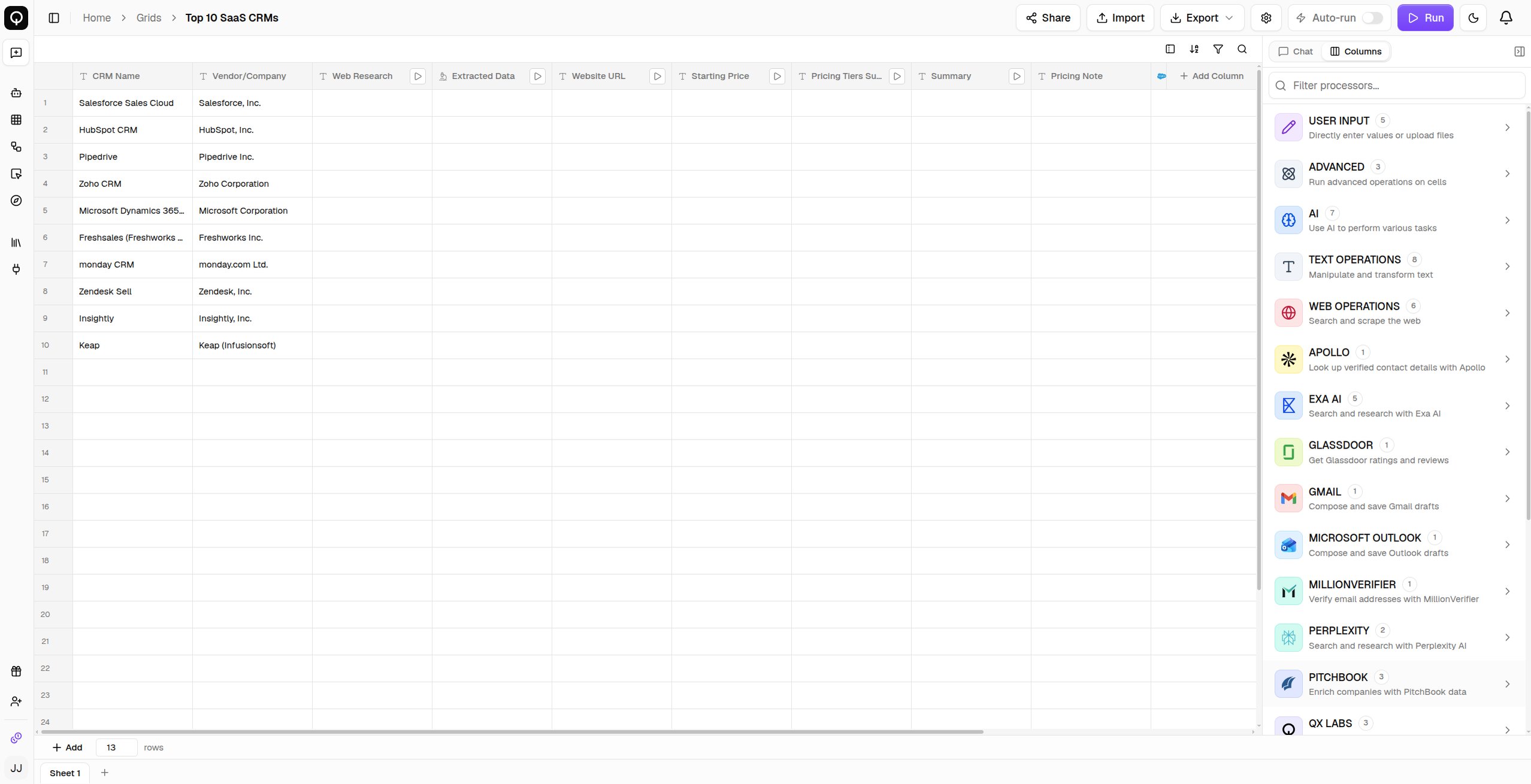
A grid is a spreadsheet built for AI work at scale. Each column runs a processor, an operation like web research and plenty more, and QX computes the cells row by row, so whatever you set up once runs across your entire dataset. Columns can build on each other. Import a list of companies, research each one, score it, and draft outreach, all in one grid. The quickest way to get there is to describe what you want in the grid’s Chat tab and let it build the columns for you, see Build with AI.
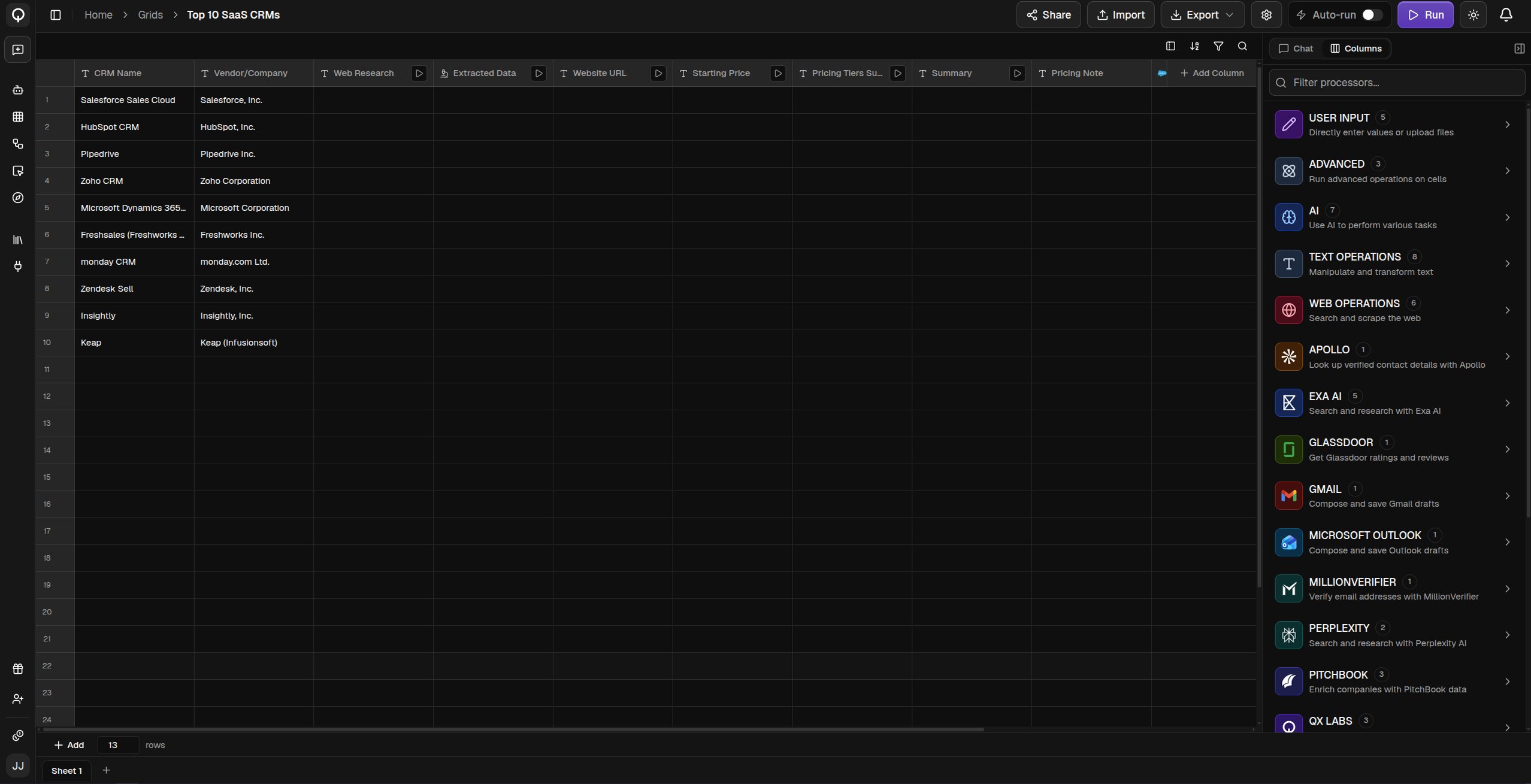
The grid editor with a filled grid and the processor pane open
Grids are listed with their sheets and sharing. You can organize them into folders, search, duplicate or move them, and share one with your team or publish it as a template.
You can also skip the editor entirely. Ask QX in chat, or from any channel, Slack, WhatsApp, Teams, or email, and it builds the grid for you, then replies with a link to open it.

Learn more

Build with AI

Describe the grid you want and have it built for you.

Create a grid

Start blank, import a file, or begin from a community template.

Columns and processors

Add columns, wire them together, and control when they run.

Running cells

Run everything or just a piece, and inspect any cell.

Processor catalog

Browse every processor and what each one does.