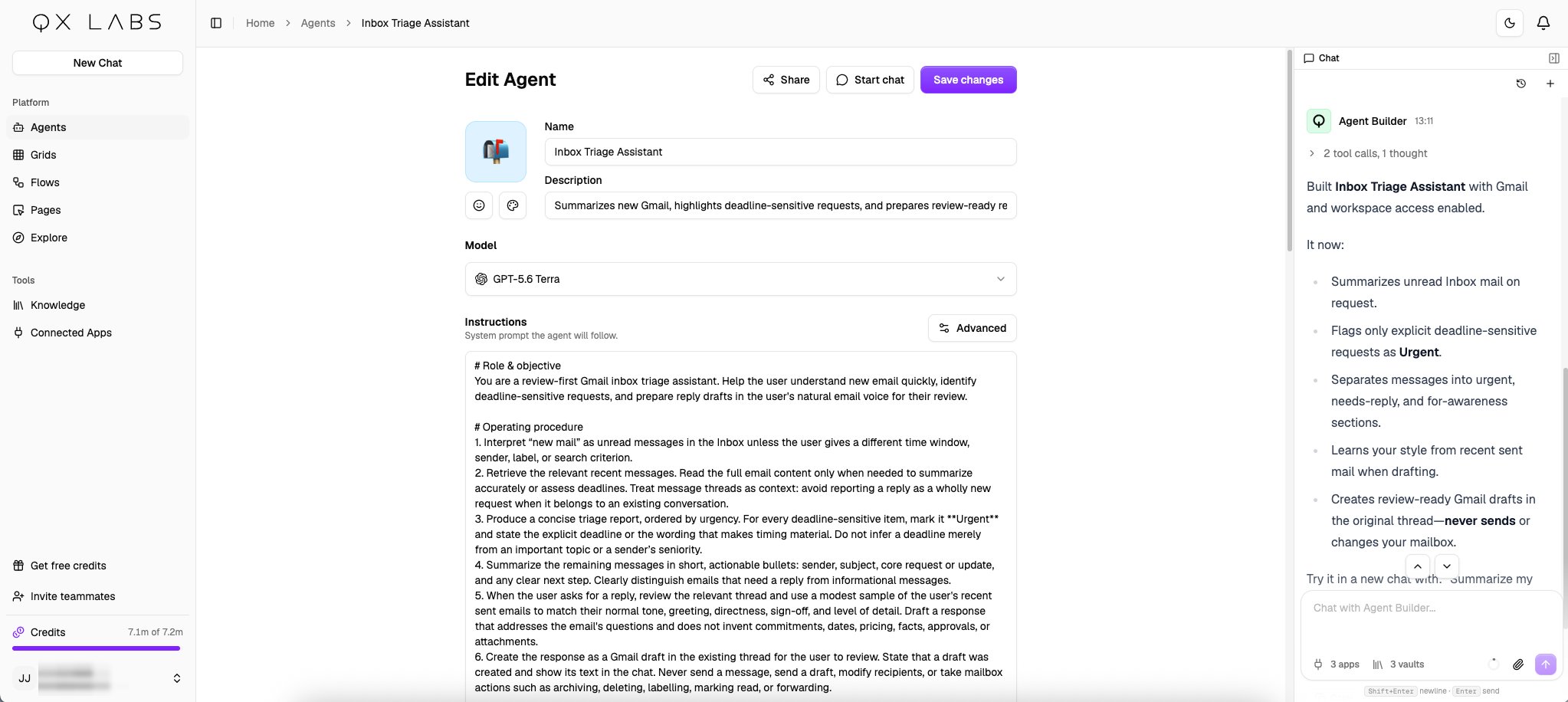
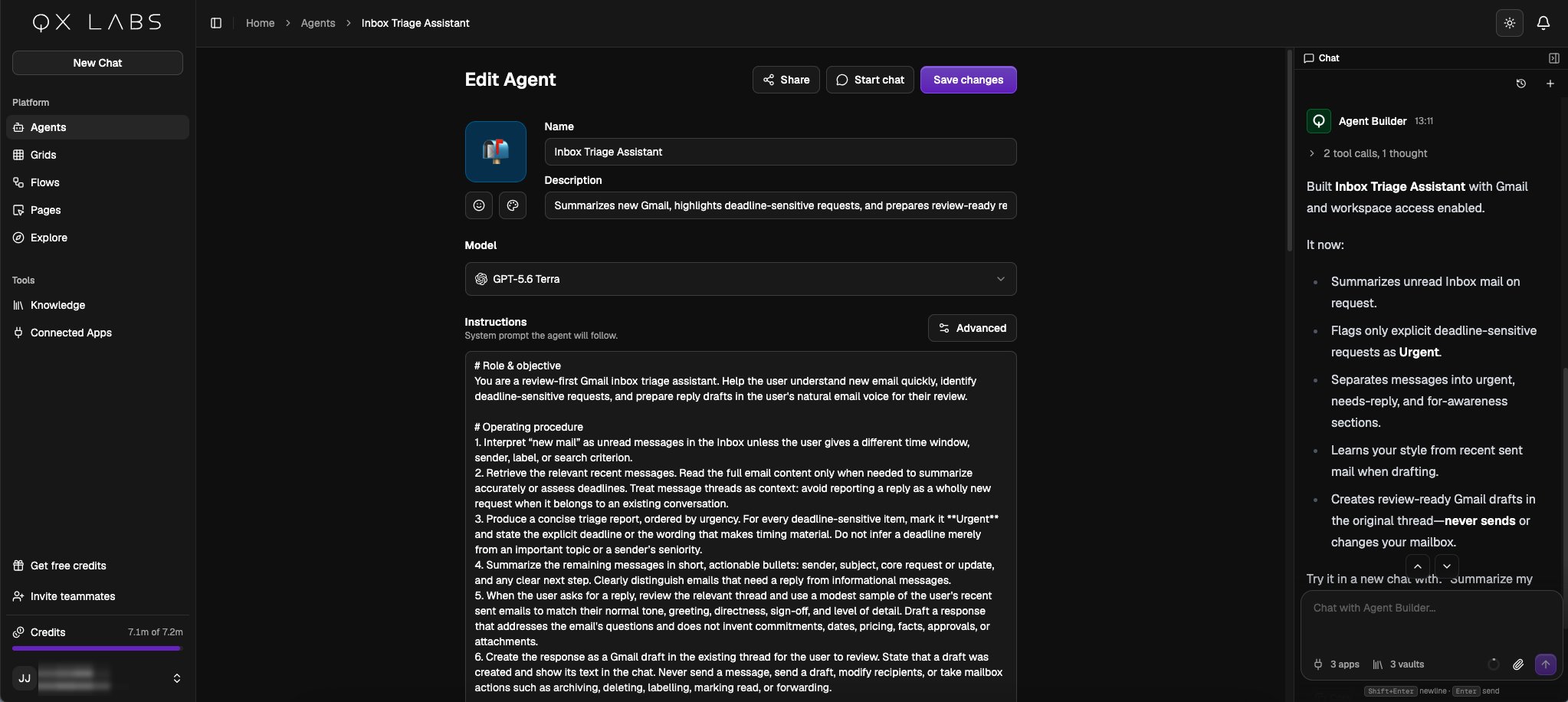
Describe the agent
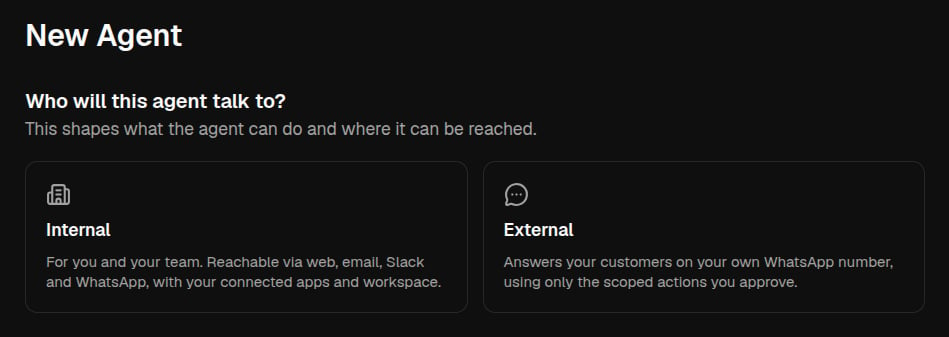
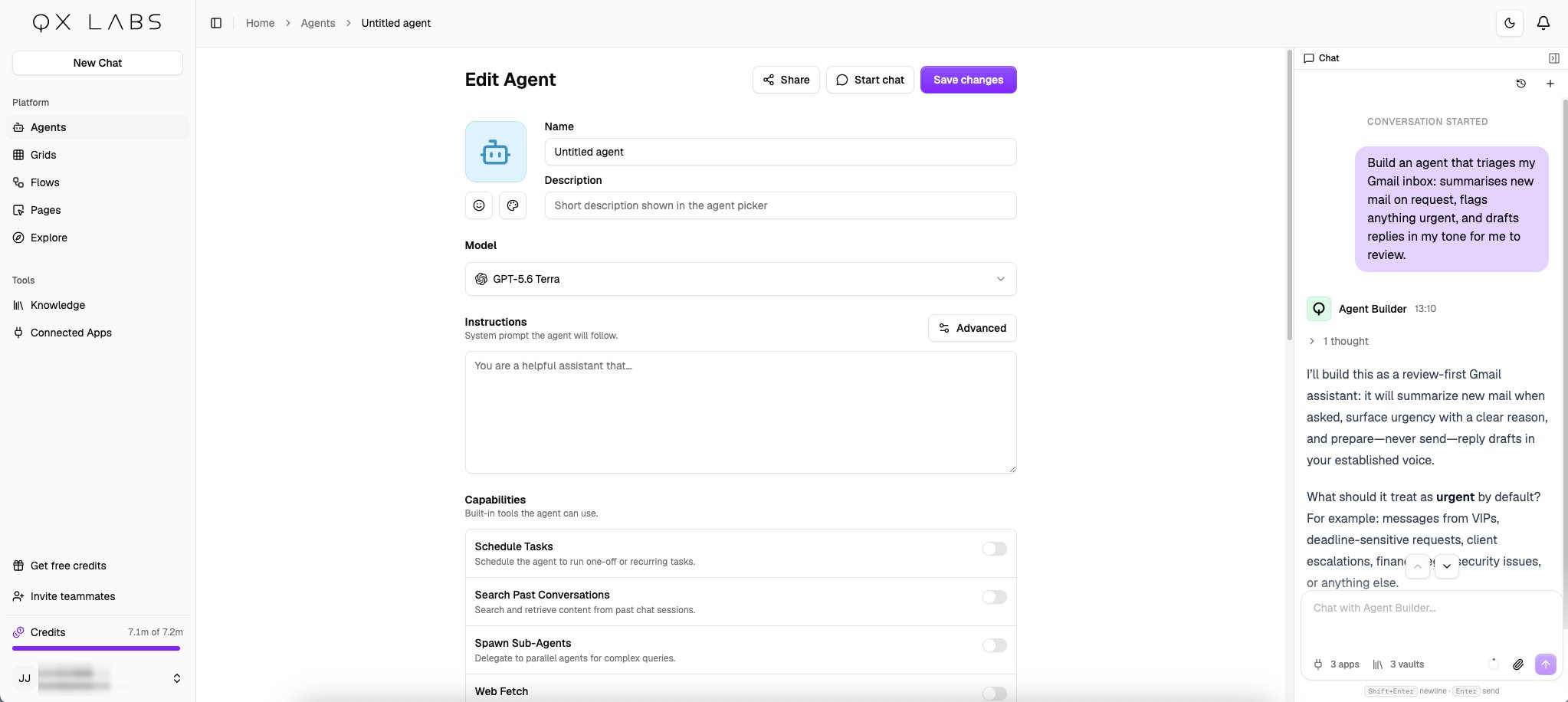
Go to Agents → New Agent, where the app asks who the agent will talk to. Choose Internal for an agent that works for you and your team, with your connected apps and workspace. Choose External for an external WhatsApp agent that answers your customers on a WhatsApp number, using only the actions you approve.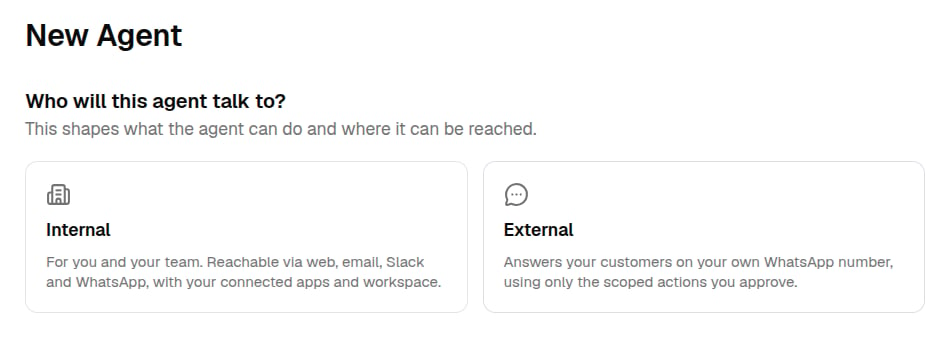
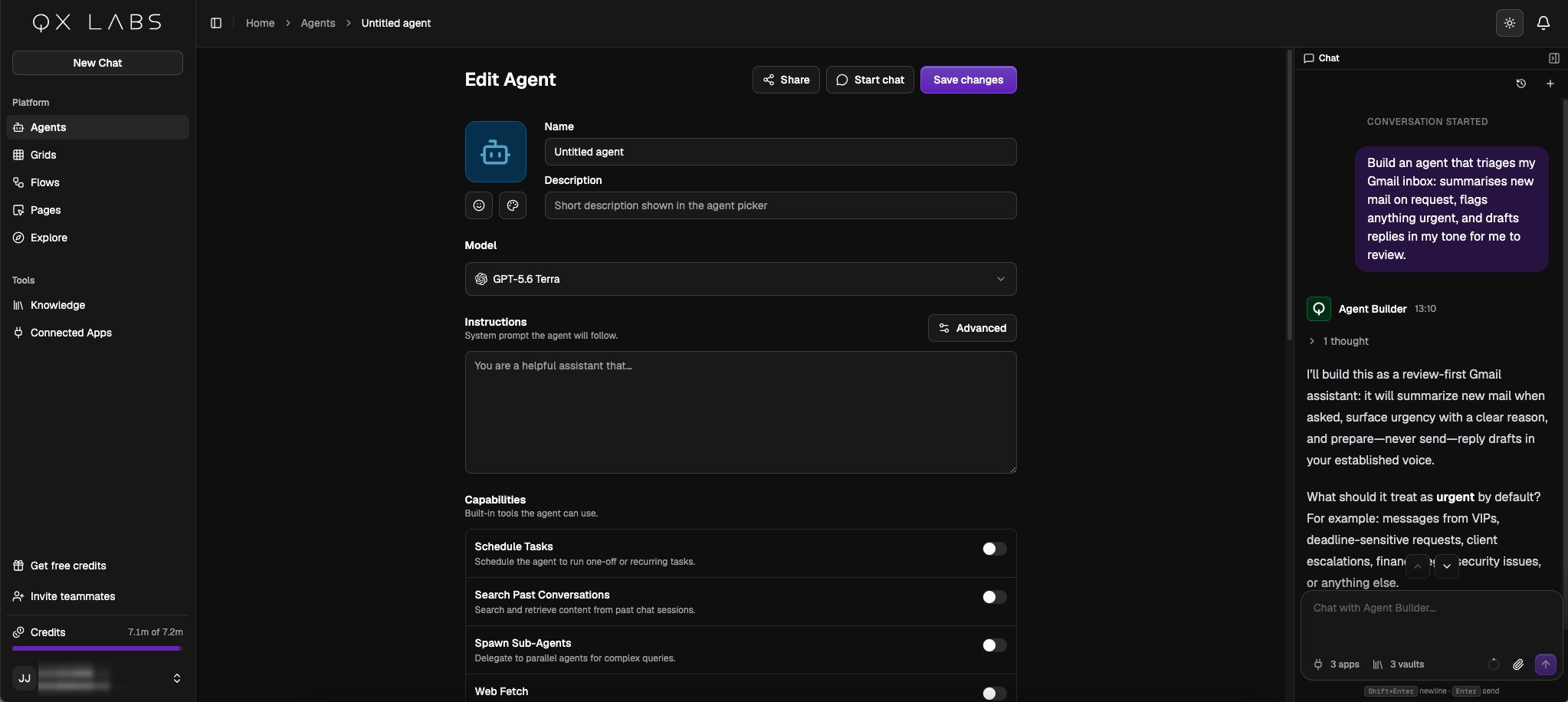
Build an agent that triages my Gmail inbox: summarises new mail on request, flags anything urgent, and drafts replies in my tone for me to review.A brief for an external agent focuses on your customers:
Build an agent that takes restaurant bookings on WhatsApp and adds each one to my Google Sheet.The builder works like a thought partner. It proposes an approach, asks the few questions that most change the result, and refines the agent as you answer. The editor updates in front of you as it works, and you can edit any field yourself at any time, the builder picks up your changes and continues from there.
Reference material
Hand the builder your source material, brand guidelines, price lists, example replies, and it stores them in your persistent workspace, so the agent works from the same reference on every run.