

What it lets agents do
- Produce real files like spreadsheets, documents, and reports you can download.
- Run code to calculate, transform data, or check something, in a safe sandbox.
- Use your installed skills, the ready-made playbooks you add for recurring jobs.
- Work with audio and video you attach in chat.
- Build on past work, since files and memory stay put between conversations and the agent gets sharper at your recurring tasks over time.
- Hold an agent’s reference material. The builder distils brand guidelines and other source documents into the workspace, so an agent works from the same reference on every run.
- Build and deploy web apps, called Spaces, with sign-in and a database.
- And many more. If you can describe the task, an agent with the workspace can usually take it on.
Analyze this CSV of deals, build me a summary spreadsheet, and chart revenue by quarter.
Turn it on for an agent
In the agent editor, switch on Workspace Access. The built-in QX agent already has it on; agents you create opt in individually.Workspace Access gives the agent everything in your organization’s workspace, including every installed skill. Leave it off for narrow, single-purpose agents that don’t need it.
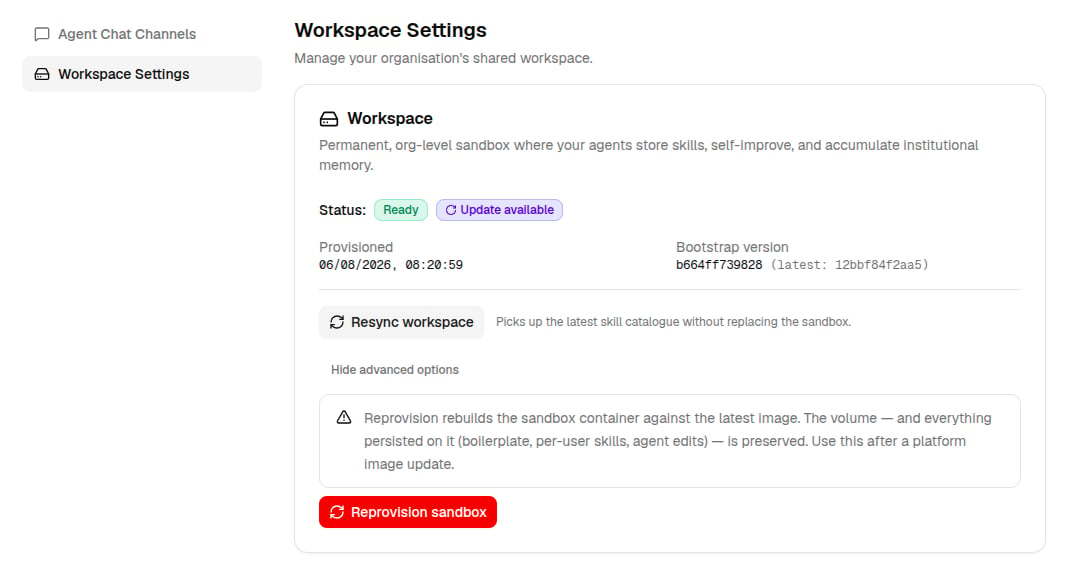
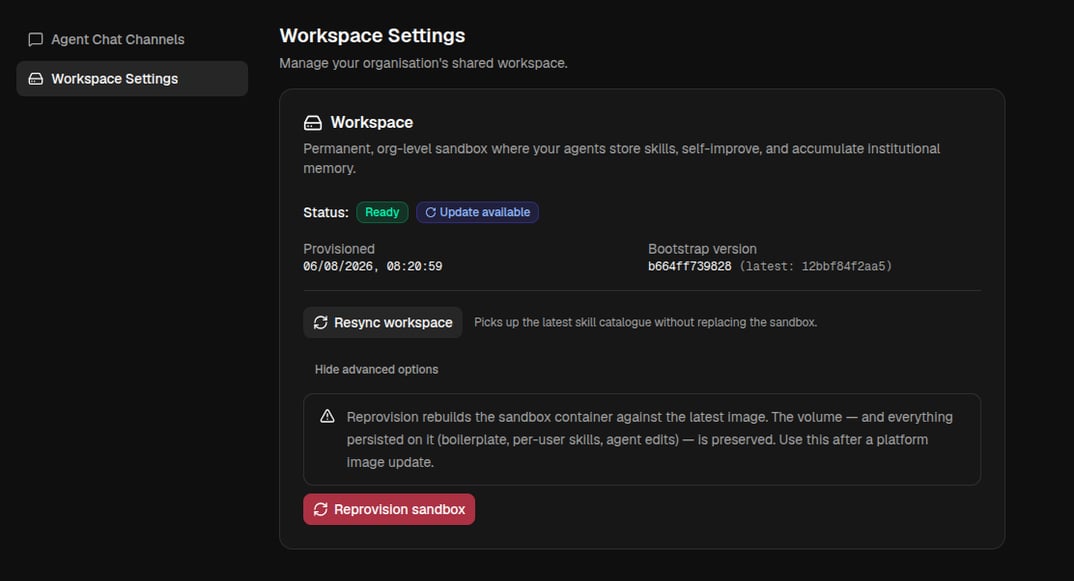
Setting up the workspace
Your organization has one shared workspace, and it’s set up for you automatically when you join. The chat header shows its state at a glance:- Ready: agents have access to your skills and memory.
- Provisioning: it’s still being set up, so give it a moment.
- Not provisioned: it hasn’t been set up yet.
Getting the most from it
- Ask for the artifact you actually want (“build me an Excel file”, “write and run code to check this”), and the agent uses the workspace to make it.
- Let agents build on earlier work, since files and knowledge persist across conversations.
- Install skills for the jobs your team does often; any agent with Workspace Access can then use them automatically.
- Keep one capable general agent (or the built-in QX agent) with Workspace Access for open-ended work, and keep narrow agents scoped down.