An external WhatsApp agent answers your customers on WhatsApp. You build the agent, connect a WhatsApp number to it, and from then on it replies to everyone who messages that number. It only ever replies and never messages anyone first.
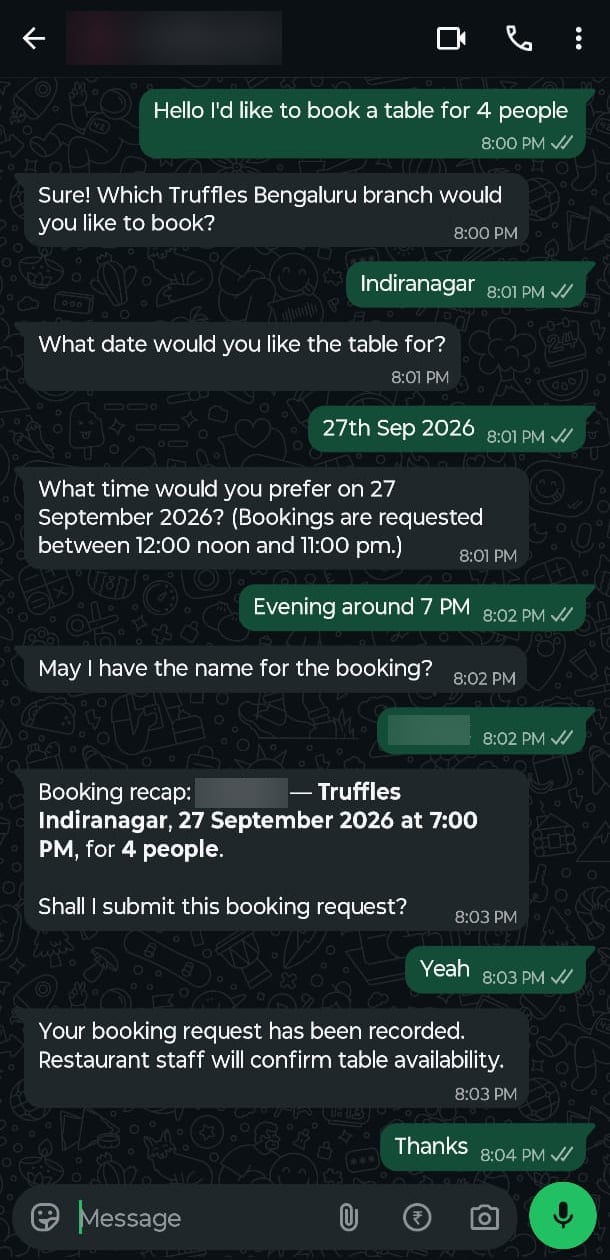
A WhatsApp chat where a customer books a table and the agent confirms it

A customer booking a table with the agent

Build the agent and connect a number

Go to Agents → New Agent, choose External, and describe the job in the Chat sidebar. The builder writes the instructions and sets up the actions for you, see Build with AI. Click Test in chat to try the agent before any customer does. Once the agent is saved, go to its WhatsApp number section, type the number, and click Connect.
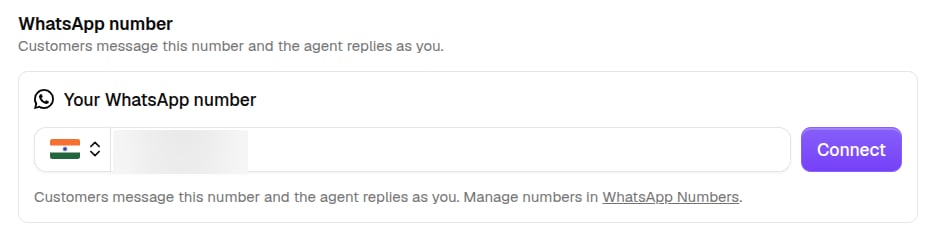
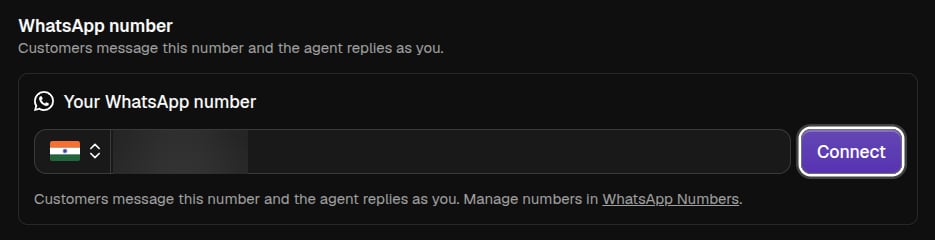
The agent editor's WhatsApp number section with a number typed in and a Connect buttonThe agent editor's WhatsApp number section with a number typed in and a Connect button
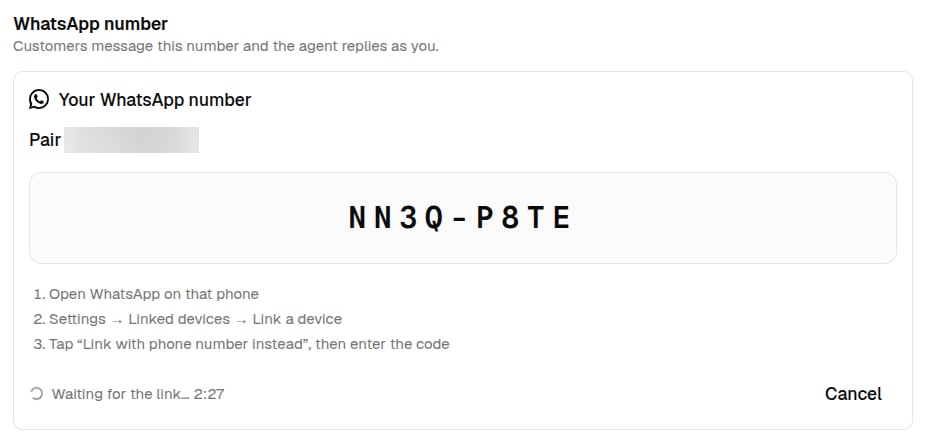
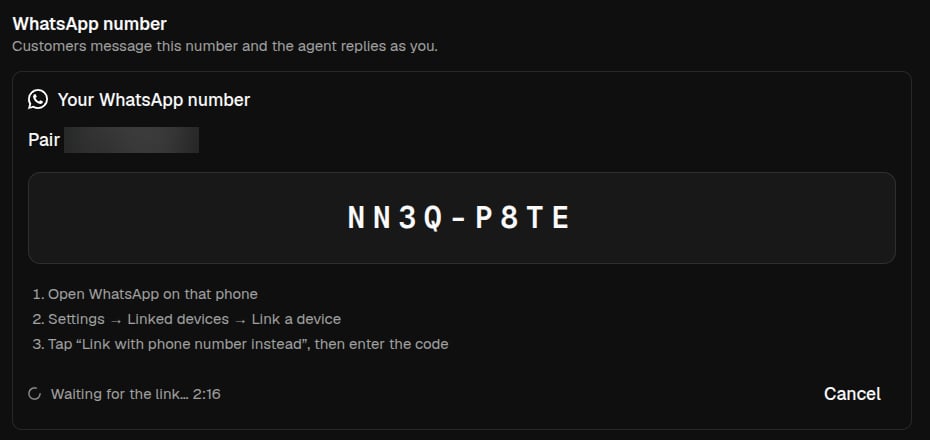
A code appears. On the phone, open WhatsApp and go to Settings → Linked devices → Link a device → Link with phone number instead, then enter the code. The number links up like WhatsApp Web, and the agent starts replying.
The WhatsApp number section showing a pairing code, the steps to enter it on the phone, and a countdownThe WhatsApp number section showing a pairing code, the steps to enter it on the phone, and a countdown
One agent answers on one number, and one number belongs to one agent. If the number is already used by another agent, you’ll be asked to move it. Disconnect stops the agent answering and frees the number for another agent.

Manage your numbers

Settings → WhatsApp Numbers lists every number you’ve connected and the agent answering on each. Click the agent’s name to open its editor and change it.
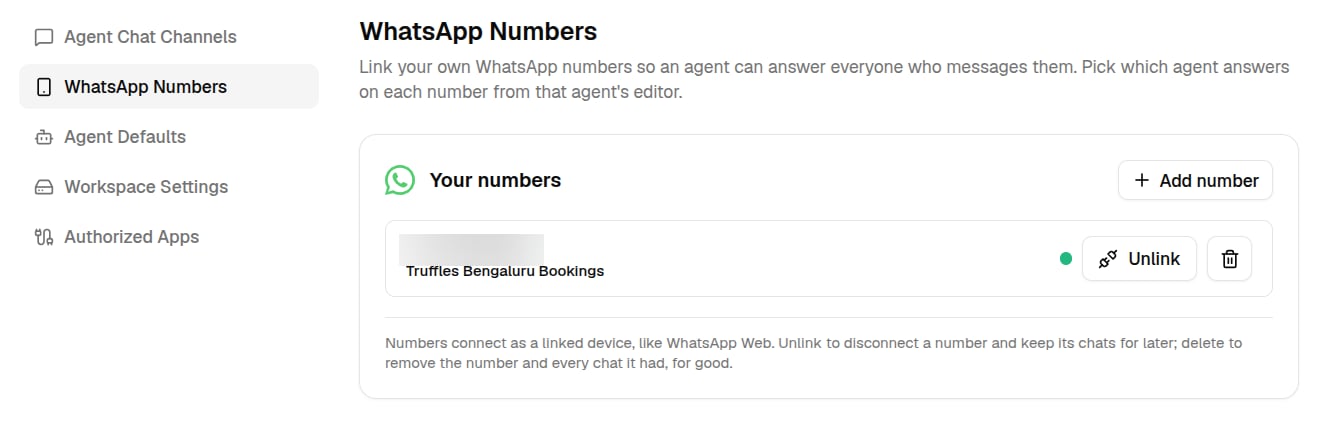
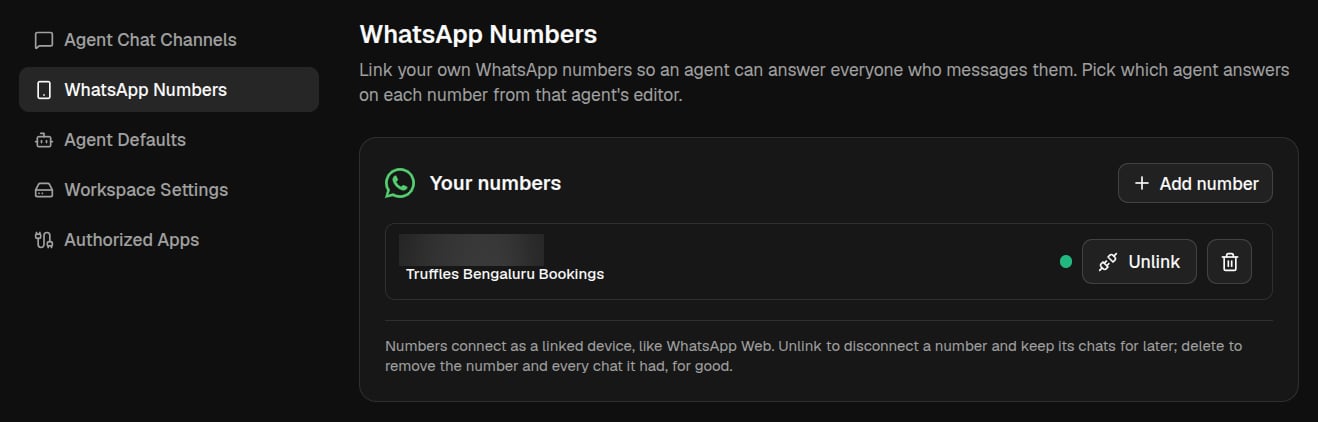
Settings, WhatsApp Numbers, listing a connected number with its agent and the Unlink and Delete buttonsSettings, WhatsApp Numbers, listing a connected number with its agent and the Unlink and Delete buttons
  • Add number connects a new number. Type it, get a code, and enter the code on your phone, the same as in the agent editor. Pick its agent from that agent’s editor.
  • Unlink disconnects a number but keeps its agent and chats. Pair connects it again.
  • Delete removes the number and every chat it had.

What the agent can use

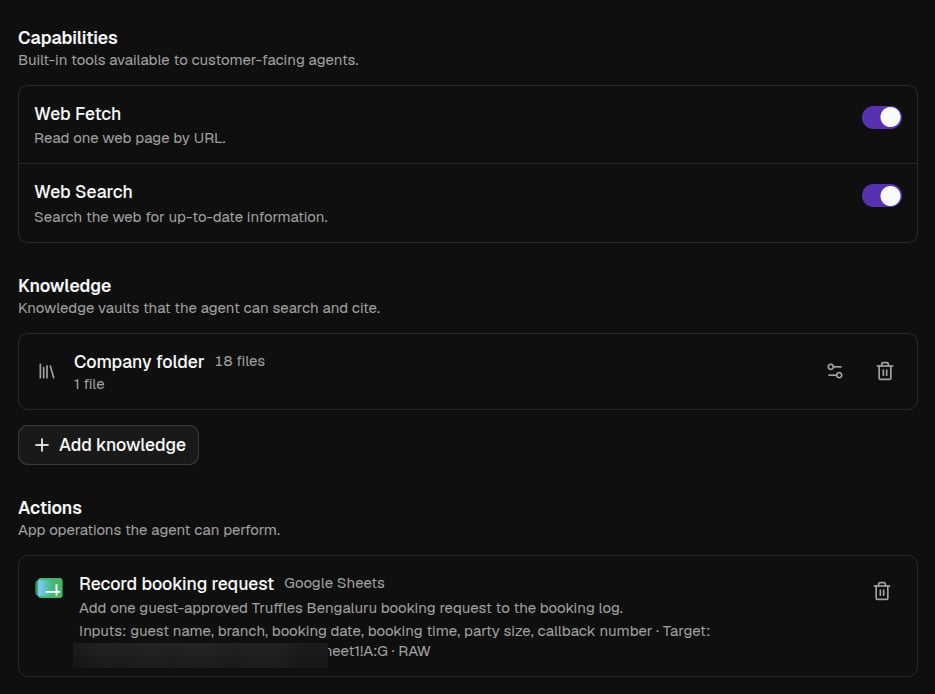
Strangers talk to this agent, so it gets less than your other agents. It can use:
  • Its instructions and the knowledge vaults you attach.
  • Web Search and Web Fetch.
  • Actions, single tasks in your apps that the builder sets up, like adding a row to one sheet or an event to one calendar.
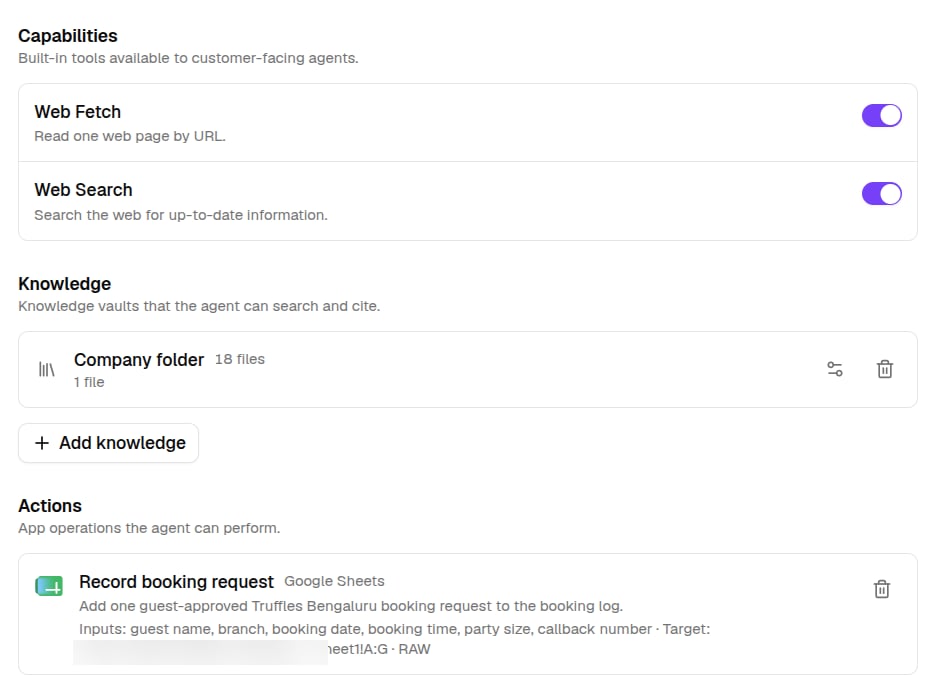
The agent editor's Capabilities, Knowledge, and Actions sections for an external agentThe agent editor's Capabilities, Knowledge, and Actions sections for an external agent
It has no workspace and no direct access to your connected apps, so customers can’t reach anything you didn’t approve.