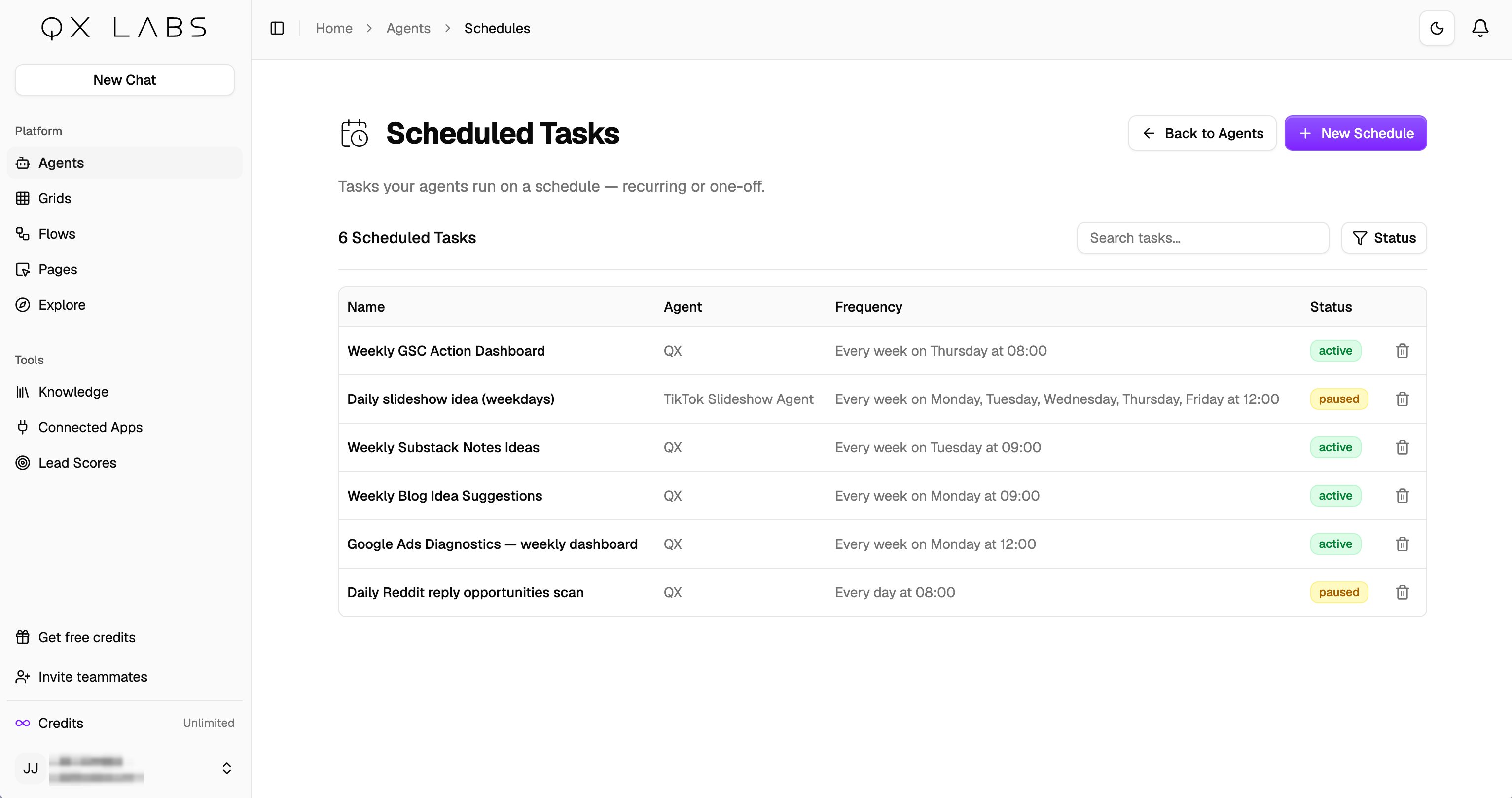
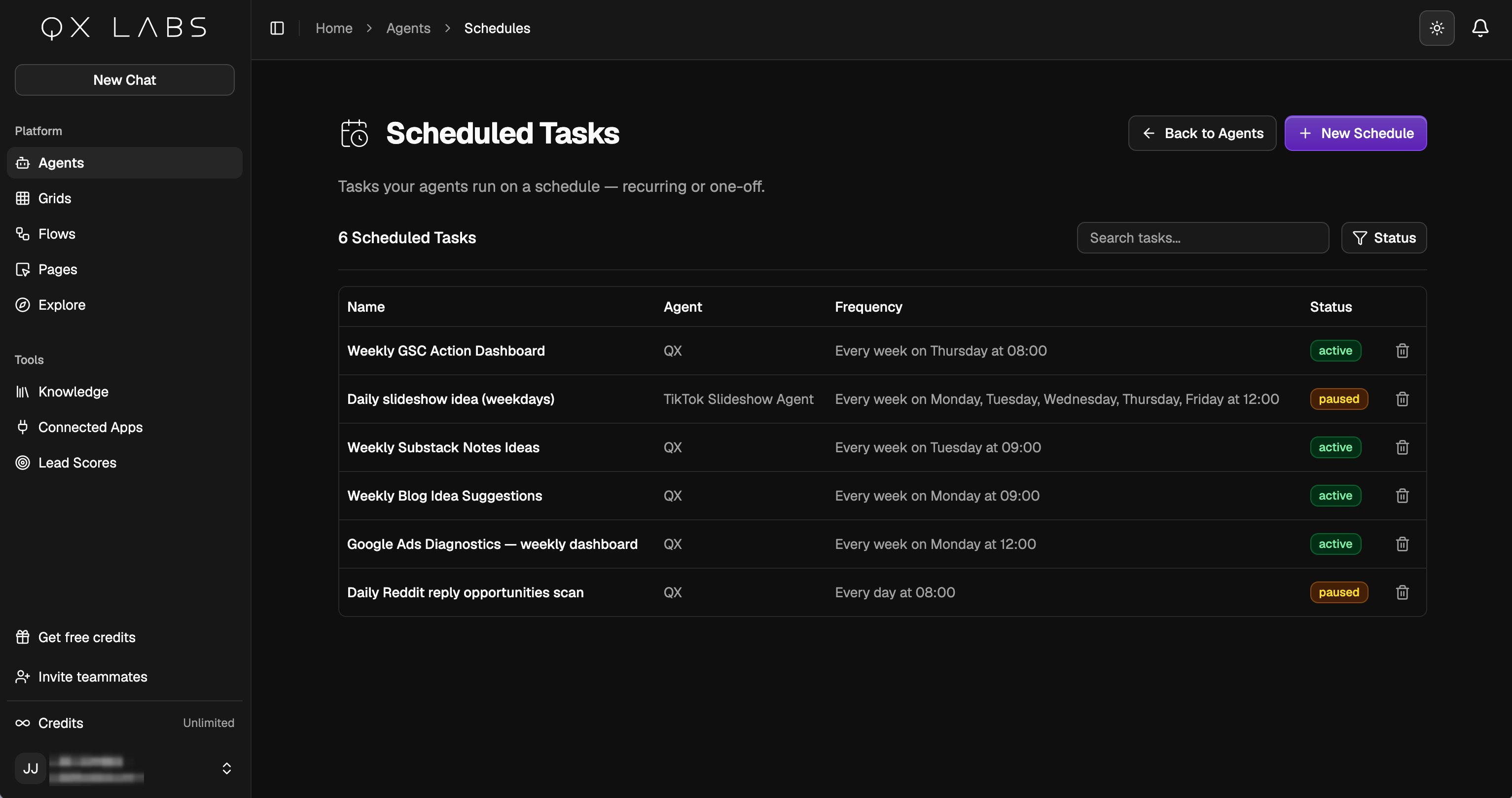
Ask the agent to schedule it
Most of the time you don’t set anything up by hand. Just ask an agent to do something on a schedule and it creates the task for you:Every Monday at 9am, check our competitors’ pricing pages and message me anything that changed.The agent needs the Schedule Tasks capability, which the built-in QX agent already has. It writes the task, picks the timing, and can send each result to your chat or a connected channel. See Capabilities. Each run starts a fresh conversation with no memory of previous runs, and its result shows up in your chat history and on any channel you chose.
Set one up yourself
You can also create schedules by hand at Agents → Schedules. Click New to pick the agent, write the instructions it runs each time, choose where the result goes (web chat or a connected channel), and set the cadence, anywhere from minutely to monthly, with a preview like “Every week on Monday at 09:00”. Toggle Enable Schedule to turn it on.