

Describe what you want
Open a new flow. It starts on the Chat tab, with a few example prompts to get you going. Type your request in the message box, being specific about your data source, what should happen to it, any apps involved, and what you want out:Whenever I get an email from a new lead, research the company on the web, score it against my ICP, and post a summary to our #leads Slack channel.The builder works on your real canvas, so nodes appear and connect as it goes. Its steps show up in the chat as you watch, and you can open any of them to see exactly what it did.
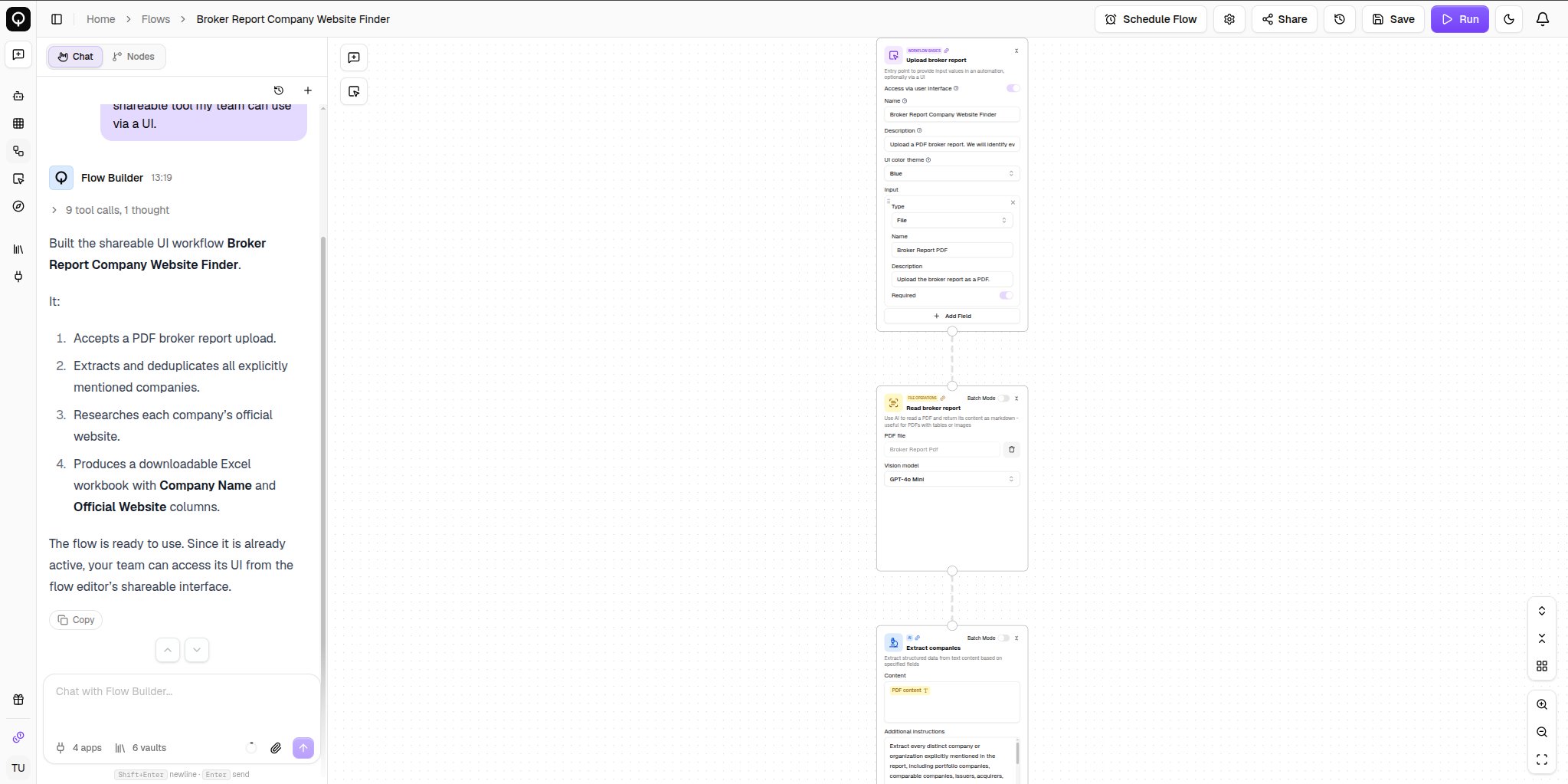
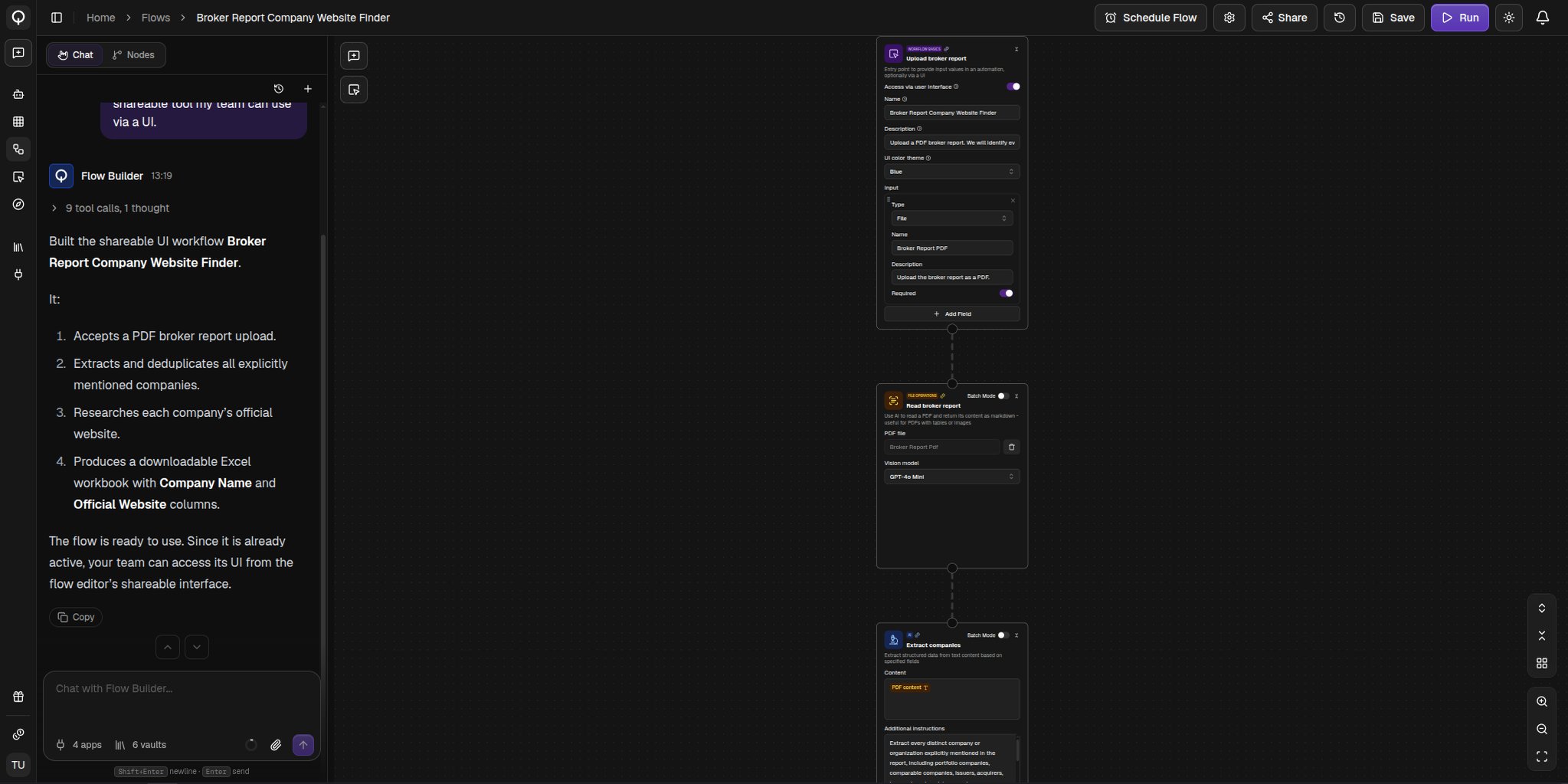
Answer its questions
- A question card appears when it needs a decision from you. Click an option or type your own answer.
- A selection card appears when it needs one of your existing resources, like an app credential or a knowledge vault. Pick one, or connect a new one.
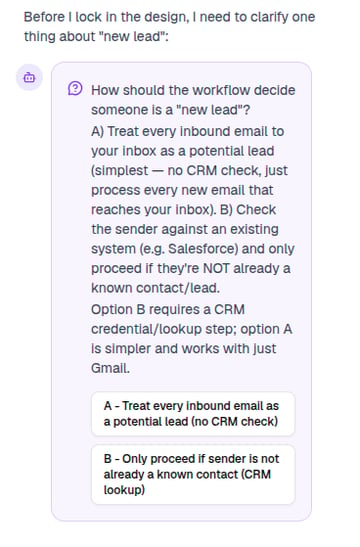
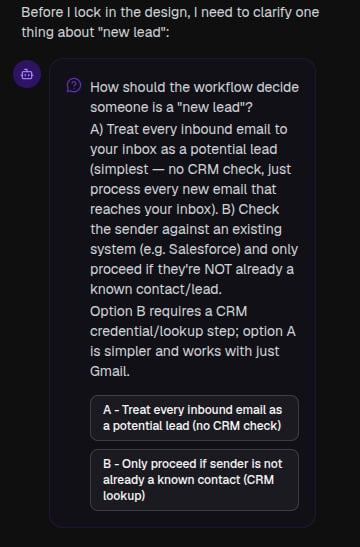
A question
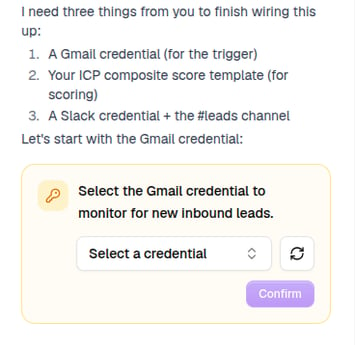
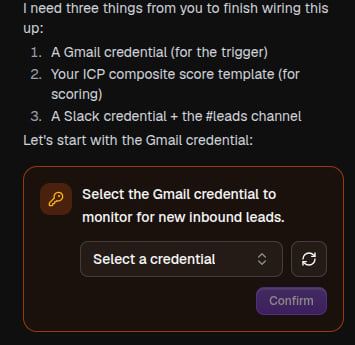
A selection request
Schedule it
Ask for a flow that runs on a schedule and the builder sets one up for you, the same schedule you would create with Schedule Flow in the toolbar:Run this every Monday morning at 9.A schedule is saved right away but only runs while the flow is Active. See Schedules and triggers.
Save and finish
Your canvas saves automatically before each message you send, and every change the builder makes becomes a new version, so Version History in the toolbar is your undo. An unnamed flow gets a name from your first message. When you are ready, set the flow Active in Settings. You can also ask the builder to run the flow. It shows you the expected credits, and you approve or reject the run.You can also build a flow without opening the editor at all. Ask QX in chat, or from any channel, Slack, WhatsApp, Teams, or email, and it builds one for you, then hands you a link.