

Describe what you want
Create a blank grid and the Chat tab is already open, with a few example prompts to get you going. Describe what you want to end up with:Find me 50 GTM engineers at mid-sized B2B companies in the UK, with each one’s company website and team size. Add a column drafting a personalized outreach to each.Columns and rows appear on the grid as it works, so you can watch it take shape. Its steps show up in the chat, and you can open any of them to see what it did.
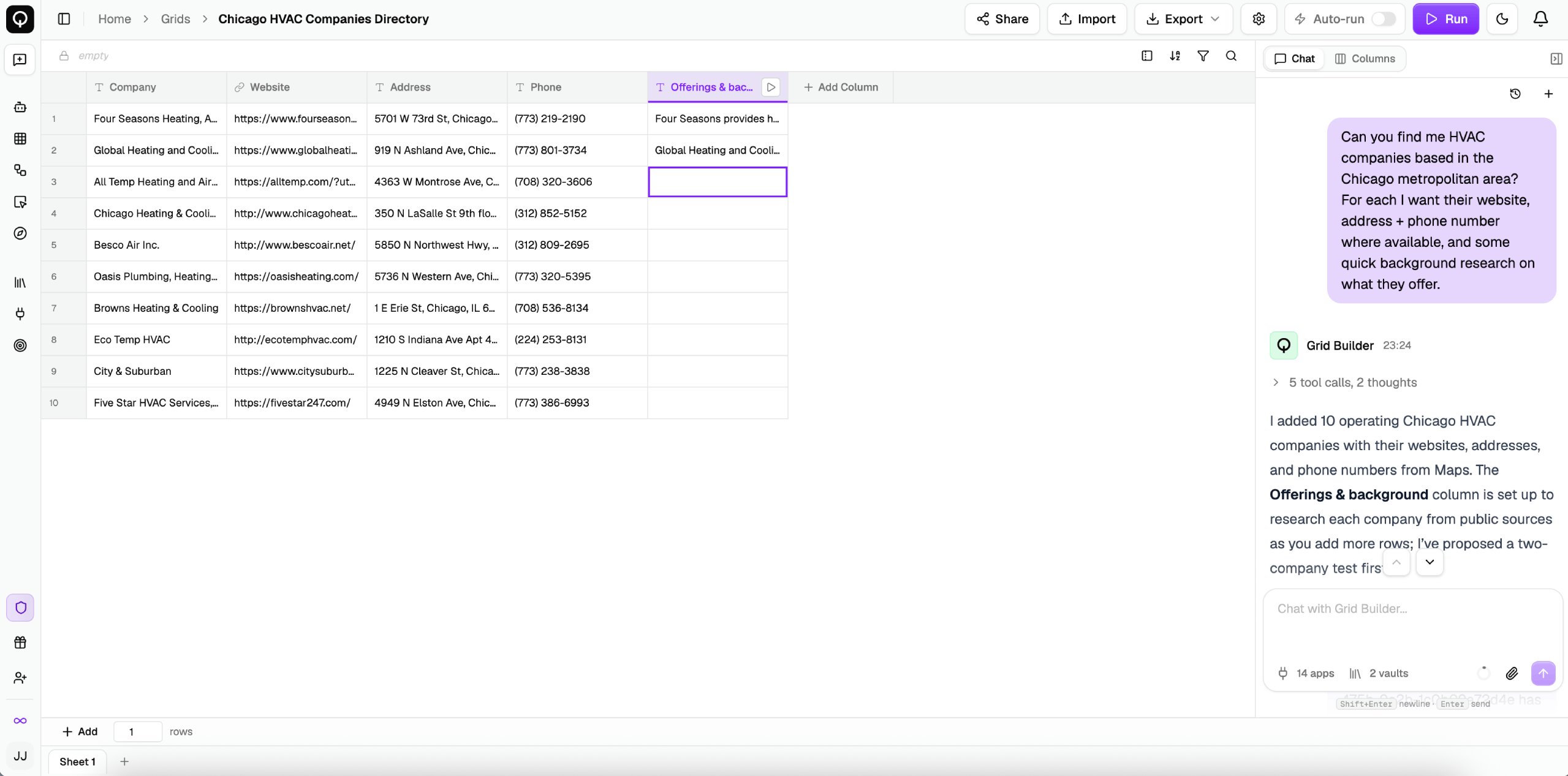
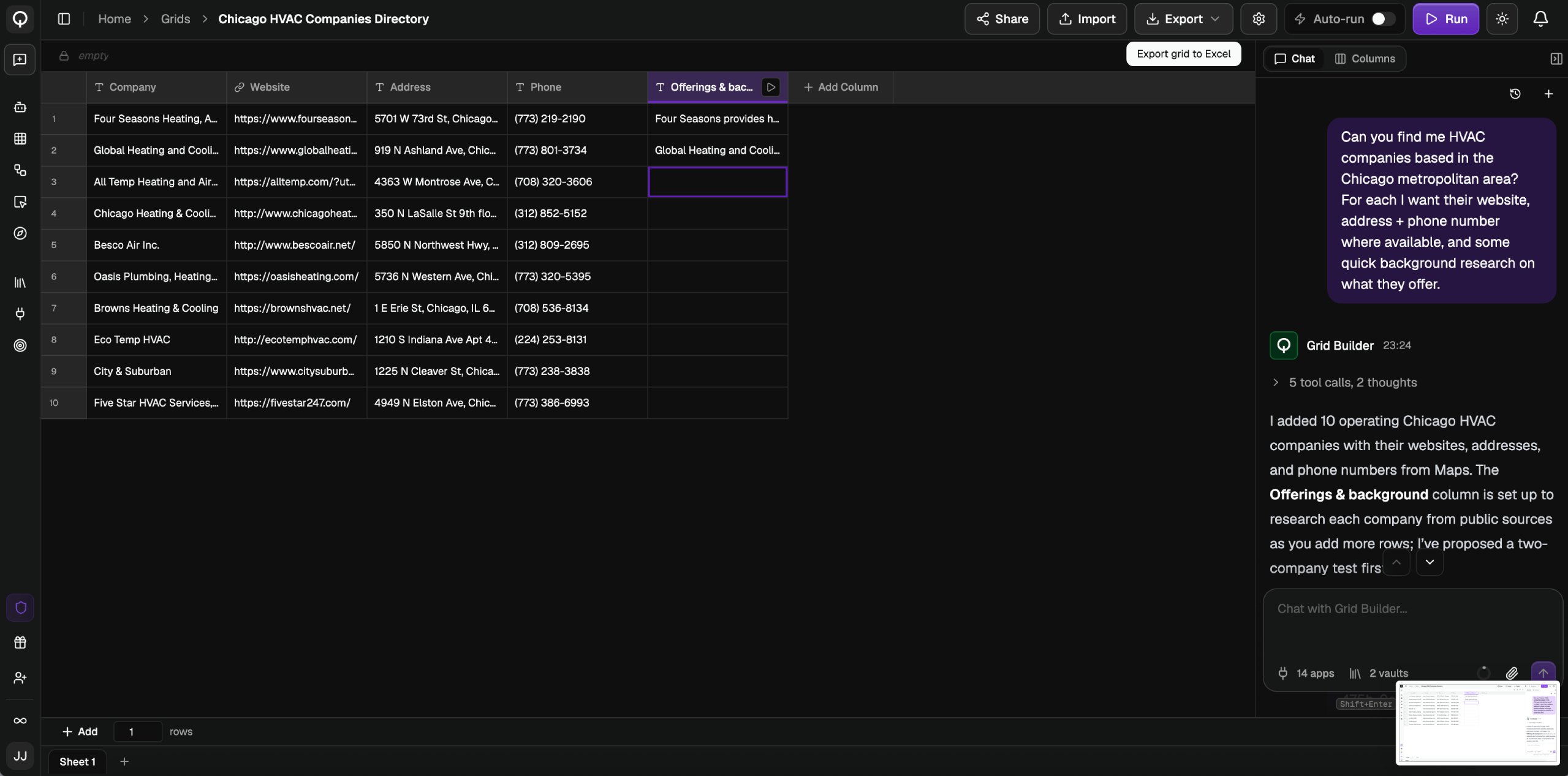
Answer its questions
- A question card appears when it needs a decision from you. Click an option or type your own answer.
- A selection card appears when it needs one of your existing resources, like an app credential or a knowledge vault. Pick one, or connect a new one.
Running
The builder never runs your grid on its own. It shows you what it wants to run and the expected credits, and you approve or reject it. It tests a row or two first, then offers to run the rest. See Running cells. The chat works on the sheet you have open, and an untitled grid is named from your first message.You can also build a grid without opening it. Ask QX in chat, or from any channel, Slack, WhatsApp, Teams, or email, and it builds one for you, then hands you a link.