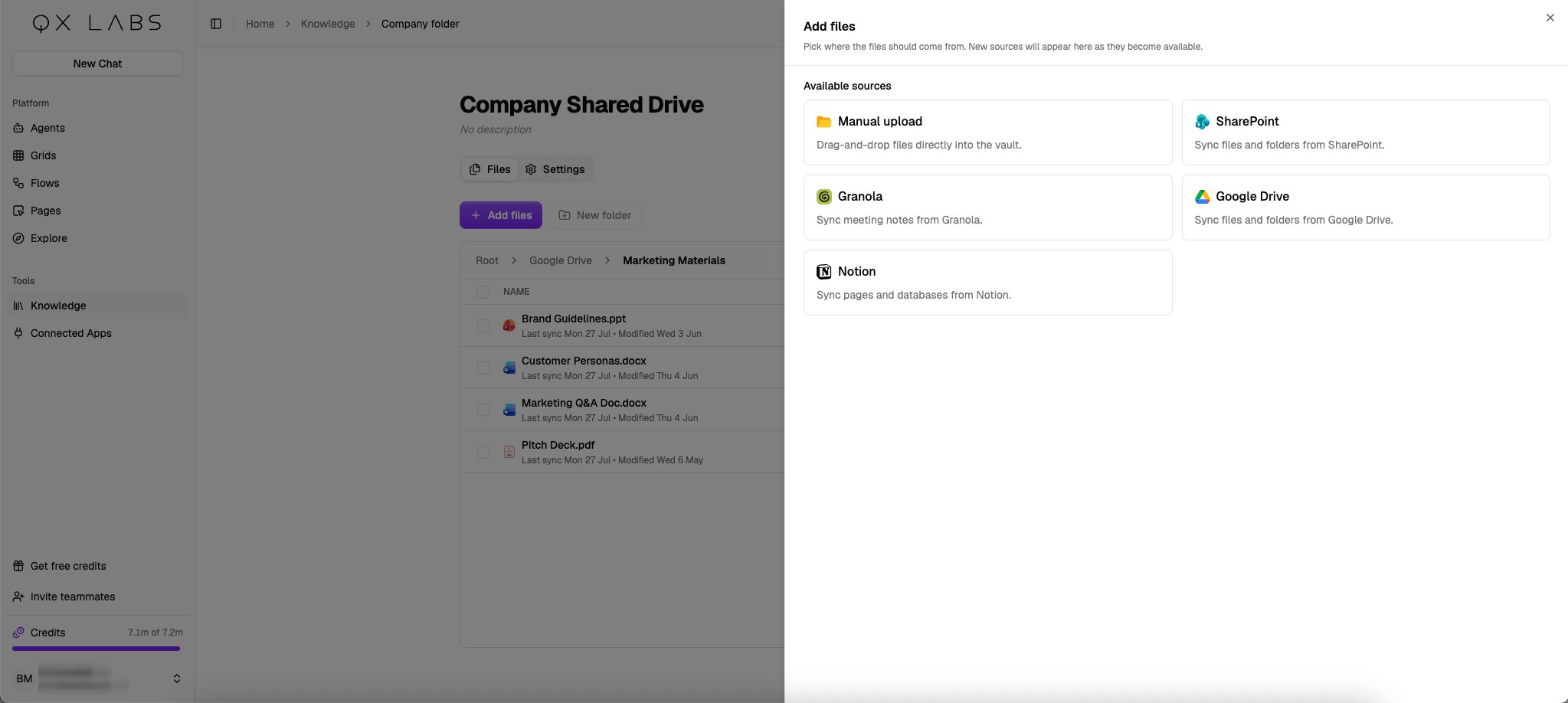
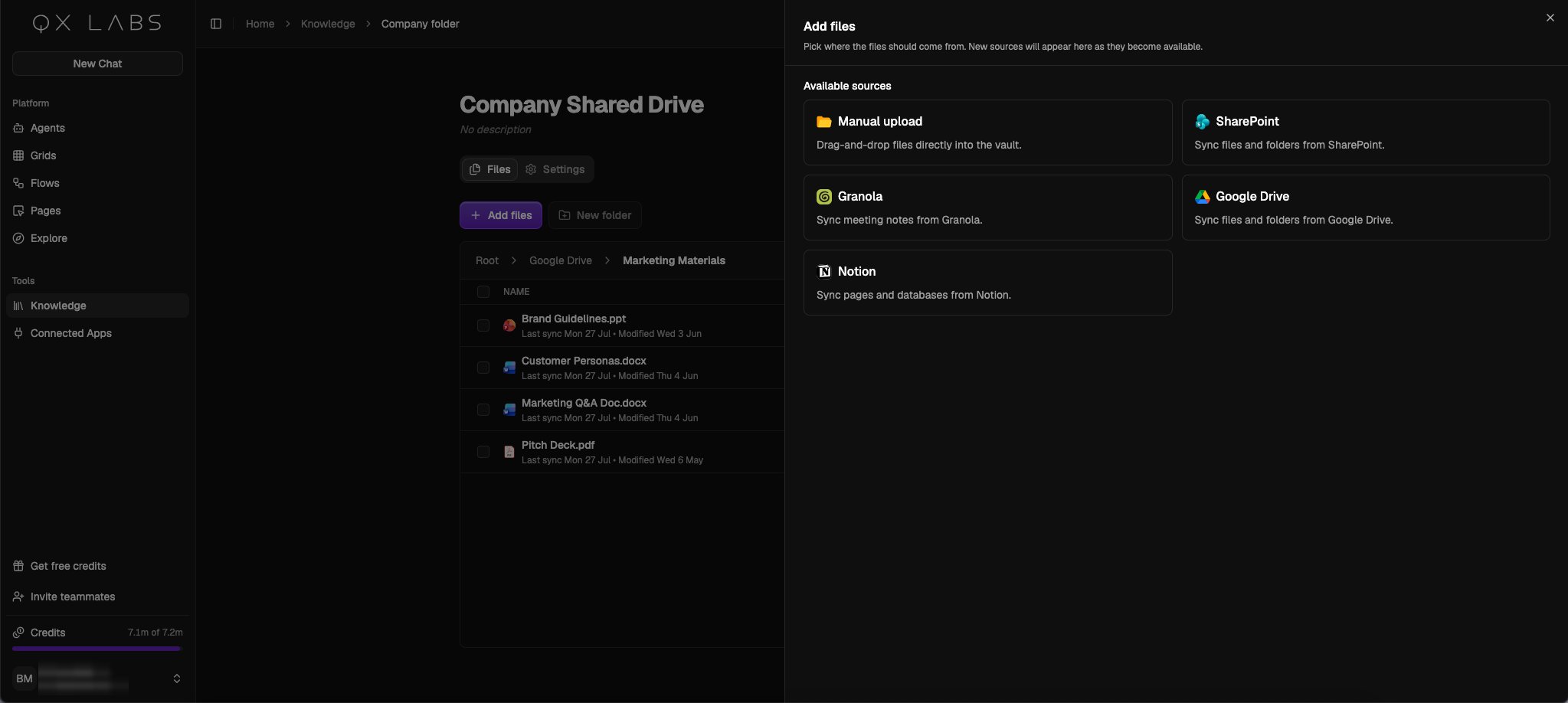
Manual upload
Drag and drop files, or click to browse. PDFs, Word and PowerPoint files, spreadsheets, text files, and images are all supported.Google Drive
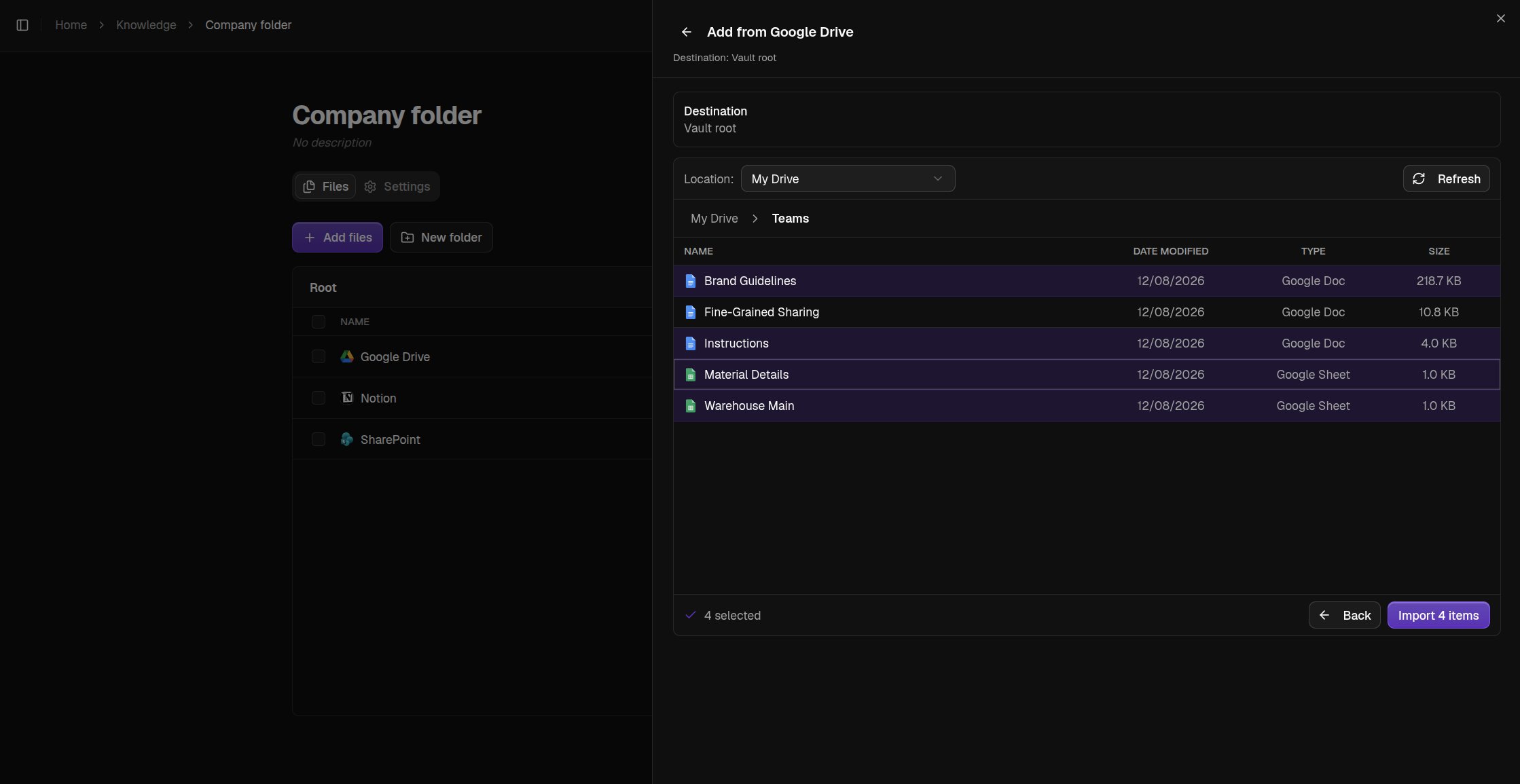
Browse My Drive, Shared with me, or any shared drive, and select the files or folders to bring in. A folder imports everything inside it.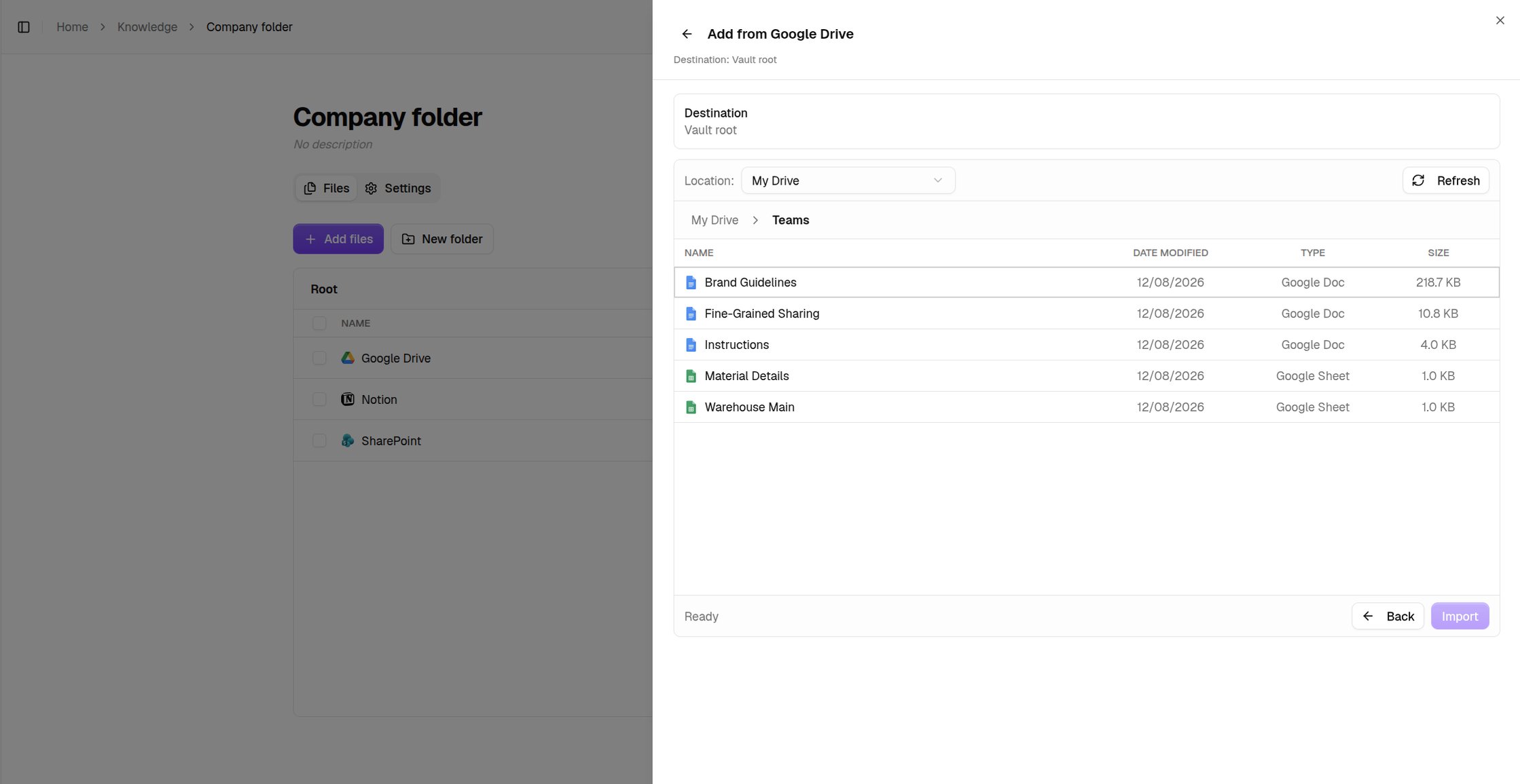
SharePoint
Pick a site, then a document library, then browse and select files or folders the same way as Google Drive.Notion
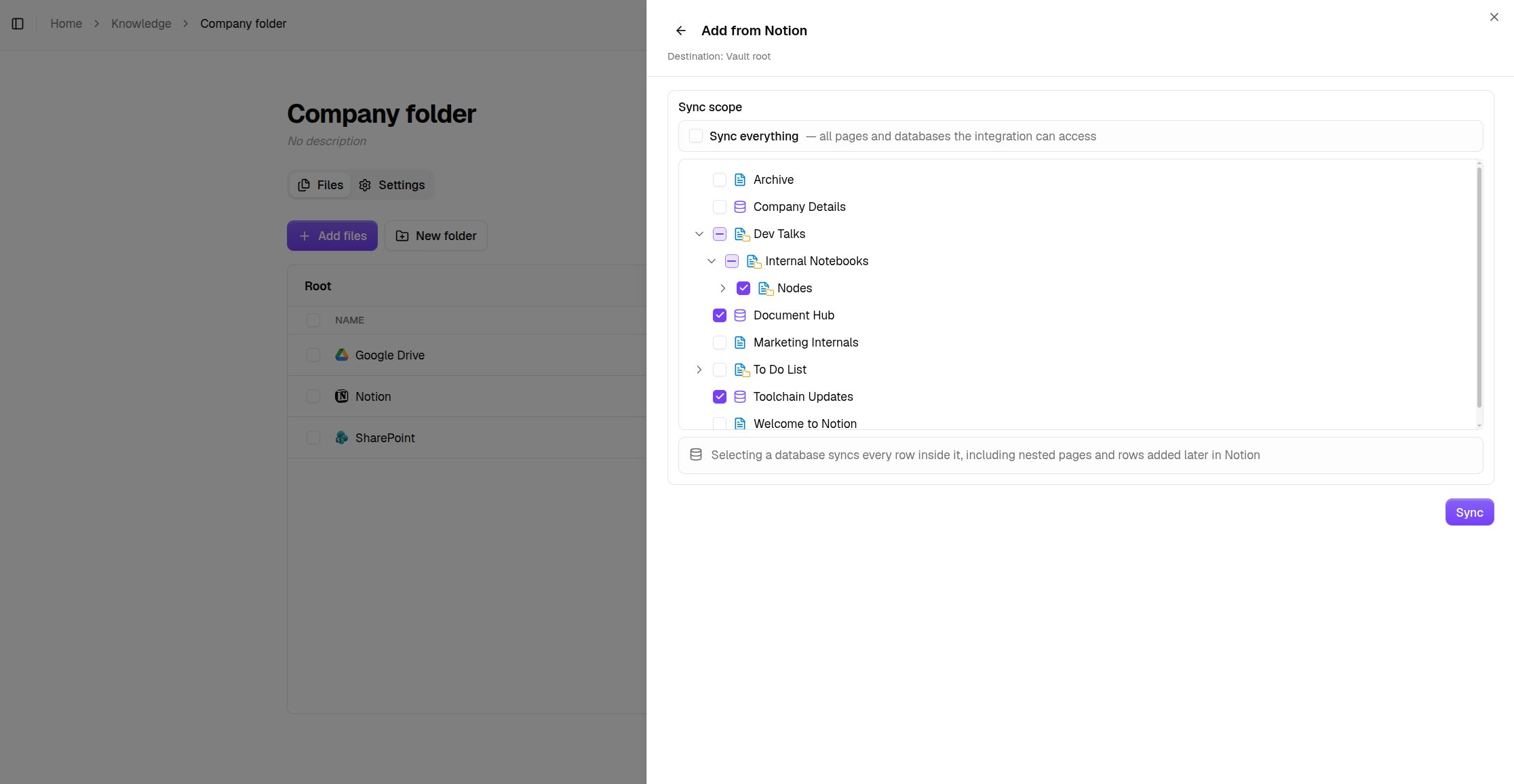
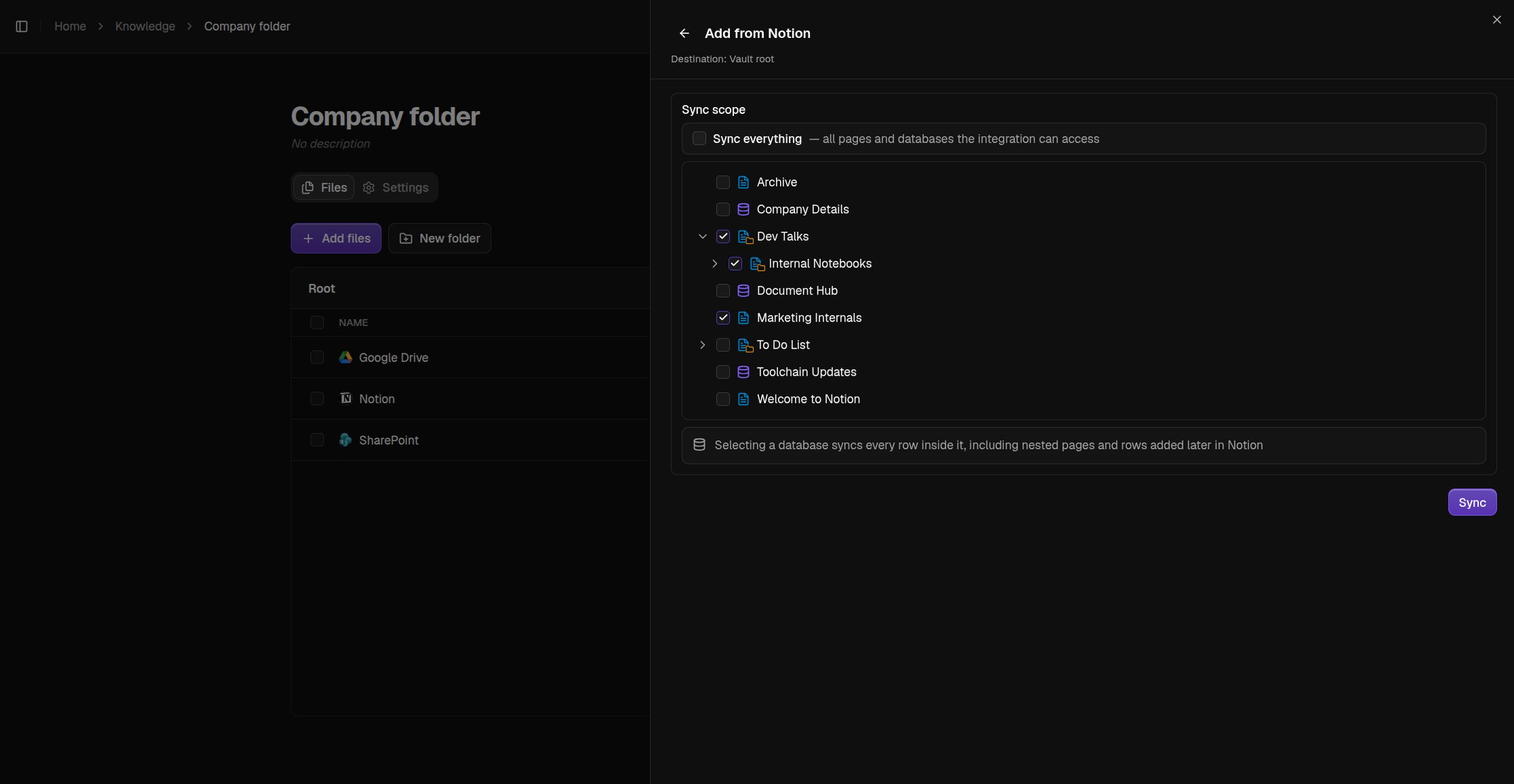
Sync everything, or untick Sync everything and select specific pages and databases. Selecting a database syncs every row inside it, including rows added later. If nothing shows up, share your pages with the integration inside Notion first.