Import
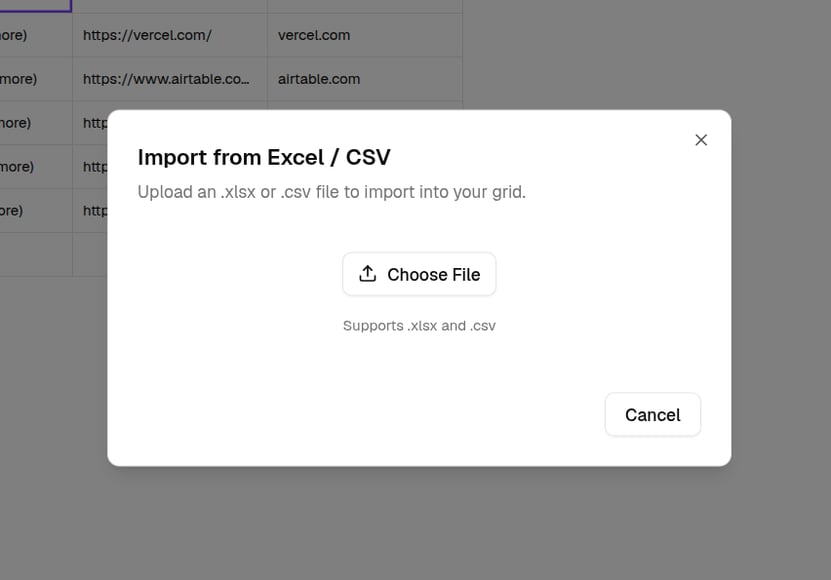
Click Import in the top bar and upload a CSV or Excel file. QX detects the columns, you tick the ones you want, and the rows load in the background. Imported data lands as manual columns, ready for enrichment columns alongside. You can also start a new grid straight from a file, see Create a grid. Or attach the file on the Chat tab and describe the grid to build around it, see Build with AI.