Run
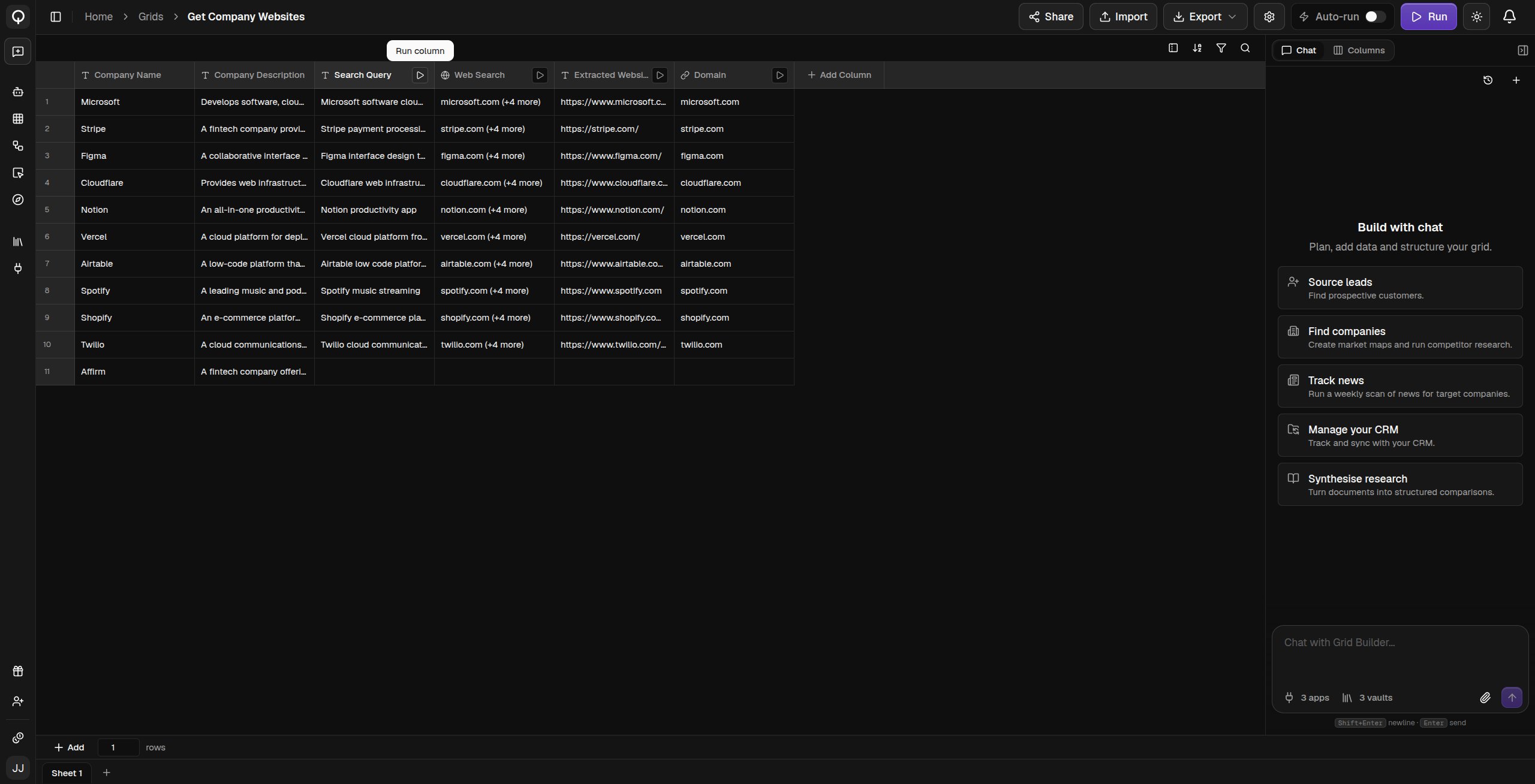
Click Run (⌘Enter) in the top bar and choose Run all rows or Run stale & empty cells only. You can also run a single column from the play icon on its header, one row from the play icon on its row number, a selection through right-click and Run Selected Rows, or a single cell from its detail panel. Progress shows in the top bar, and Cancel stops anything still running.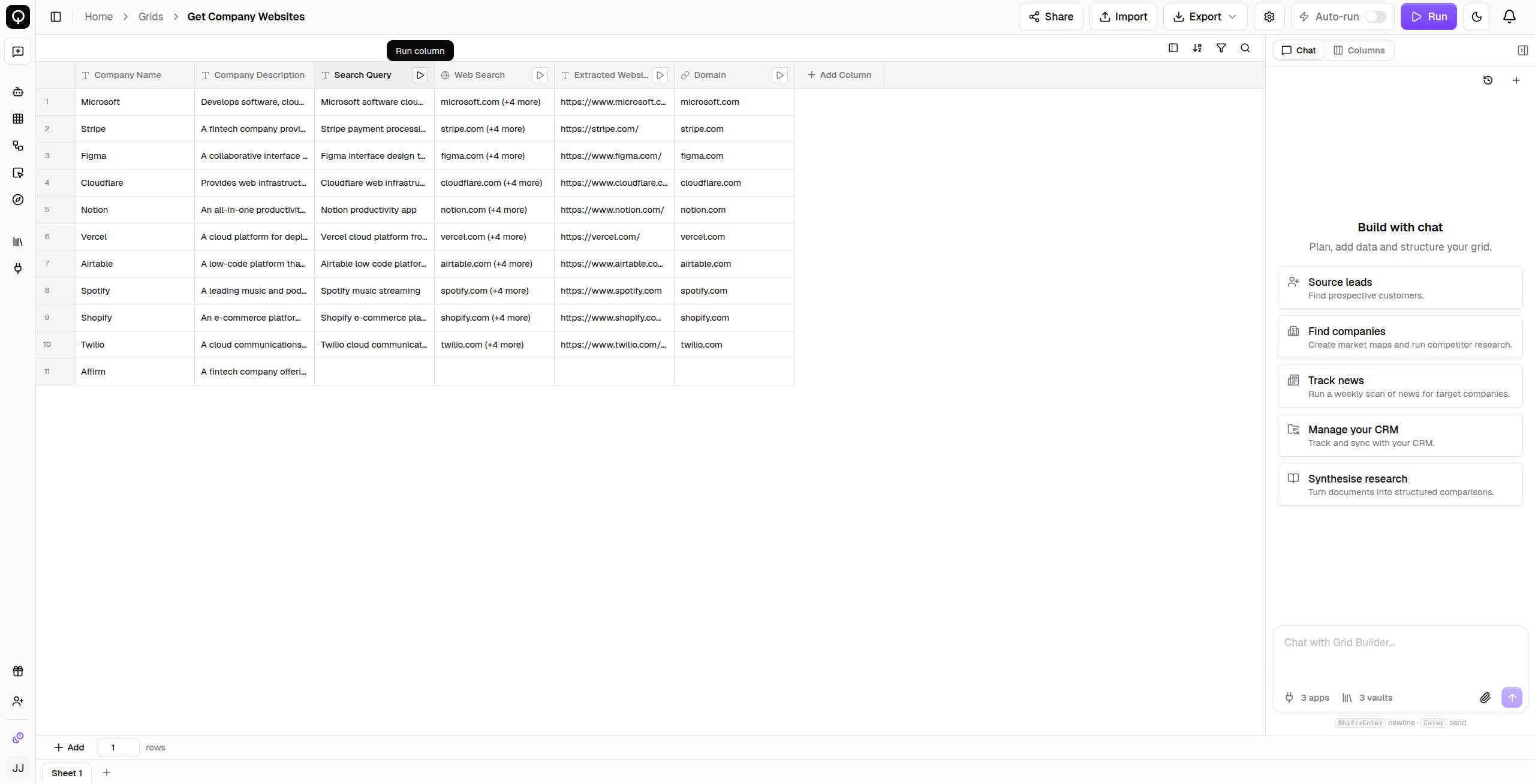
Cell statuses
A running cell moves from Pending to Processing to Completed. The others tell you something needs attention:- Stale means an upstream value changed, so the value shown is out of date until the cell runs again. Nothing recomputes on its own, so run the grid again when you want those cells refreshed.
- Skipped means the column’s run condition was false for that row, or a waterfall found its answer in an earlier step.
- Error means the run failed. Open the cell to read the message.
- Invalid means the value does not match the column’s type.
Inspect a cell
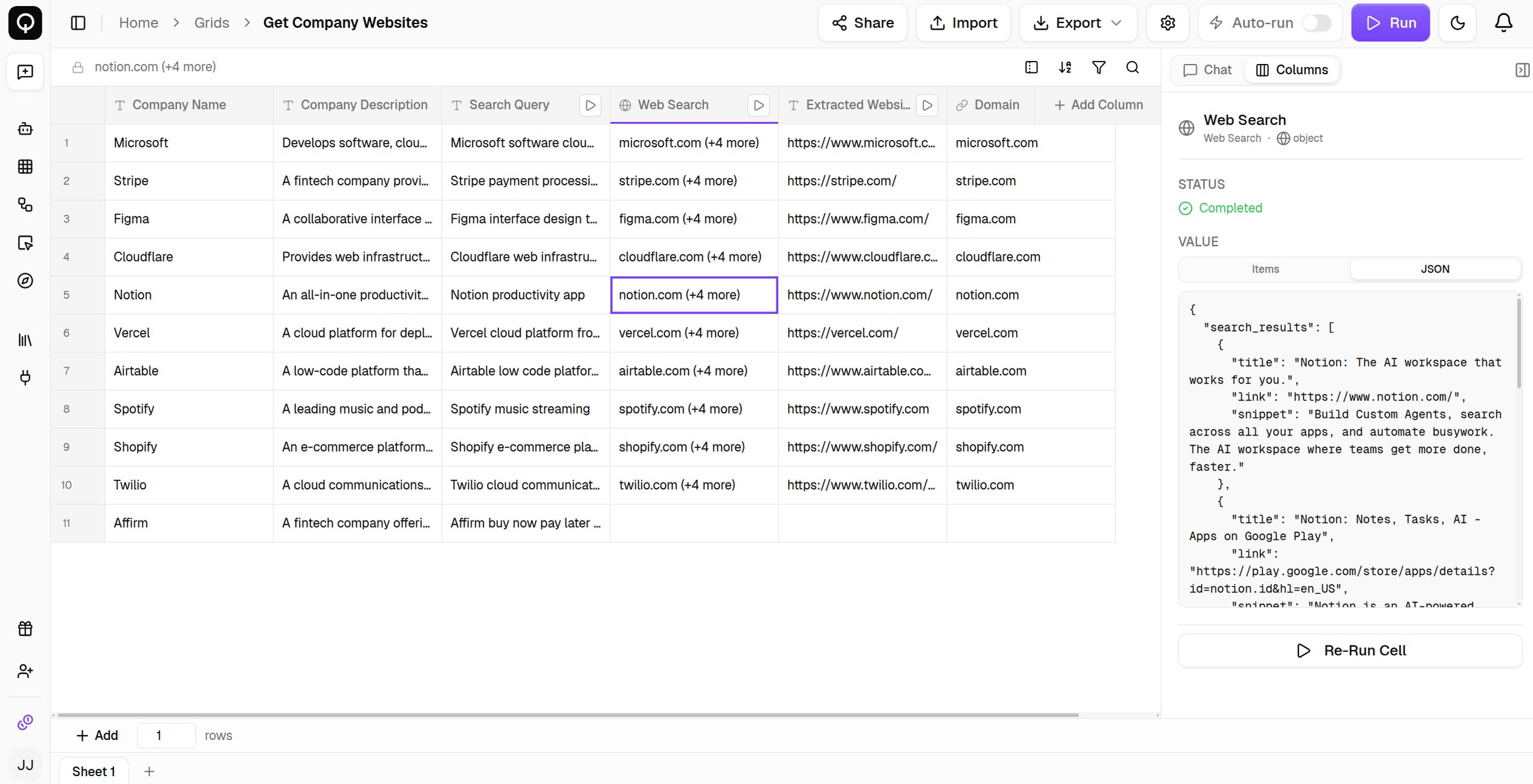
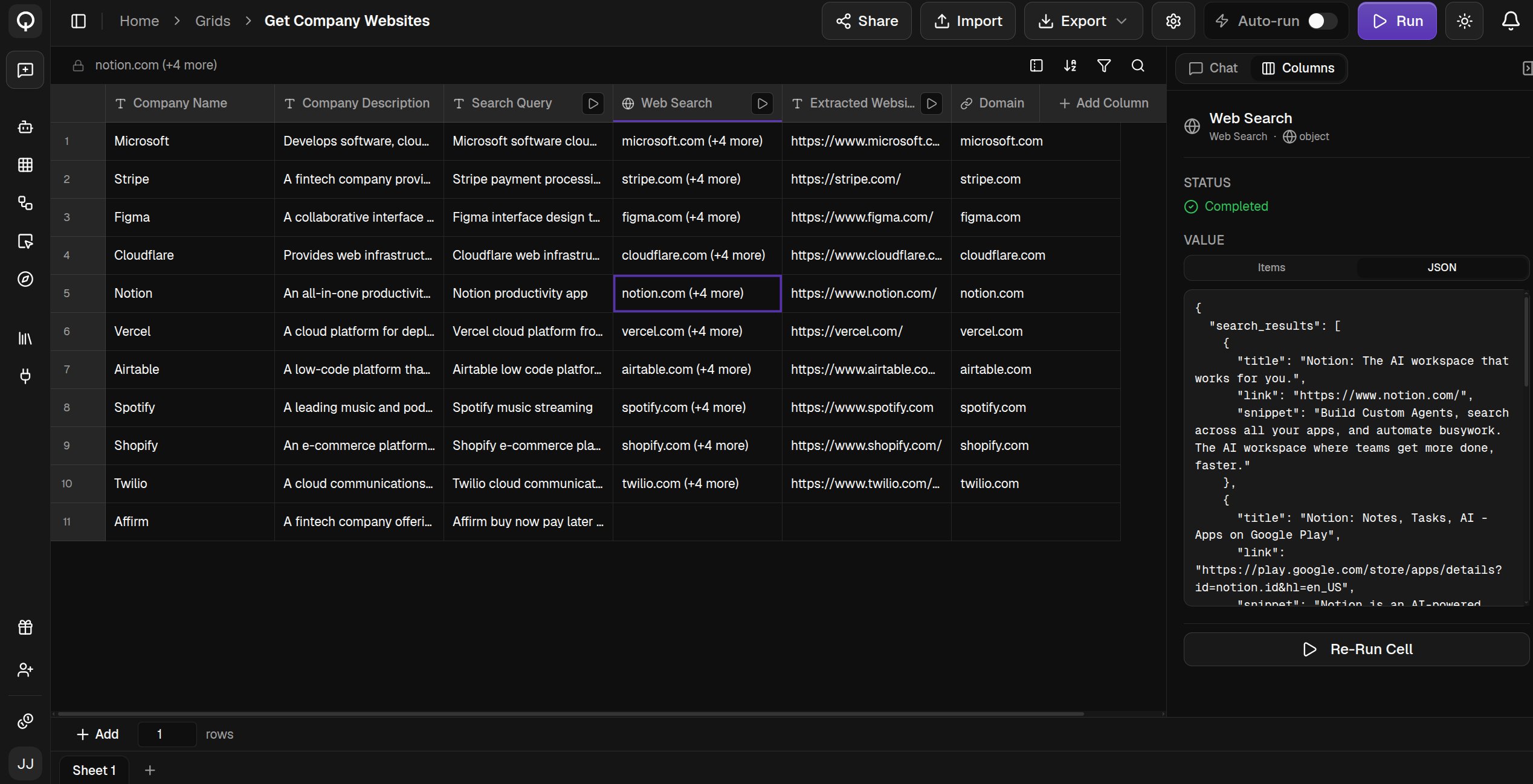
Double-click any cell to open its detail panel: the status, the full value, and the error message if something failed. Rich results appear as an expandable object you can click through, links and emails are clickable, and Re-Run Cell runs just that cell again once you have fixed its inputs.