These processors get raw data into your grid, typed by hand or pulled out of files. Manual Input is the column you type into directly, and the one your imported data lands in. It is the only processor where you pick the column’s data type: Text, Number, Boolean, Date, URL, or Email.

Reading files

Read PDF, Read Word File, Read PowerPoint, and Excel to Markdown each turn a document into text, one file per cell. An empty cell shows an Upload button. Add the file, press the play icon to process it, and the cell becomes the document’s text, ready for AI columns to extract from or summarize. Processing consumes the file, so to redo a cell you upload the file again.
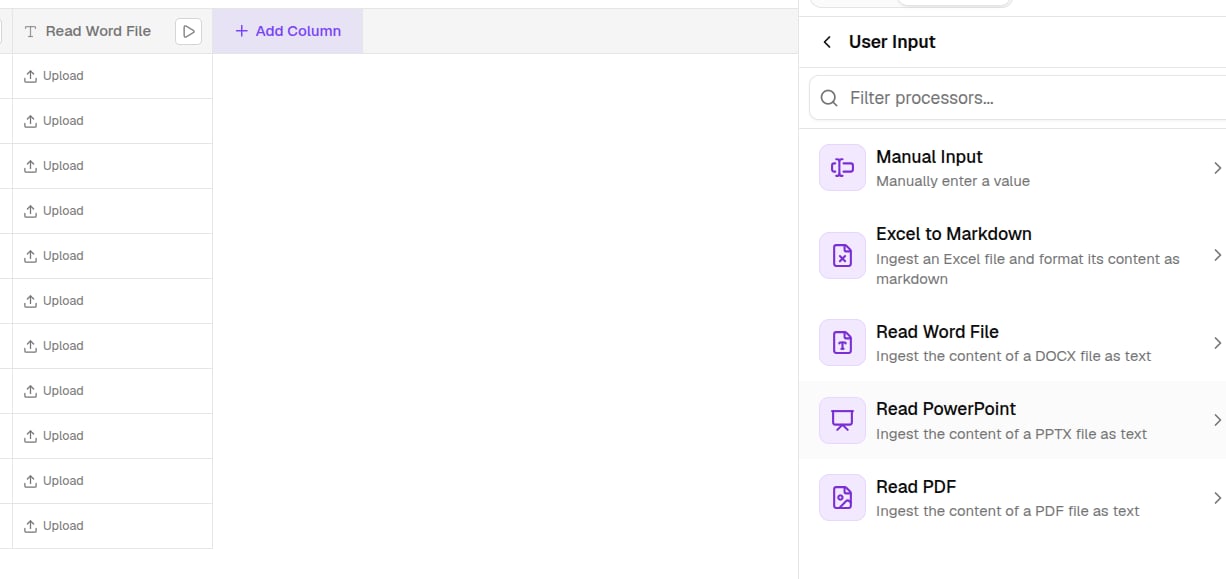
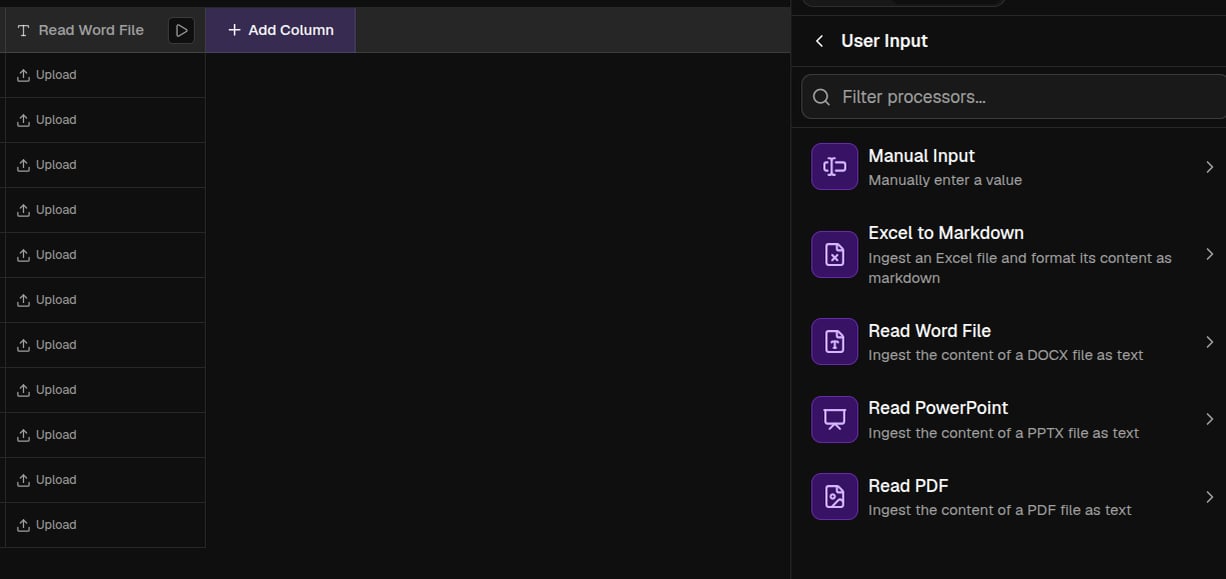
A file upload cell with its upload and process controls
Read PDF has two modes. Normal is fast text extraction, and AI Vision reads the pages visually for scans, tables, and charts, at a higher credit cost.