Each row shows the flow, how the run ended, and when it happened. Filter by status to find the failures, or by execution type to separate full runs from node tests.
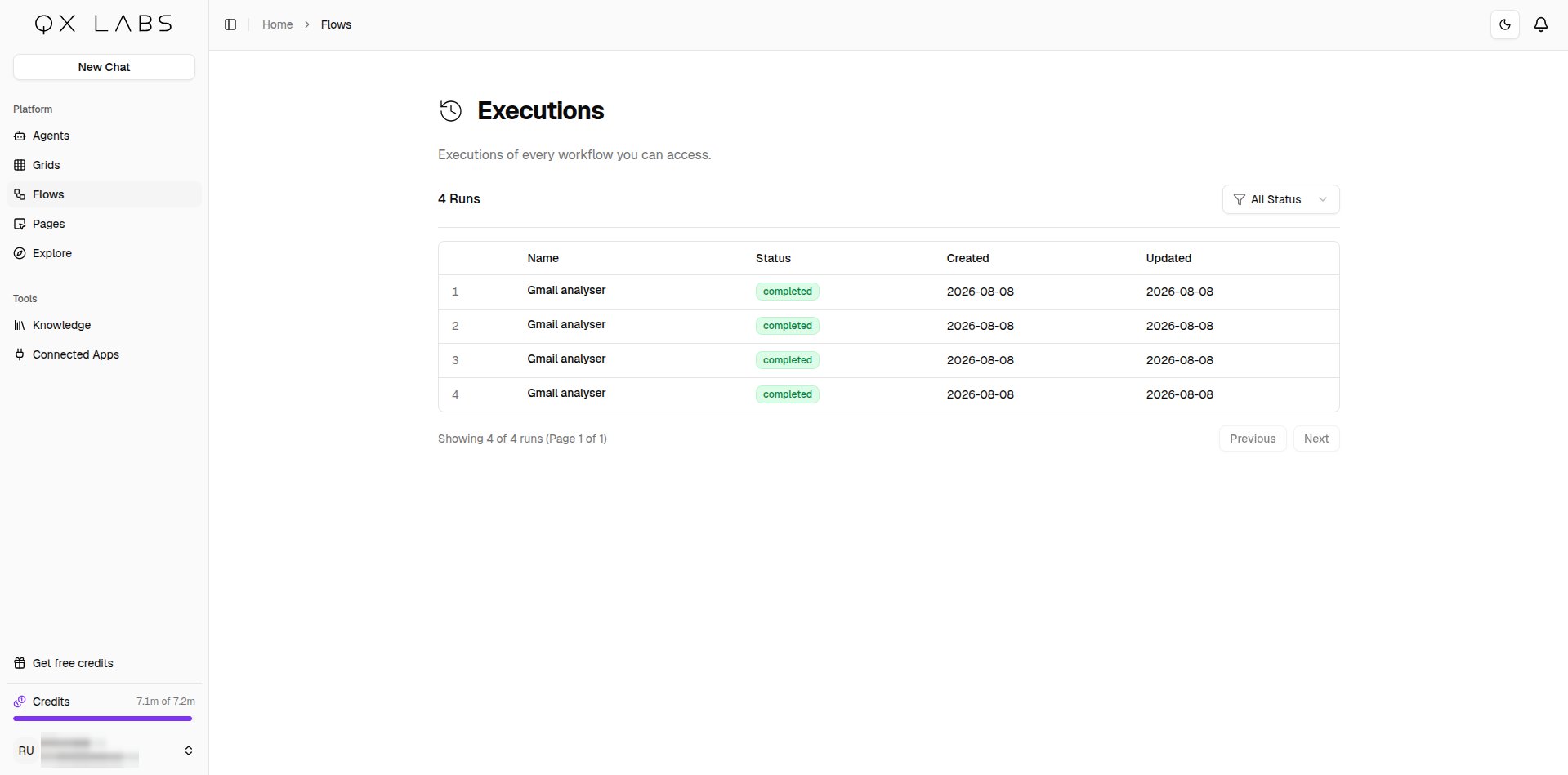
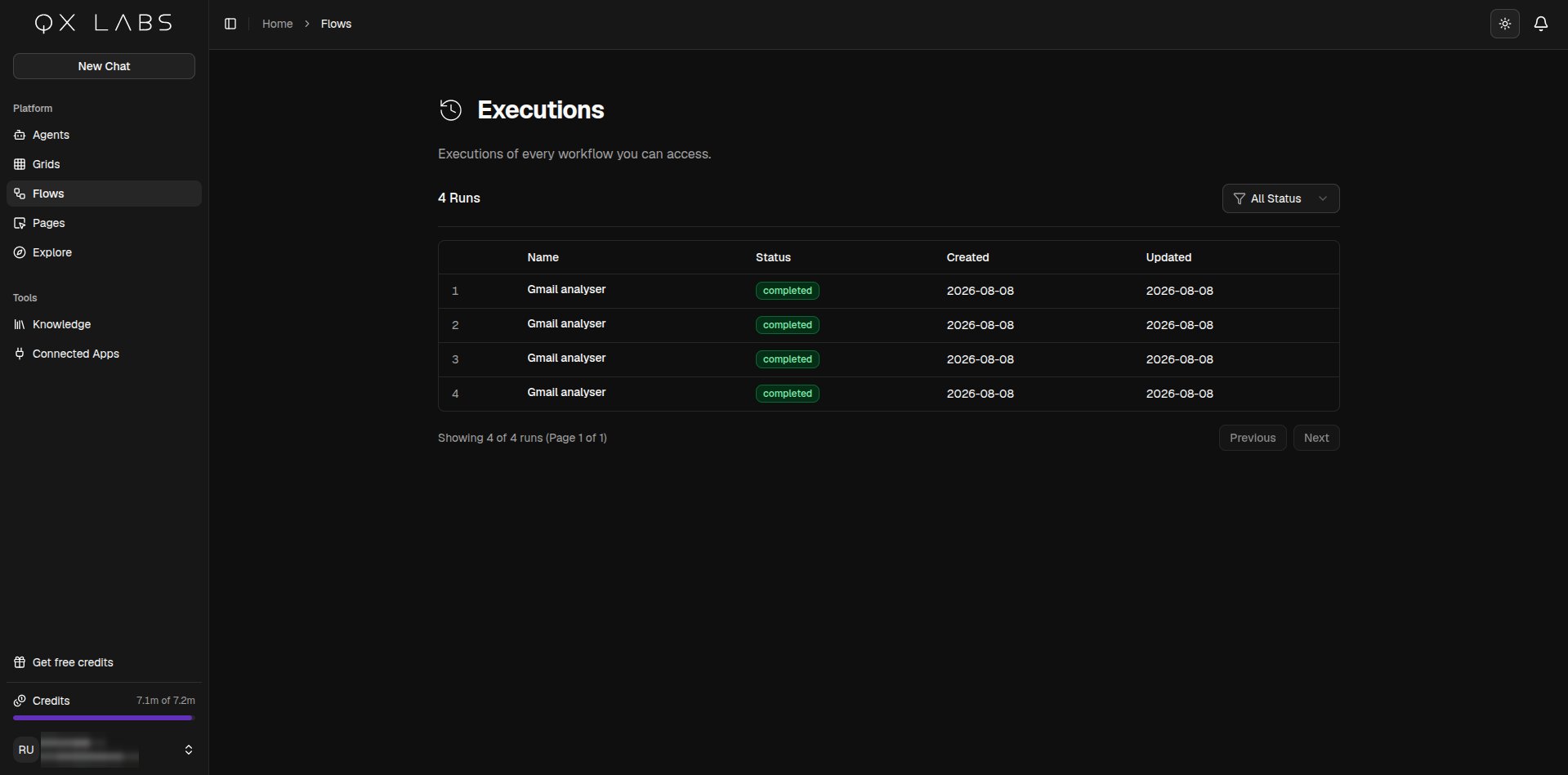
Click any run to open it in the builder with that run’s results loaded, node by node, in the same Progress and Output panes you see during a live run. This is the quickest way to work out why a scheduled or triggered run did not do what you expected.If the run used an older version of the flow, you get that version on the canvas with a banner telling you it is outdated. Click View Latest Version to return to your current flow.
⌘I
Assistant
Responses are generated using AI and may contain mistakes.