Run a flow
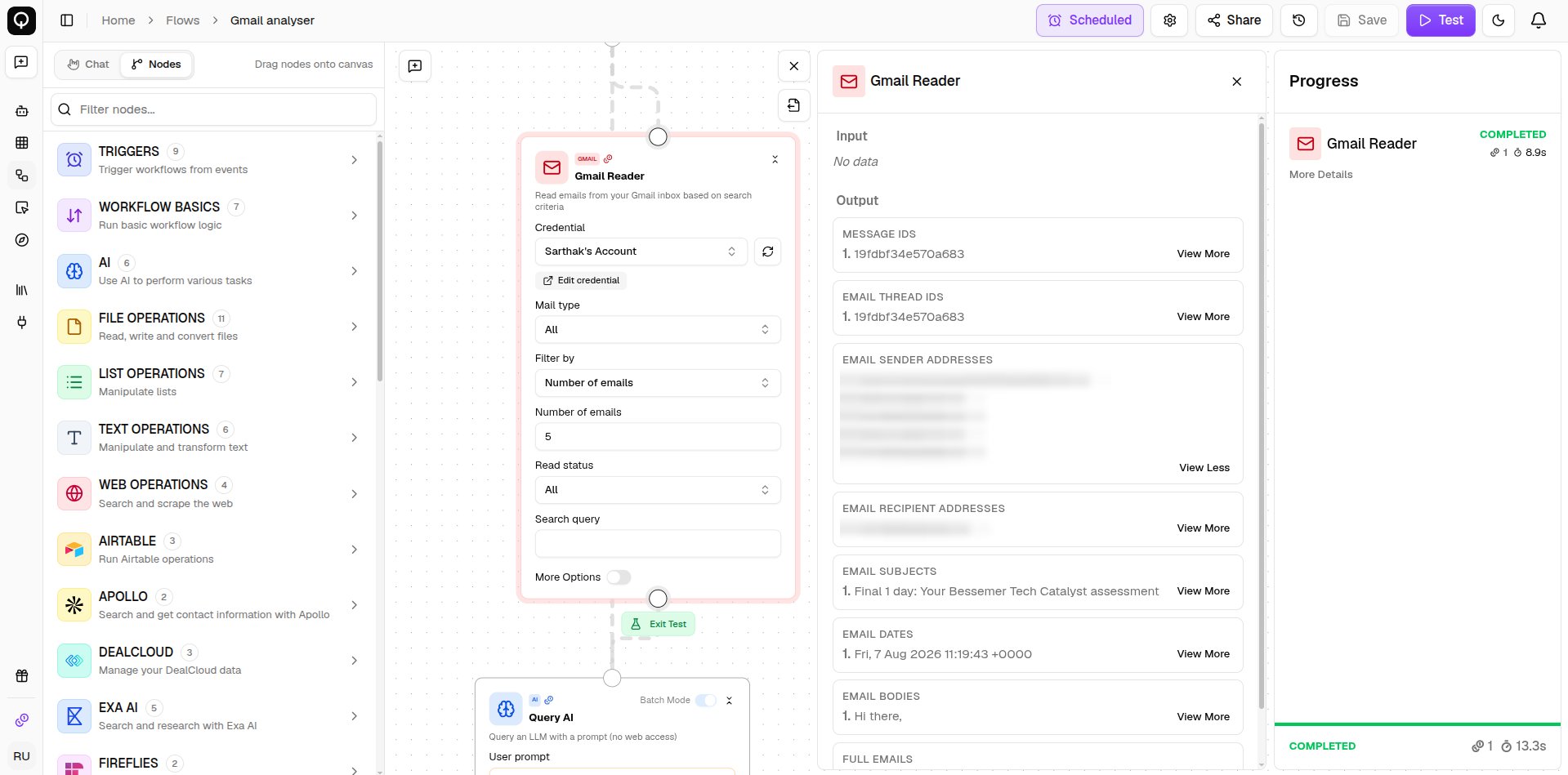
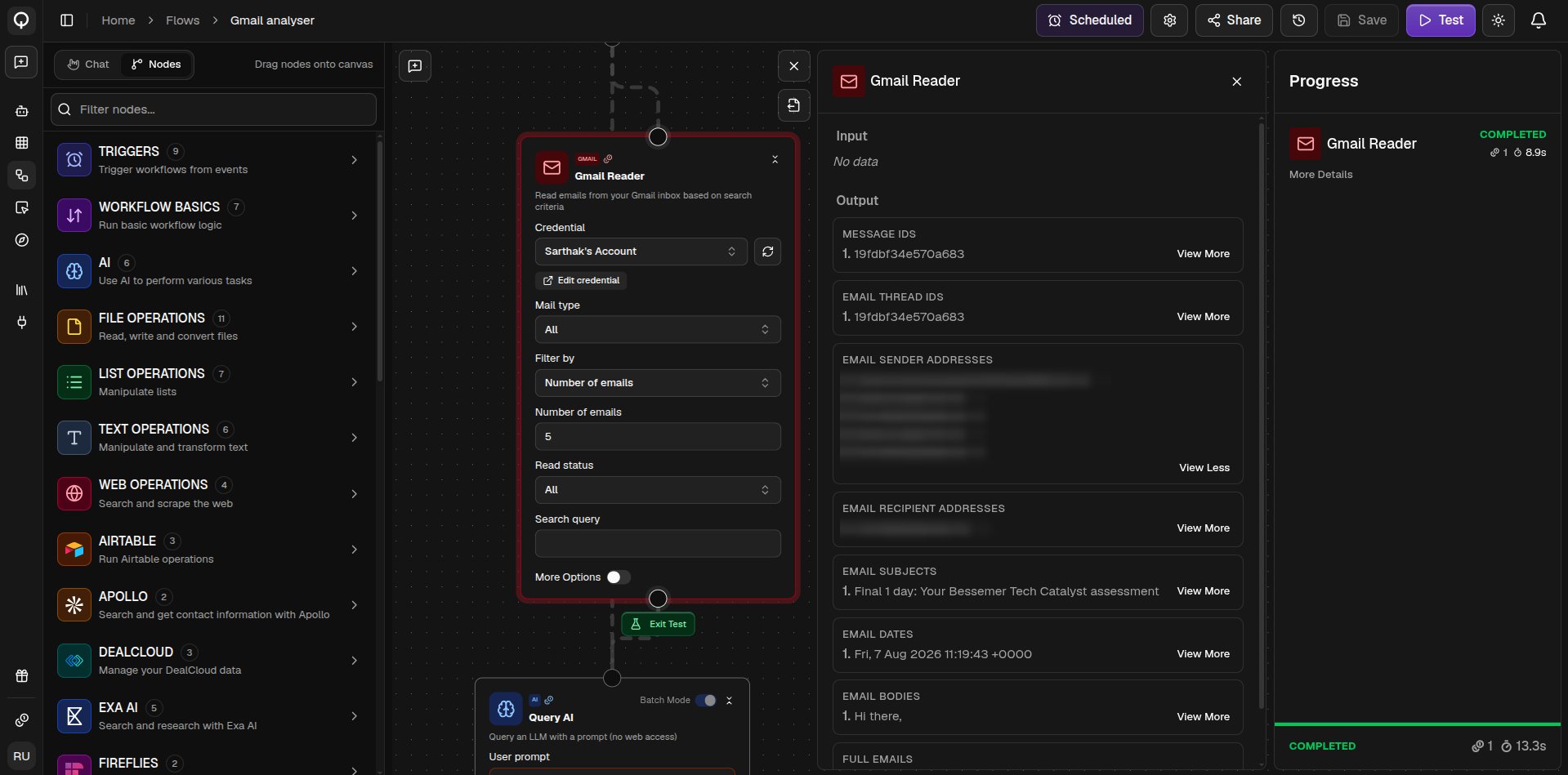
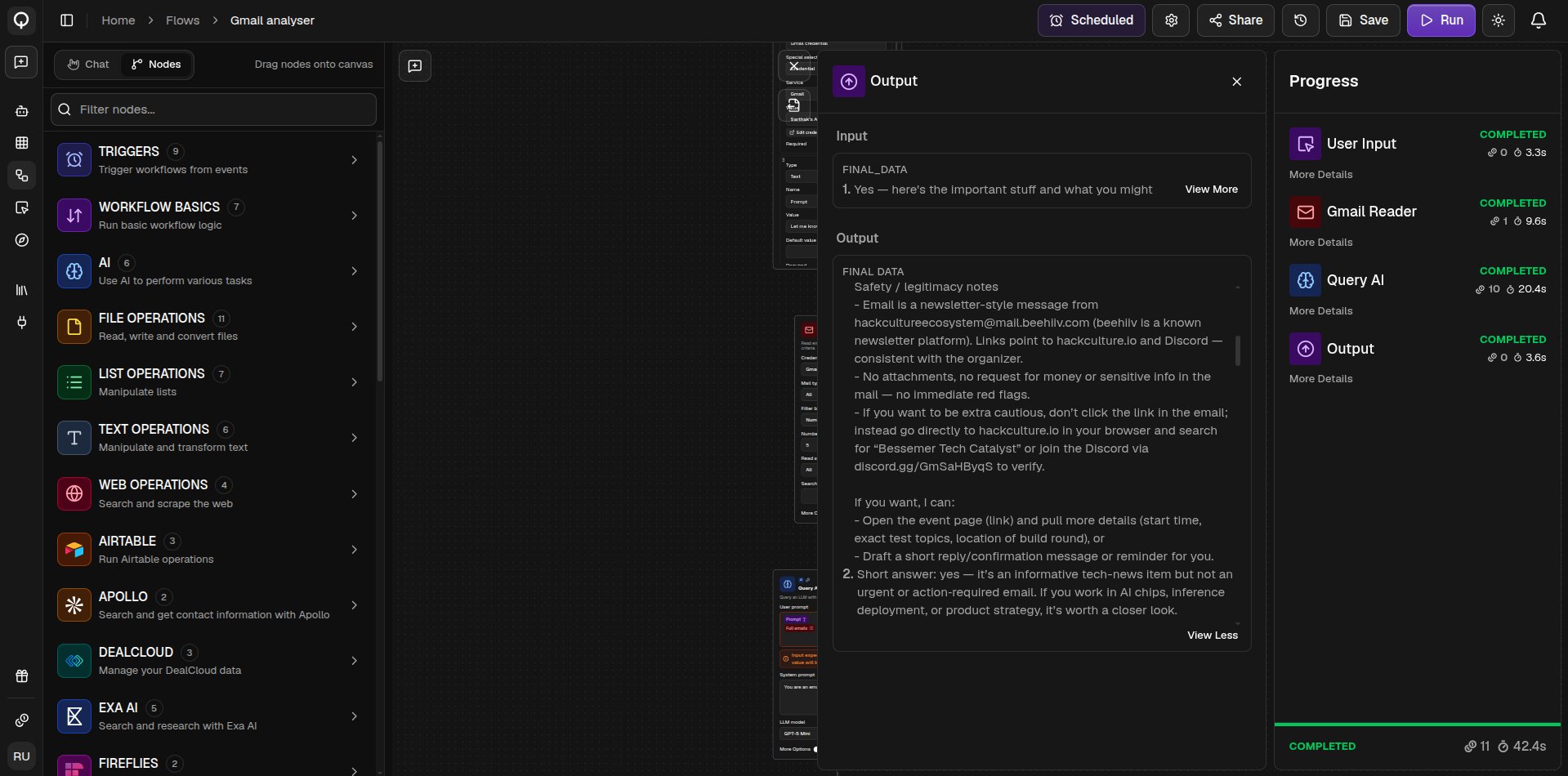
Click Run (⌘Enter) in the toolbar. The Progress pane opens and lists each node as it runs, with its status, credits used, and time taken, and you can open More Details on any node to see its inputs and outputs. The Output pane shows the flow’s final results. While the flow is running you can Pause execution, then Resume execution to carry on from where it stopped, or Cancel execution to stop it for good. If a run fails partway, Retry from failure point picks up from the node that failed instead of starting over. After any run, hover a node and click Re-Run From Here to run from that node onward, reusing the results the earlier nodes already produced. A node that fails turns red on the canvas with the error message above it. Missing credentials stop a run before it starts and name the nodes to fix.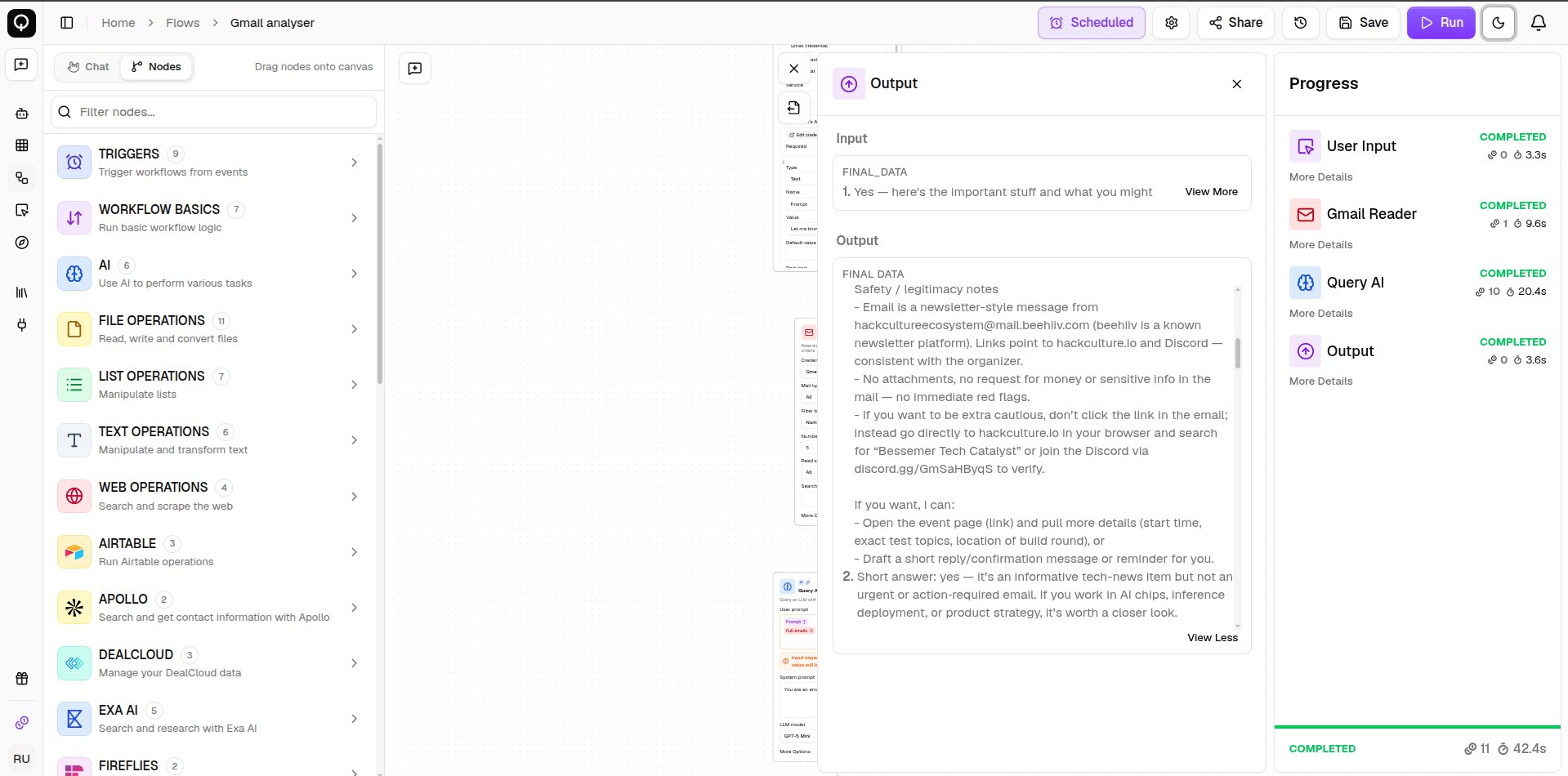
Test a single node
Testing is a quick way to check one node does what you expect before running the whole flow. Hover the node, click Test Node, type sample values into its fields, then click Test. A test runs that node on its own, so it does not receive real data from the nodes above it. Anything you wired in shows up as a placeholder for you to replace with a sample value. Nothing you type during a test is saved.