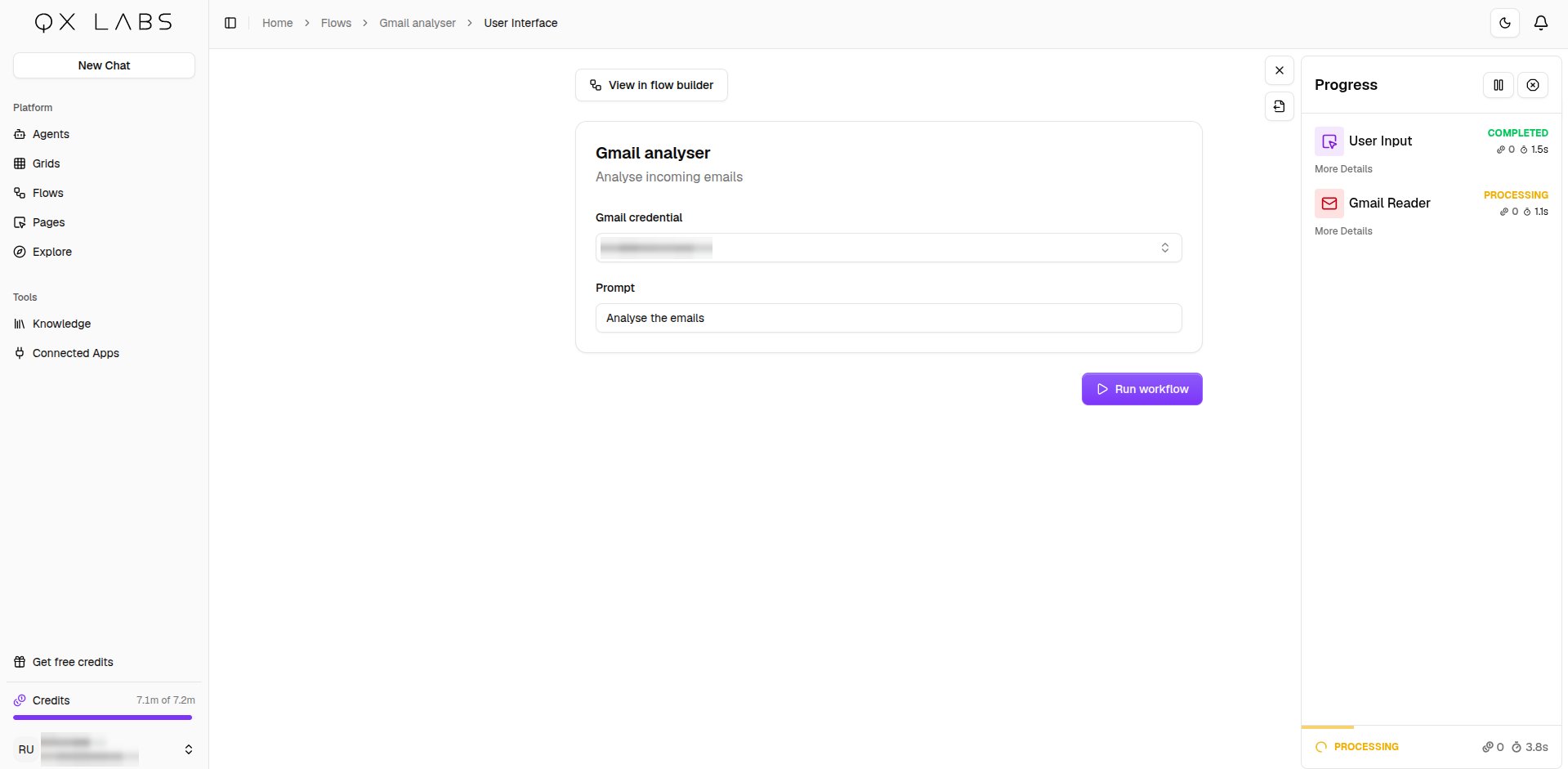
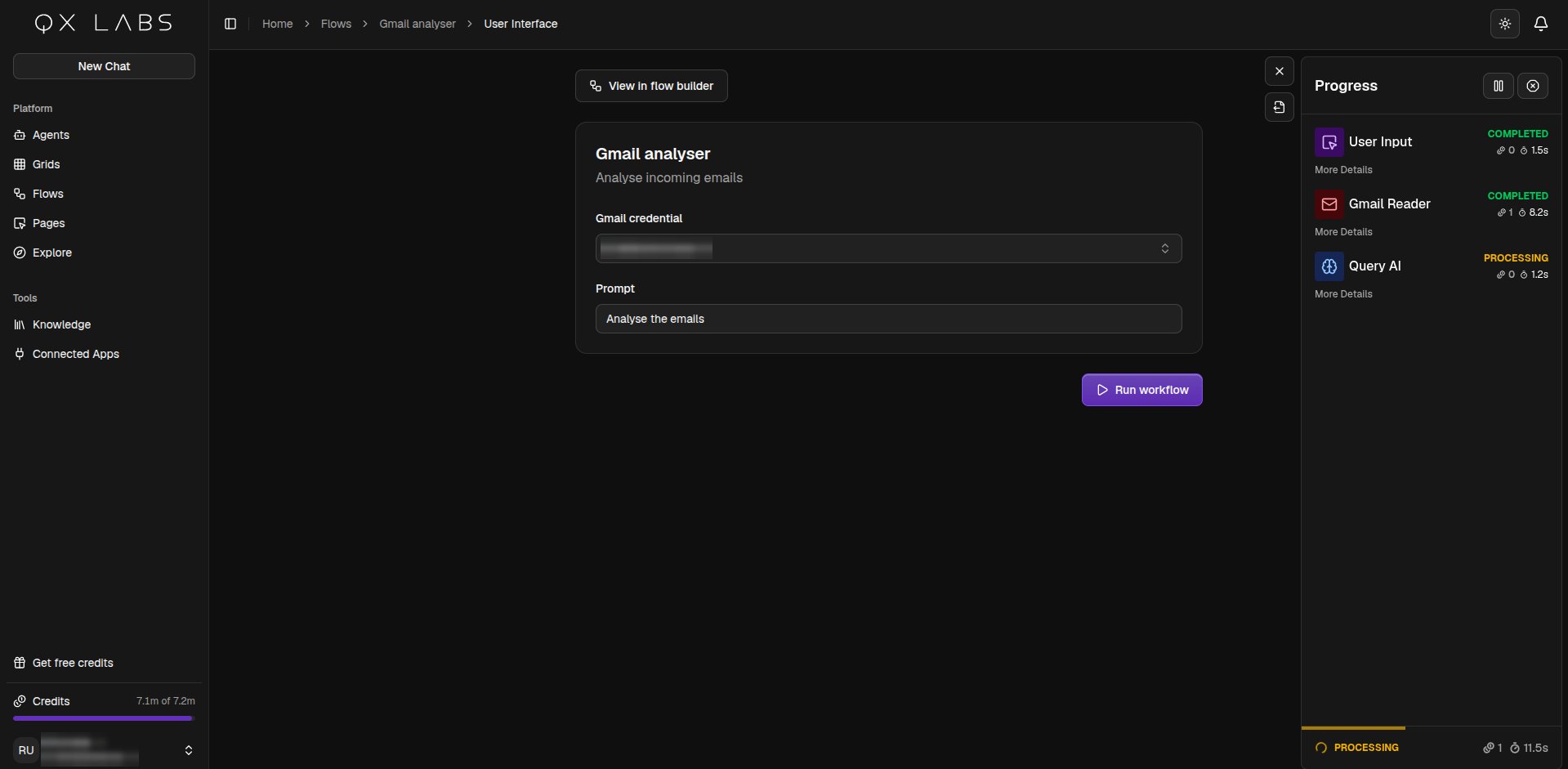
Give a flow a simple web form so anyone on your team can run it by filling in a few fields, without ever opening the builder.

Add a form to your flow

Add a User Input node to your flow and switch on Access via user interface. Give the page a Name and a short Description, then add a field for each value someone needs to provide. Each field’s Name becomes its label on the form, and you can mark fields required or give them a default.
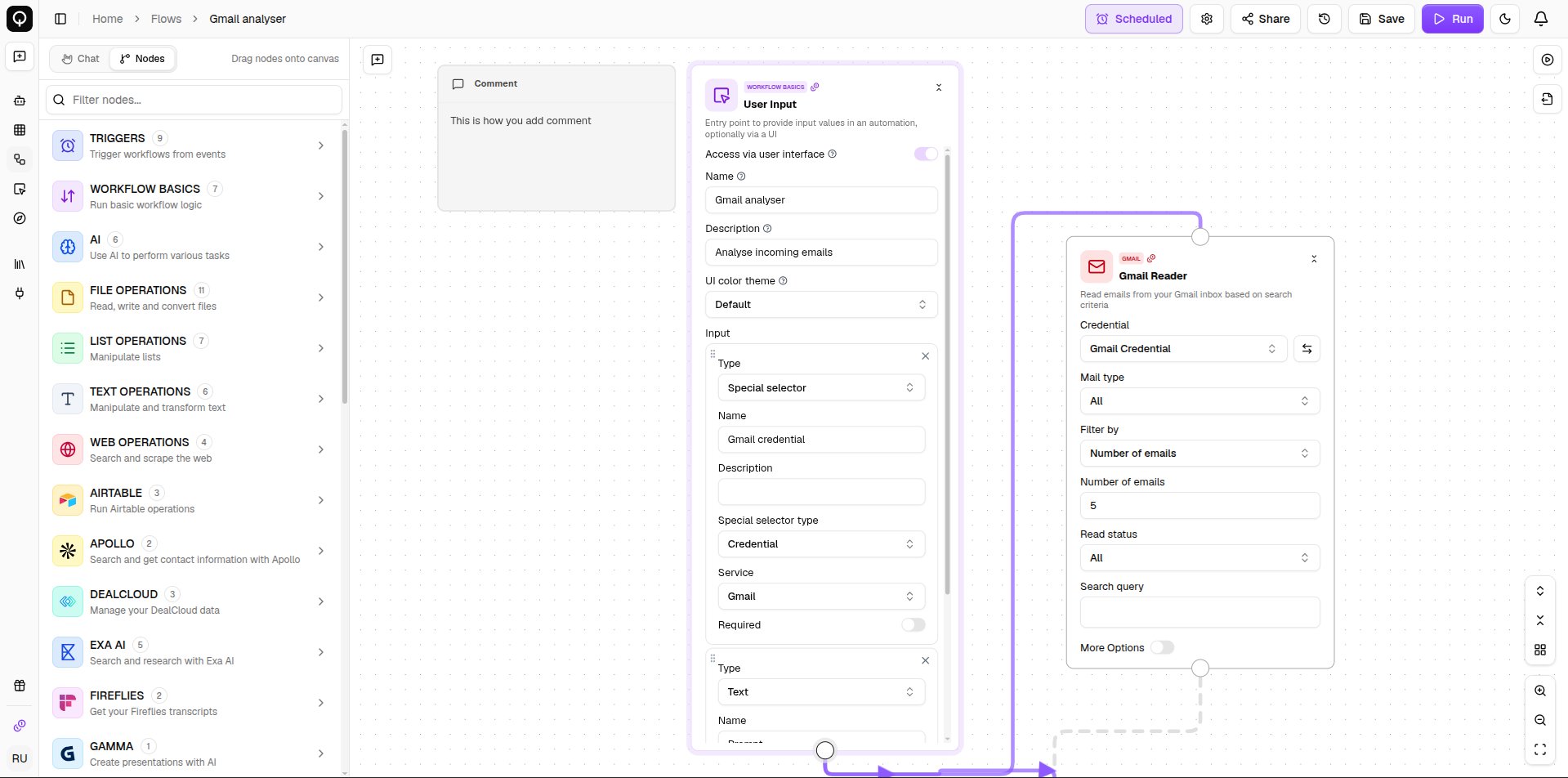
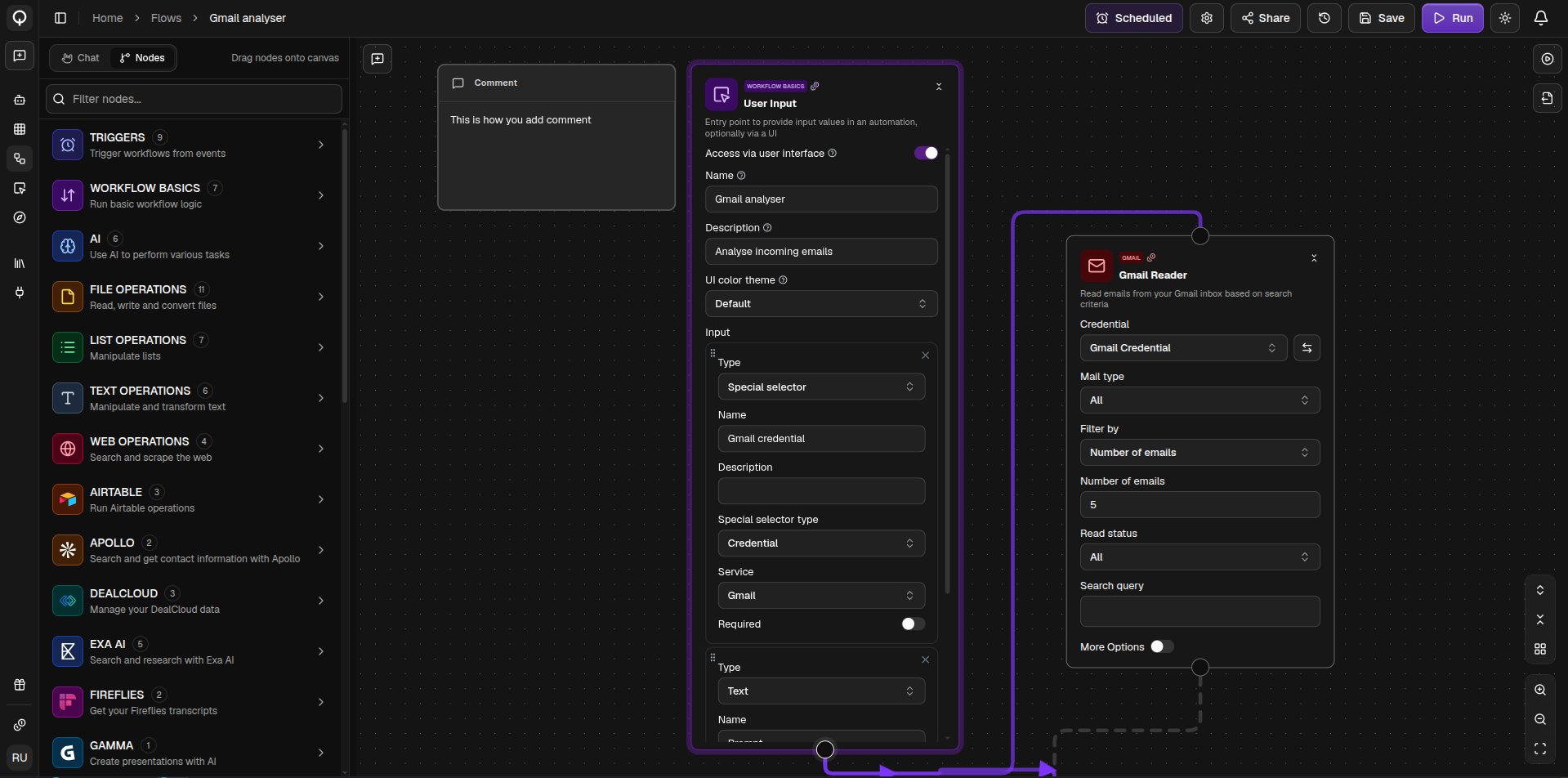
A User Input node with the user interface option turned on and its fields configured
Open the form from the View User Interface button in the top-left of the canvas, or from the Flows list. Fill it in and run it, and the same progress and output you get in the builder appear right on the page through Show Run Progress and Show Output. A View in flow builder link takes you back to the canvas. Share the flow with your organization or specific people and they get this form to run, no builder knowledge needed.
A flow's user interface page with its form fields and run button