Schedules
Save the flow and set its status to Active in Settings, then click Schedule Flow in the toolbar. Pick how often it should run, along with the time and your timezone. Schedule at shows what you picked in plain language.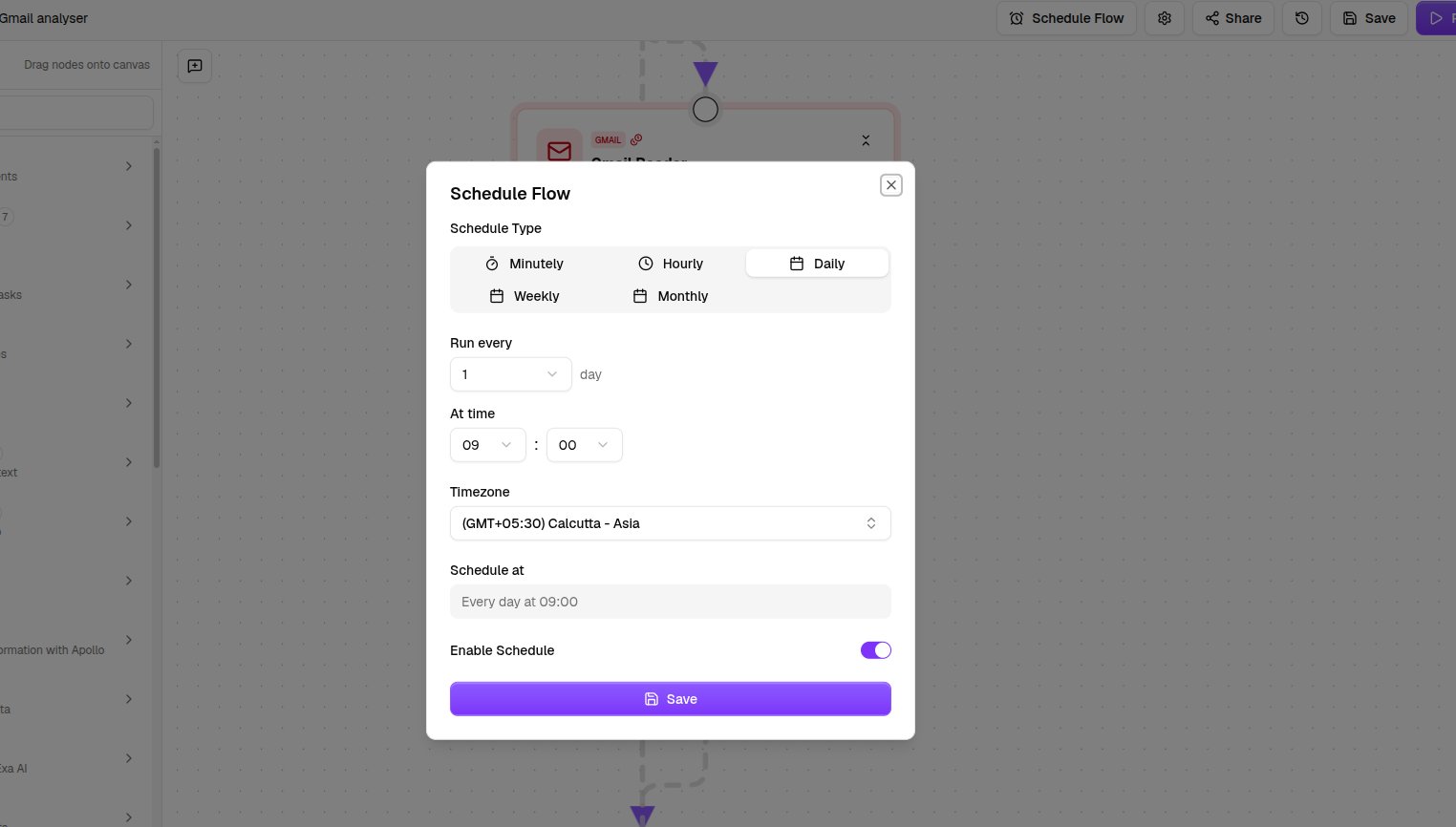
Triggers
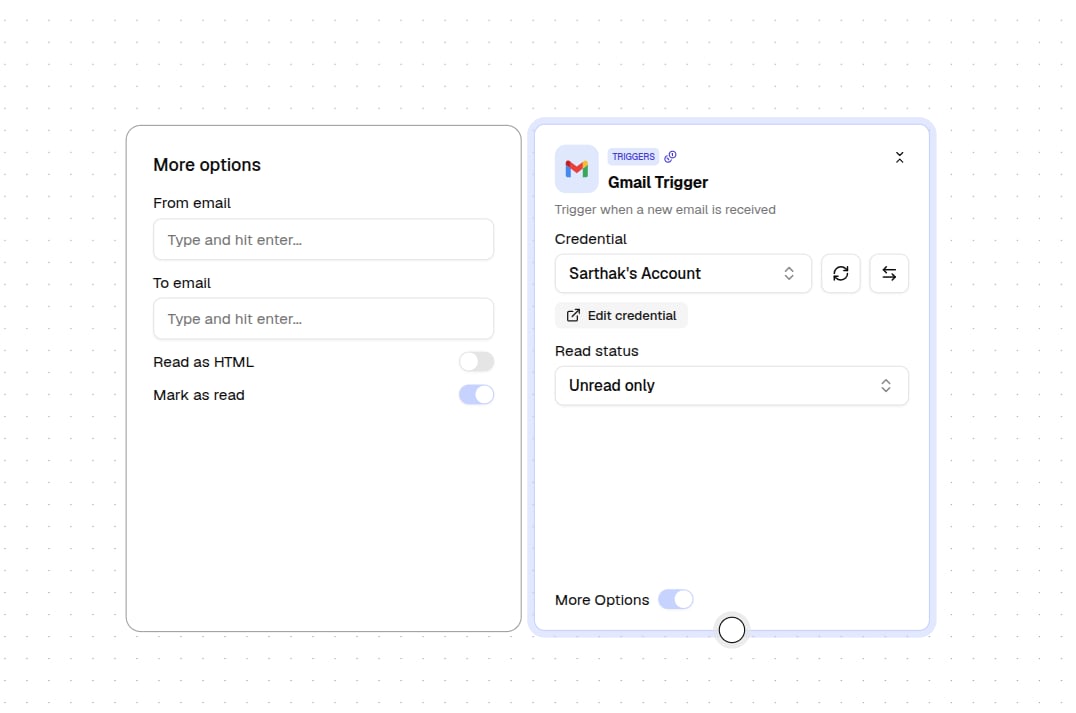
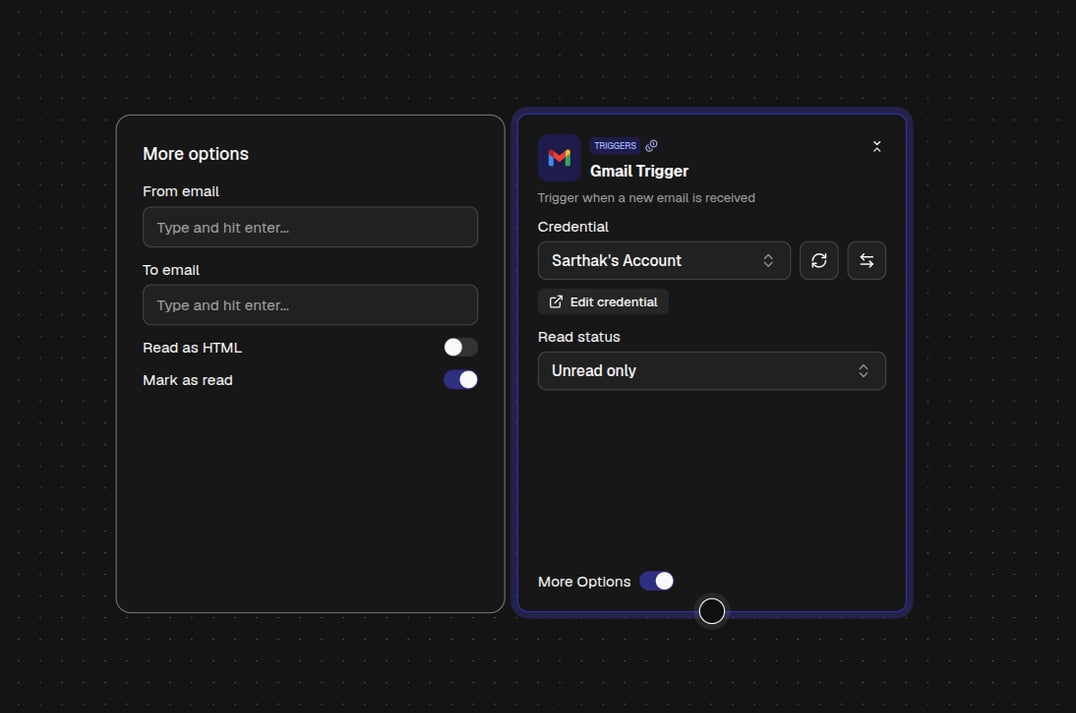
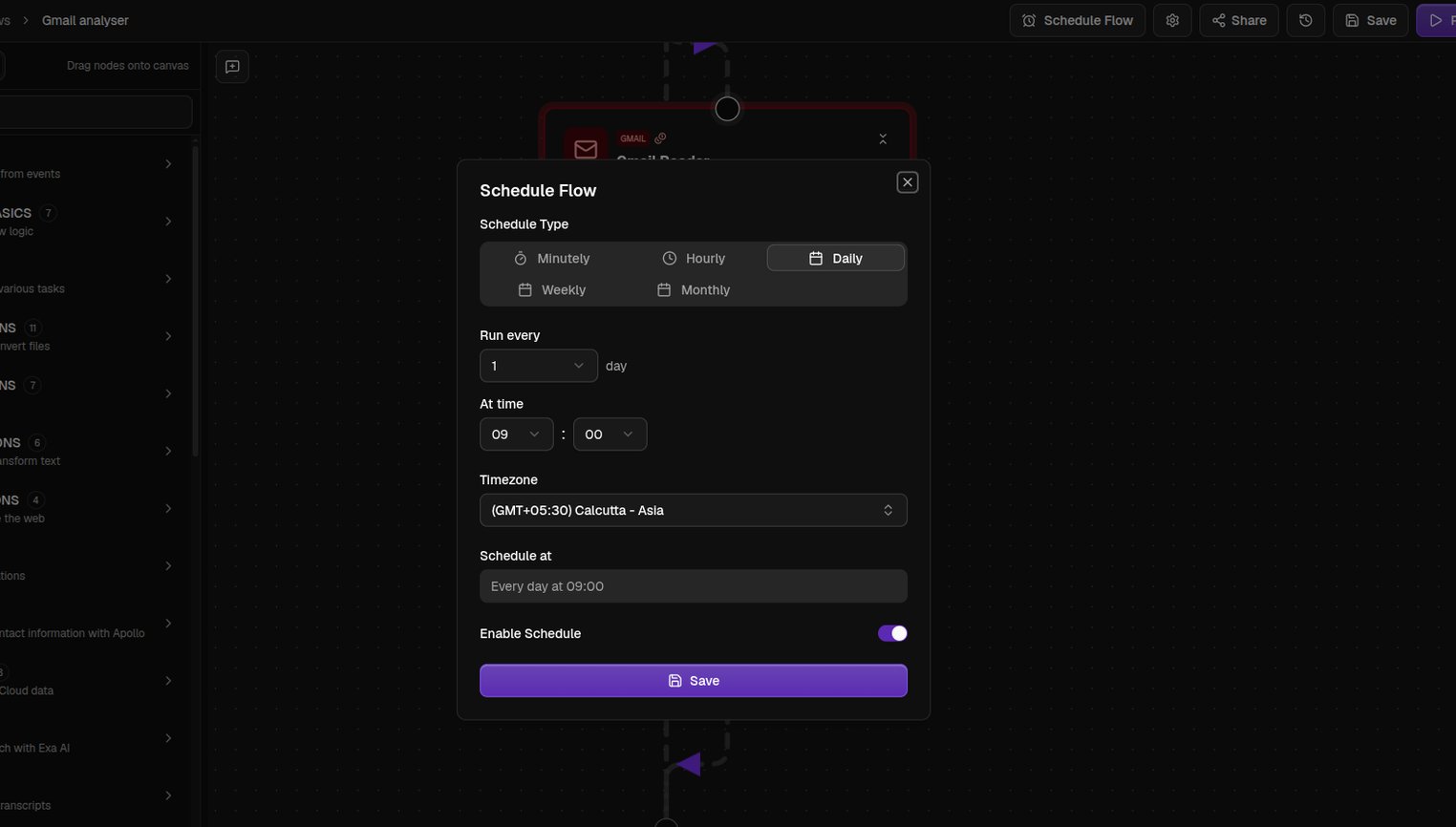
A trigger runs your flow when something happens in an app, like an email arriving or a row being added to a spreadsheet. Drag one in from the Triggers category, give it a credential, and tell it what to watch. A flow can have one trigger, and it must be the first node. See Triggers for what each one listens for.