

User Input
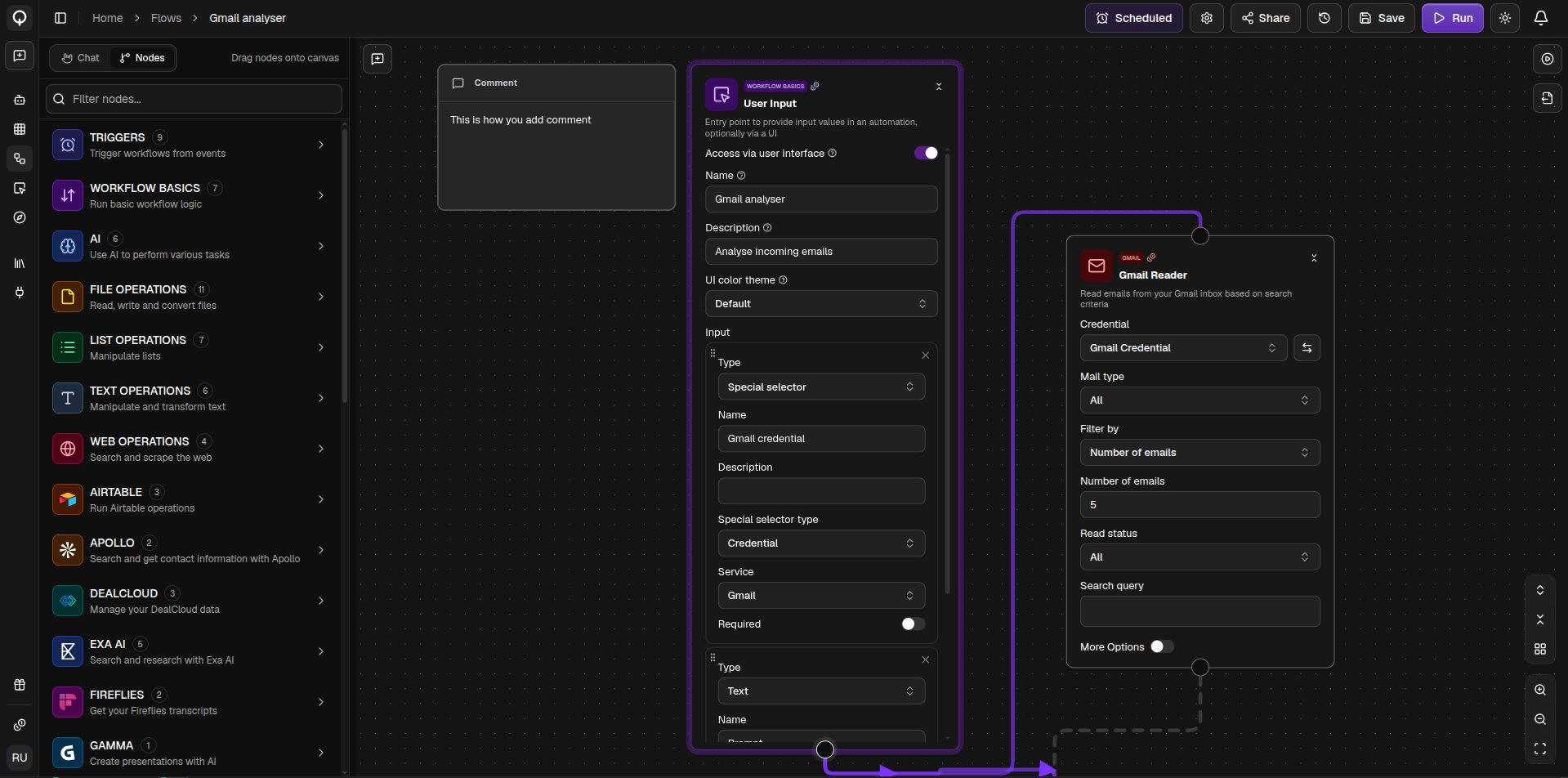
User Input is where a flow gets its starting values, and it turns your flow into a form anyone can run. Add a field for each value someone needs to provide, and each field’s Name becomes its label on the form. Fields can be text, numbers, dates, dropdowns, or file uploads, which is how you get a spreadsheet or document into a flow for the file nodes to read.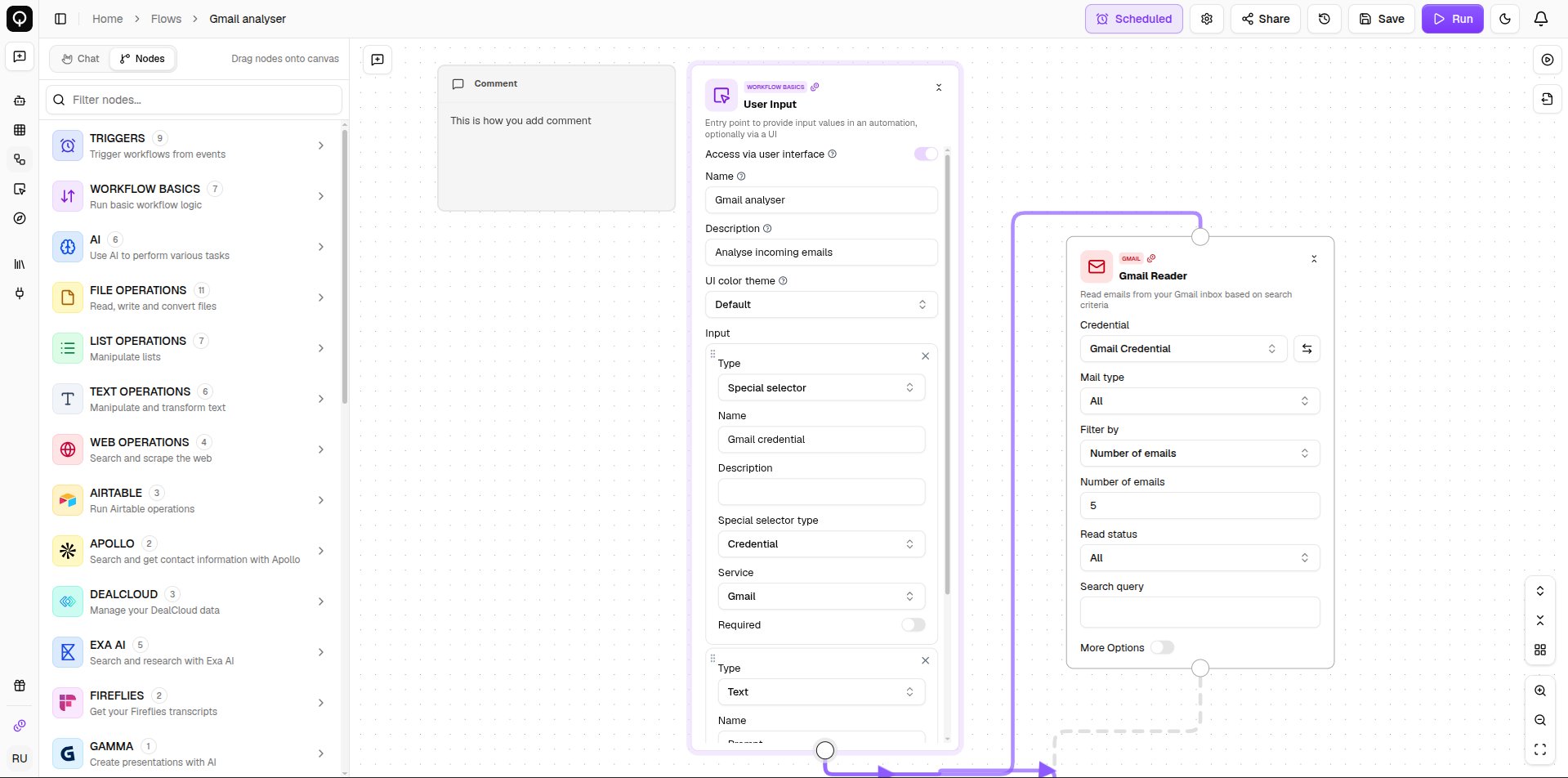
Output
Output marks what your flow produces. Every name you add under Output names creates a field to wire a result into, and those names become the labels you see in the Output pane after a run.Branching
If Else splits your flow in two. Give it a value to check, pick an operator, and it sends the result down either the True output or the False output. Wire both branches from the node’s single output handle, then in each downstream node pick the matching value. Only the branch that matches runs, the other one stops there. Switch does the same across more than two paths. Add a case for each value you want to match, plus a default for everything else. The first matching case wins.Other basics
- Subflow runs another one of your flows inside this one. Pick the flow and the node takes its shape, showing that flow’s inputs and outputs as its own ports.
- Email Me sends an email to people in your organization as part of the flow, useful for delivering a result when it is done.
- Custom Code runs your own Python for anything no node covers, see Custom code.