

The AI builder can handle this node for you. Describe what you want out of the event on the Chat tab, and it writes the code for you. See Build with AI.
Choosing the event
Three fields decide what your flow listens for. Choose a trigger service picks the app, Choose a trigger action picks which of that app’s events you want, and Trigger Account picks which of your connected accounts to watch. Depending on the event, a few more fields appear for narrowing it down.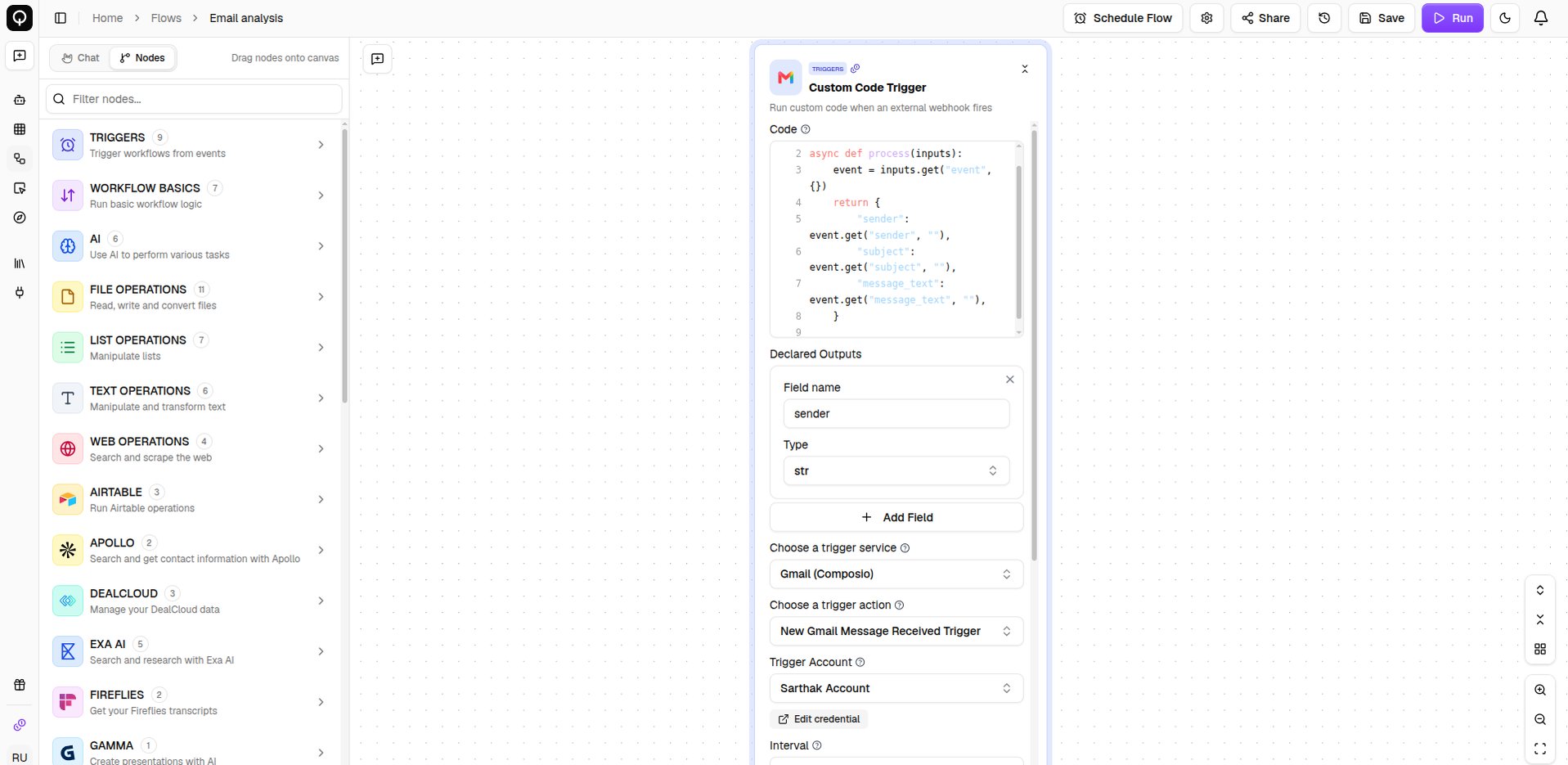
Handling the event
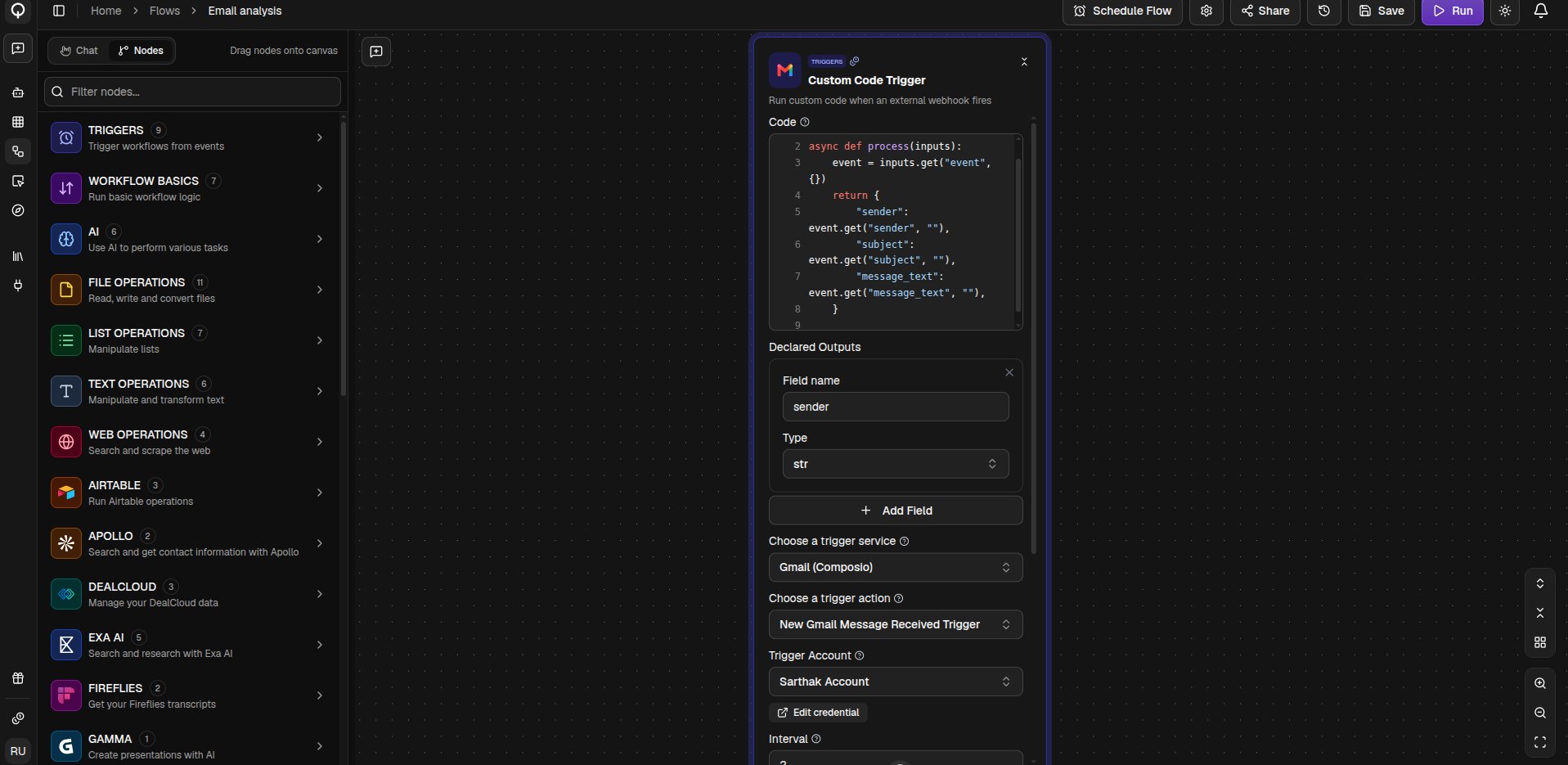
When the event fires, its full details are handed to the Code field asevent. The code pulls out the parts your flow needs and returns them, and each row you add under Declared Outputs becomes a value the rest of the flow can use.
Pip Packages and Timeout (seconds) work the same as on the Custom Code node, for when you need extra libraries or more time.
Like any trigger, this one only listens while the flow’s status is Active, and a flow can have just one trigger. See Schedules and triggers.